Protocol Settings
5-6
5
Using a TCP/IP Network
6
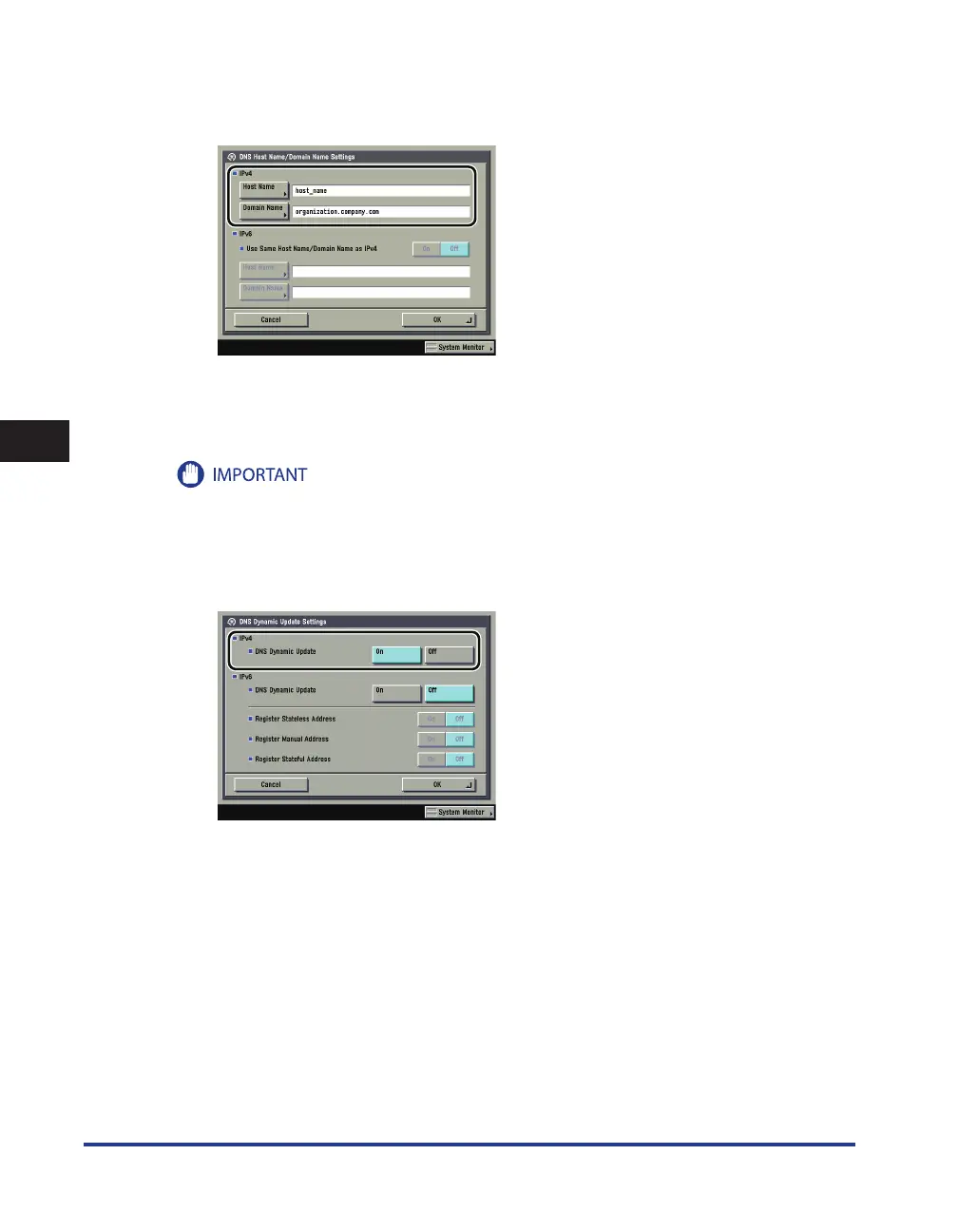
On the DNS Settings screen, press [DNS Host Name/Domain Name Settings]
→
in <IPv4>, specify the following.
Enter the name of the machine as [ Host Name], and the network domain name of the machine as
[ Domain Name].
If you want to use dynamic DNS updating, it is necessary to set a host name and domain name.
If you set [BOOTP] or [DHCP] to 'On' in step 3, the host name and domain name you set manually will be
overwritten.
7
On the DNS Settings screen, press [DNS Dynamic Update Settings]
→
in
<IPv4>, specify the following.
[On] for <DNS Dynamic Update>: If your environment includes a dynamic DNS server, you can automati-
cally register the IPv4 address, host name, and domain name set for the machine in the DNS server using
dynamic DNS updating.















 To Next Page