Protocol Settings
5-10
5
Using a TCP/IP Network
Stateless address (0 to 6)
A stateless address is automatically set using the machine's MAC address and the prefix (information
indicating the network belonged to) included in the RA (Router Advertisement) notified by the router when
the machine is started.
Stateful address (0 or 1)
A stateful address can be obtained from a DHCP server using DHCPv6.
1
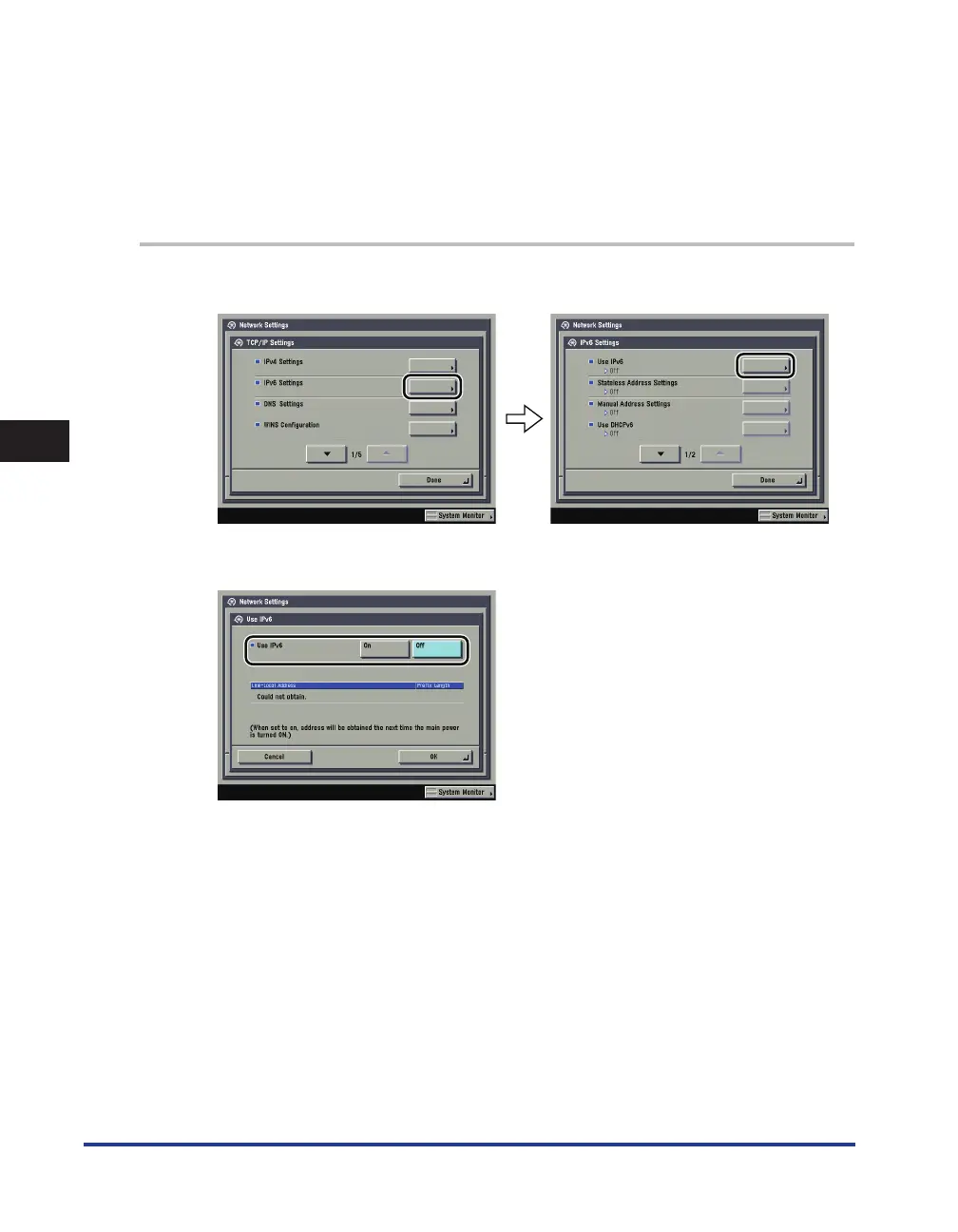
On the TCP/IP Settings screen, press [IPv6 Settings]
→
[Use IPv6].
2
In [Use IPv6], specify the following.
[On] for <Use IPv6>: You can use an IPv6 network. A link local address is automatically set.
■
■















 To Next Page