Protocol Settings
5-19
5
Using a TCP/IP Network
4
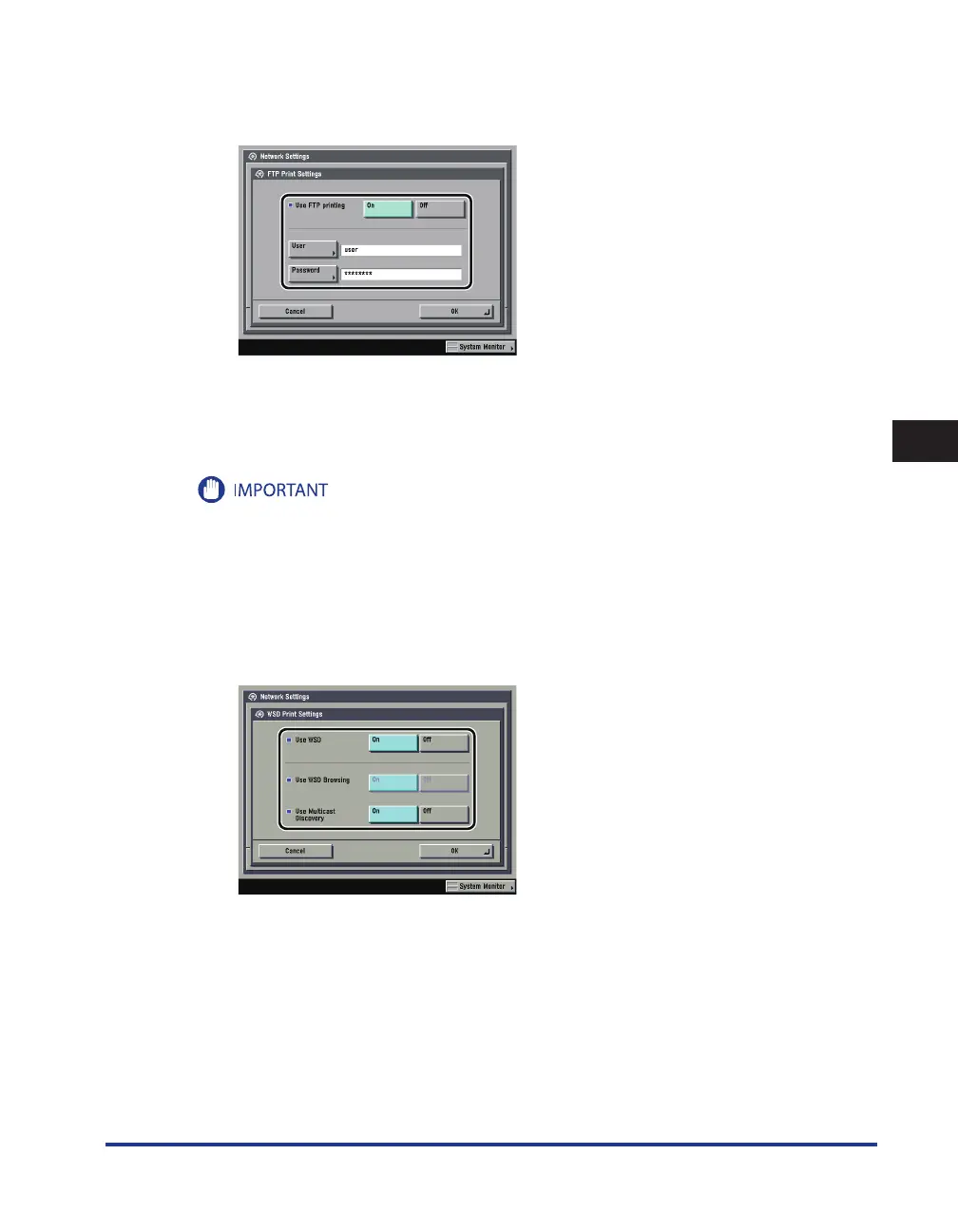
On the TCP/IP Settings screen, press [ FTP Print Settings ]
→
specify the
following.
[On] for <Use FTP printing>: You can use FTP as the print application.
In [User], enter the login user name for access to the FTP server.
In [Password], enter the login password for access to the FTP server.
If you do not specify [User] and [Password], all user names and passwords will be valid.
The password will appear in the job list as a user name if you enter "anonymous" as a login user name for
access to an FTP server without specifying [User] and [Password], or if you enter "anonymous" in [User]. (To
display the job list, press [System Monitor] → [Print] → [Log] on the touch panel display.)
The port number is 21 and cannot be changed.
5
On the TCP/IP Settings screen, press [WSD Print Settings]
→
specify the
following.
•
•
•















 To Next Page