Setting Up a Computer as a File Server
5-32
5
Using a TCP/IP Network
3
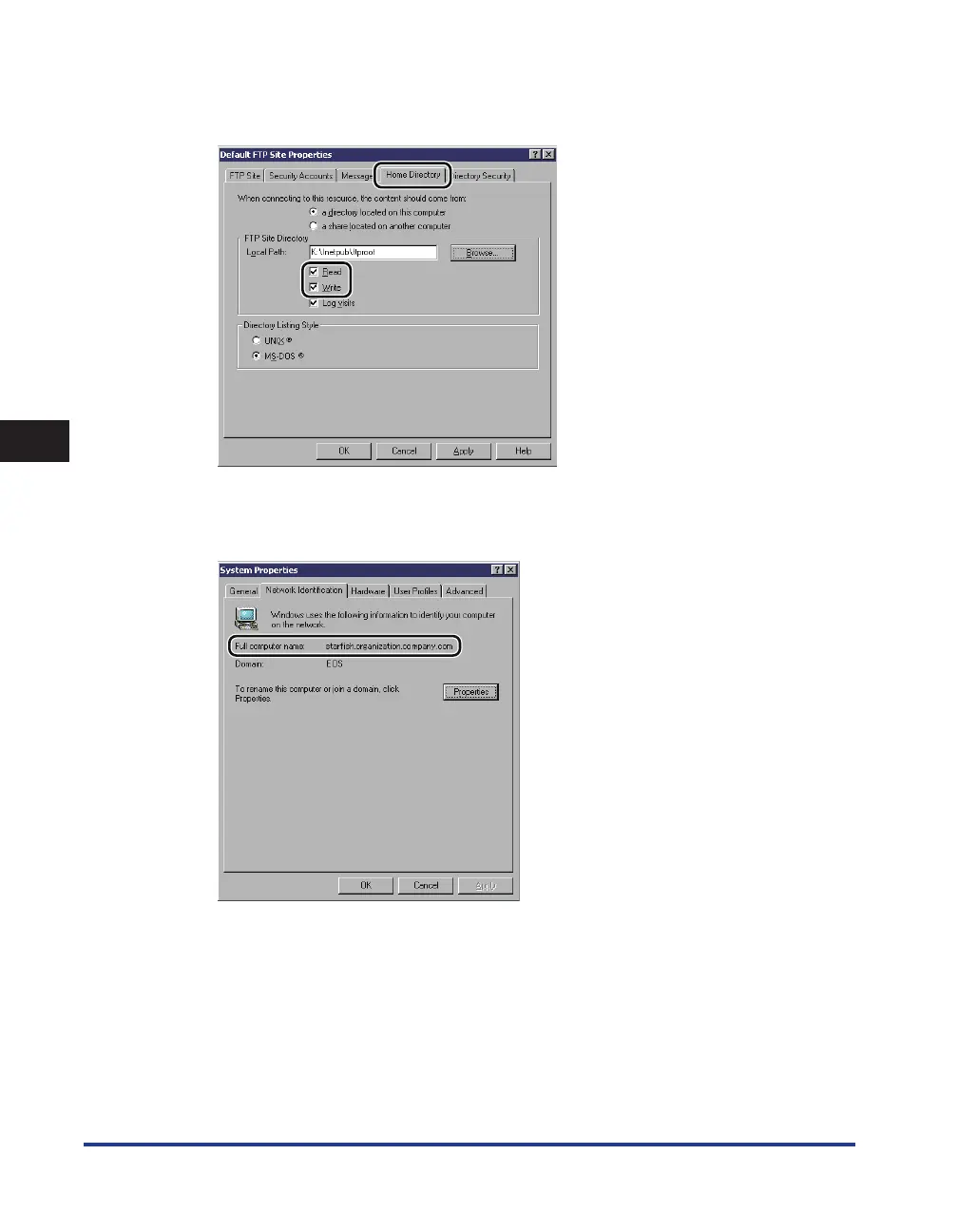
In the [Default FTP Site Properties] dialog box, on the [Home Directory]
sheet, select both [Read] and [Write].
4
Right-click [My Computer]
→
click [Properties] to open the [System
Properties] dialog box
→
confirm [Full computer name].















 To Next Page