Setting Up a Computer as a File Server
5-38
5
Using a TCP/IP Network
6
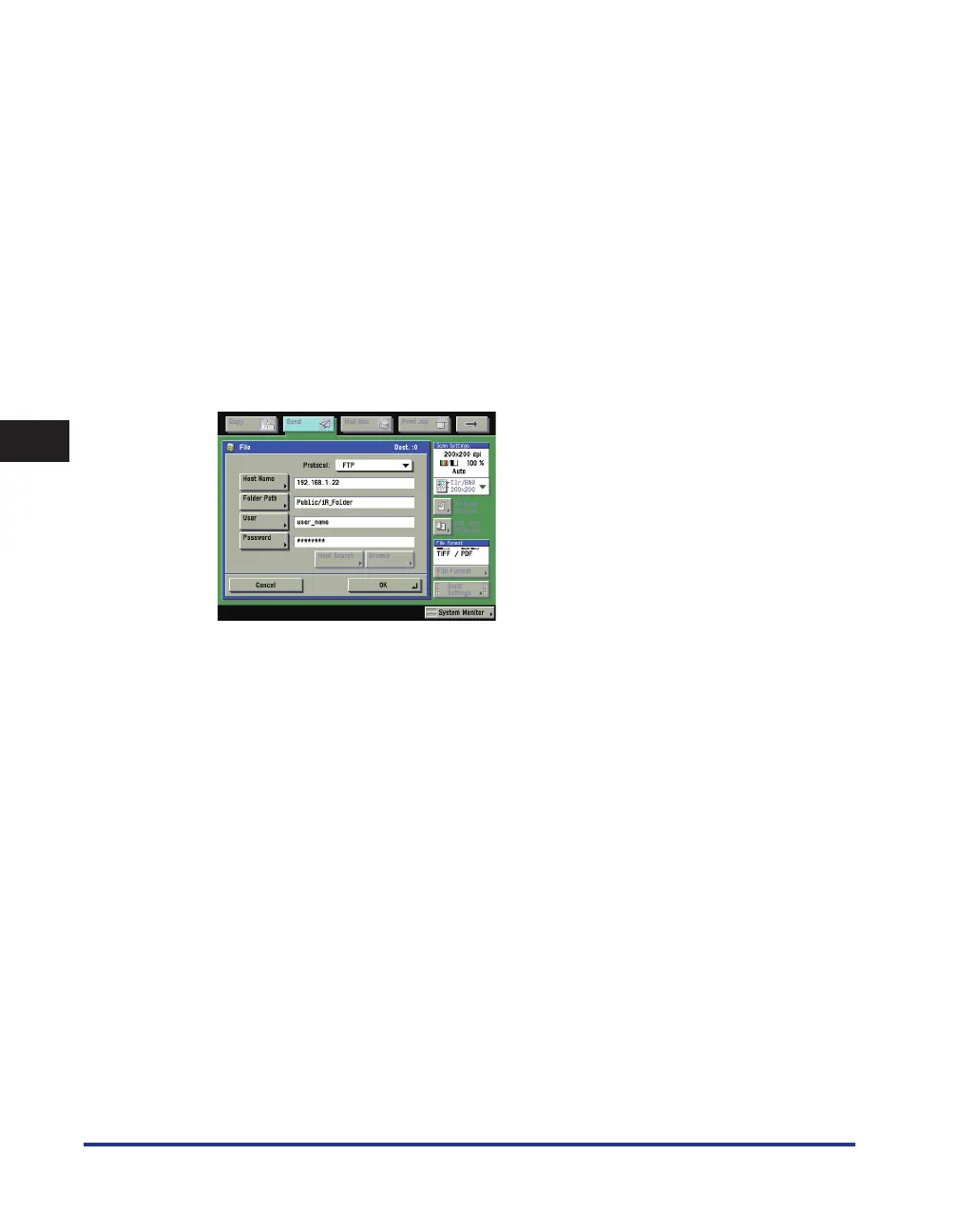
Set a recipient address using the control panel.
Sample recipient setting:
Server side settings (set using the above procedure):
Create a folder named "iR_Folder" in the [Public] folder in the [Home] folder of the user named "yoko,"
and then specify the iR_Folder as the folder to which files are sent.
The machine's recipient settings:
<Protocol>: FTP
[Host Name]: IP address of Macintosh
[Folder Path]: Enter one of the following:
Public/iR_Folder (If you enter a relative path)
/Users/yoko/Public/iR_Folder (If you enter an absolute path)
[User]: User name entered in step 3
[Password]: Password for the above user
•
•















 To Next Page