Documents and Print Media
2-10
Loading Paper
For D440/D420
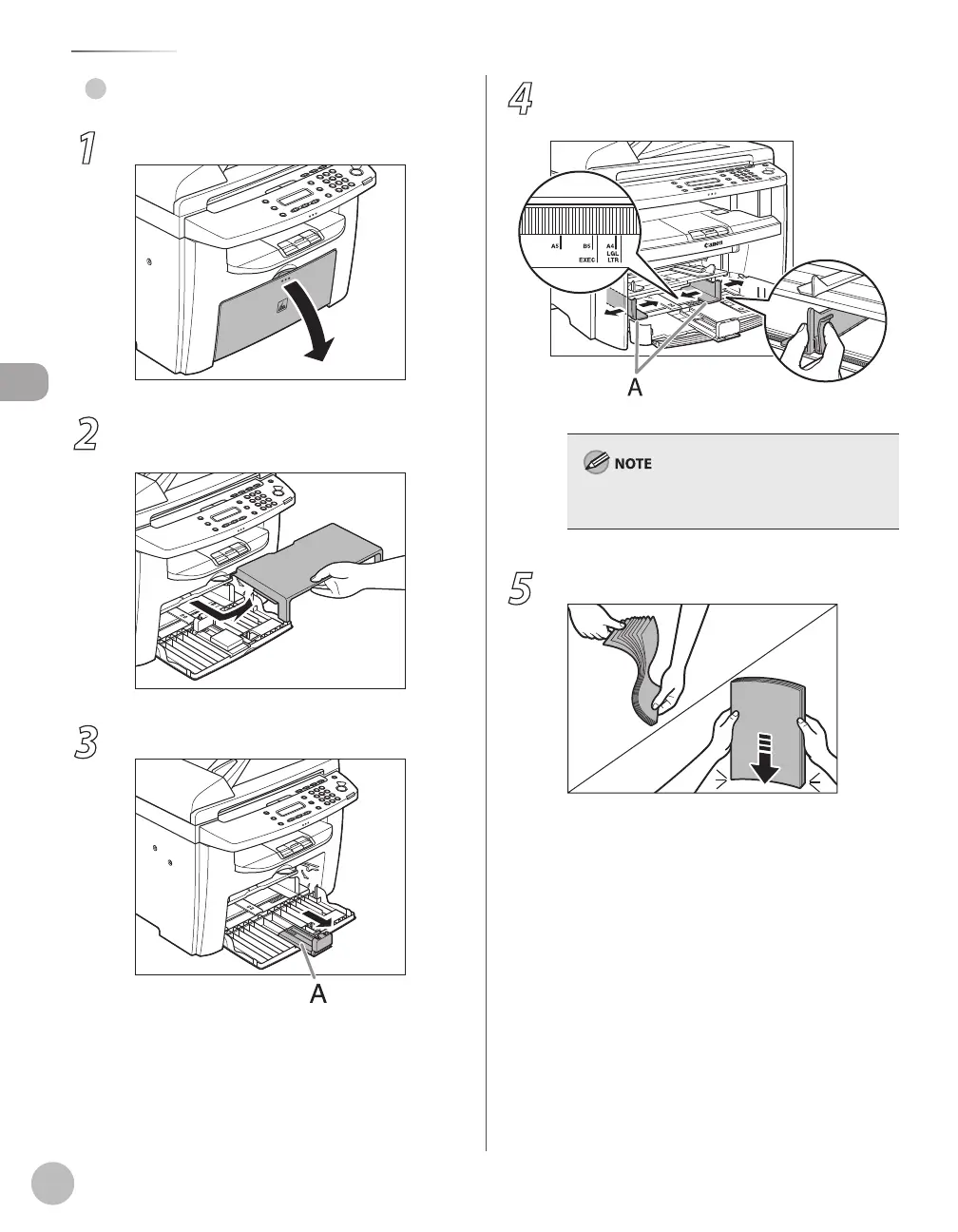
1
Open the paper feeding tray.
2
Take out the dust cover from inside the
machine.
3
Slide out the paper guide rail (A).
●
4
Slide the side paper guides (A) to match
the size of paper.
If the paper guides do not fit the size of the paper,
the printout may be skewed.
5
Fan the paper stack and even the edges.














 To Next Page