Printing
4-8
Scaling Documents
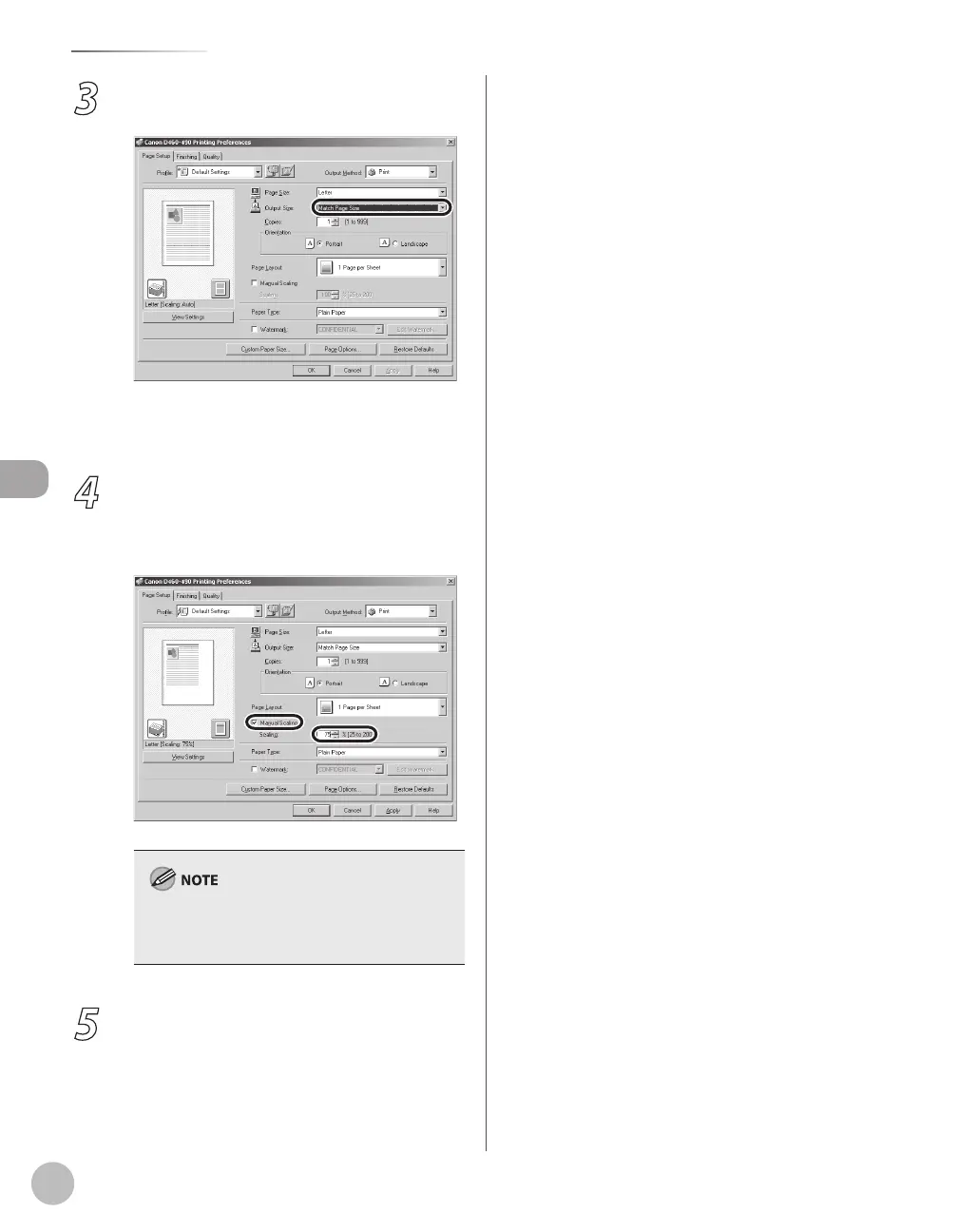
3
Select the output size of the document
from [Output Size].
The document is scaled automatically according
to the settings made in [Page Size] and [Output
Size].
4
If you want to increase or decrease the
magnification manually, select [Manual
Scaling] → specify the scaling ratio for
[Scaling].
If the ratio is less than 25% or more than 200%,
the document is printed without scaling on the
paper specified in [Output Size].
5
On the [Print] dialog box, click [Print] or
[OK].














 To Next Page