■ Prepare the USB flash drive
Using Fiery Installer Builder you can prepare a USB flash drive as a bootable device and then load the system software files on
to the USB flash drive. The approximate time required to prepare the USB flash drive is 25 to 30 minutes. Using the prepared
USB flash drive, you can install the system software to an existing HDD on the imagePRESS Server.
To prepare the USB flash drive
1. Attach the USB flash drive to an USB 3.0 port on your computer.
NOTE:
Due to Windows file system restriction, the maximum size of the USB flash drive you can use is 32GB. The minimum size
required is 16GB.
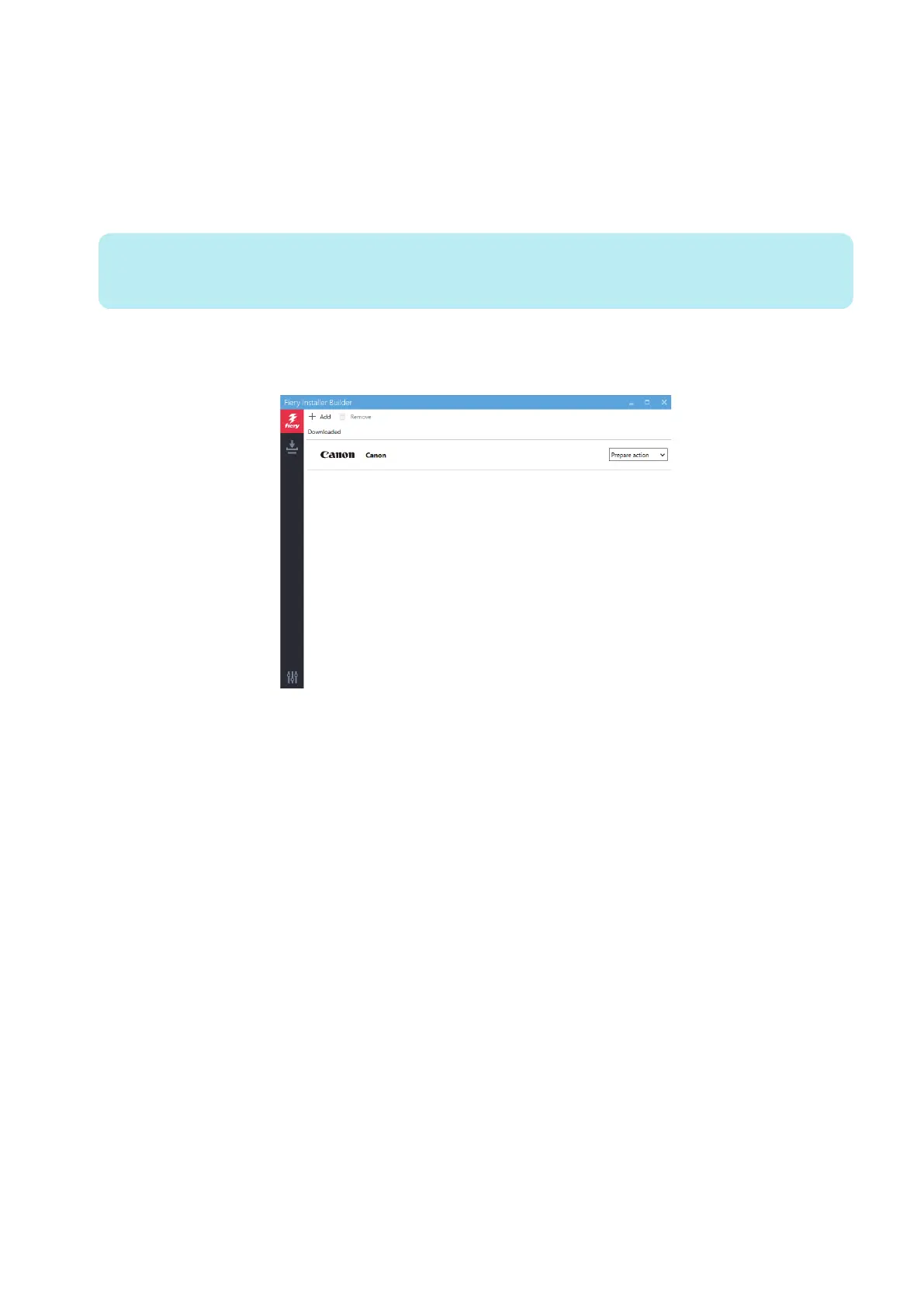
2. Start the Fiery Installer Builder.
Double-click the Fiery Installer Builder icon on the desktop or you can also click Start > EFI > Fiery Installer Builder.
3. At the Downloaded window, select imagePRESS Server M10 V1.0.
imagePRESS Server M10 1.0
4. INSTALLING SYSTEM SOFTWARE
57



 To Next Page