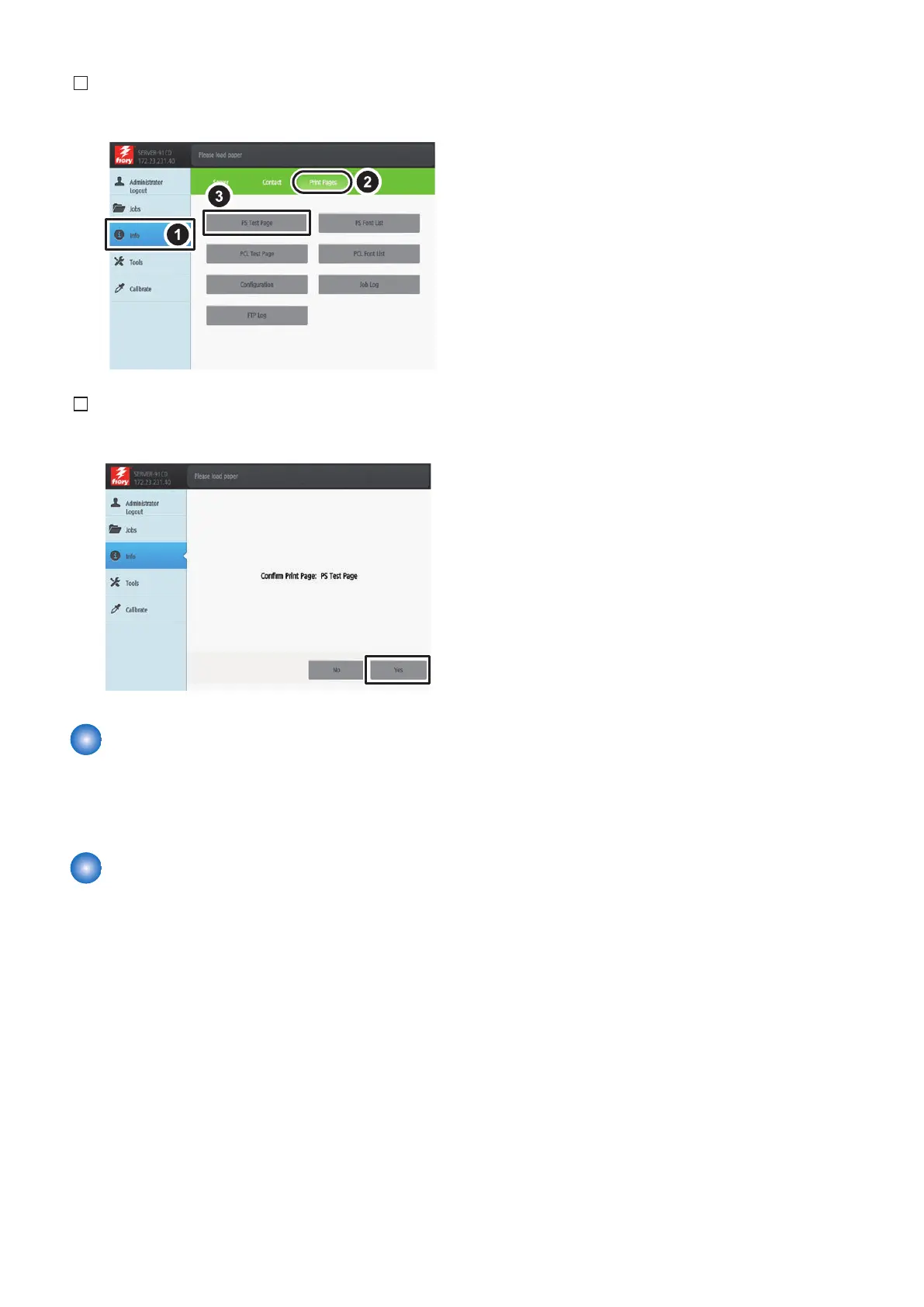
3. Select [Info] > [Print Pages] > [PS Test Page].
4. Press [Yes].
Connecting to the Network
Ask the network administrator to connect to the network,
make settings and output the test print. Refer to "Settings
Management" in User's Manual for details of checking work.
Executing image Quality
Adjustment
Execute the image quality adjustment shown below at
installation. (Refer to "Installation" in Service Manual for host
machine.)
• Auto Adjust Gradation (Full Adjustment)
• Register Paper to Adjust
• Correct Shading
• Auto Correct Color Tone Settings (Register Correction
Pattern)
6. INSTALLATION PROCEDURE
92



 To Previous Page