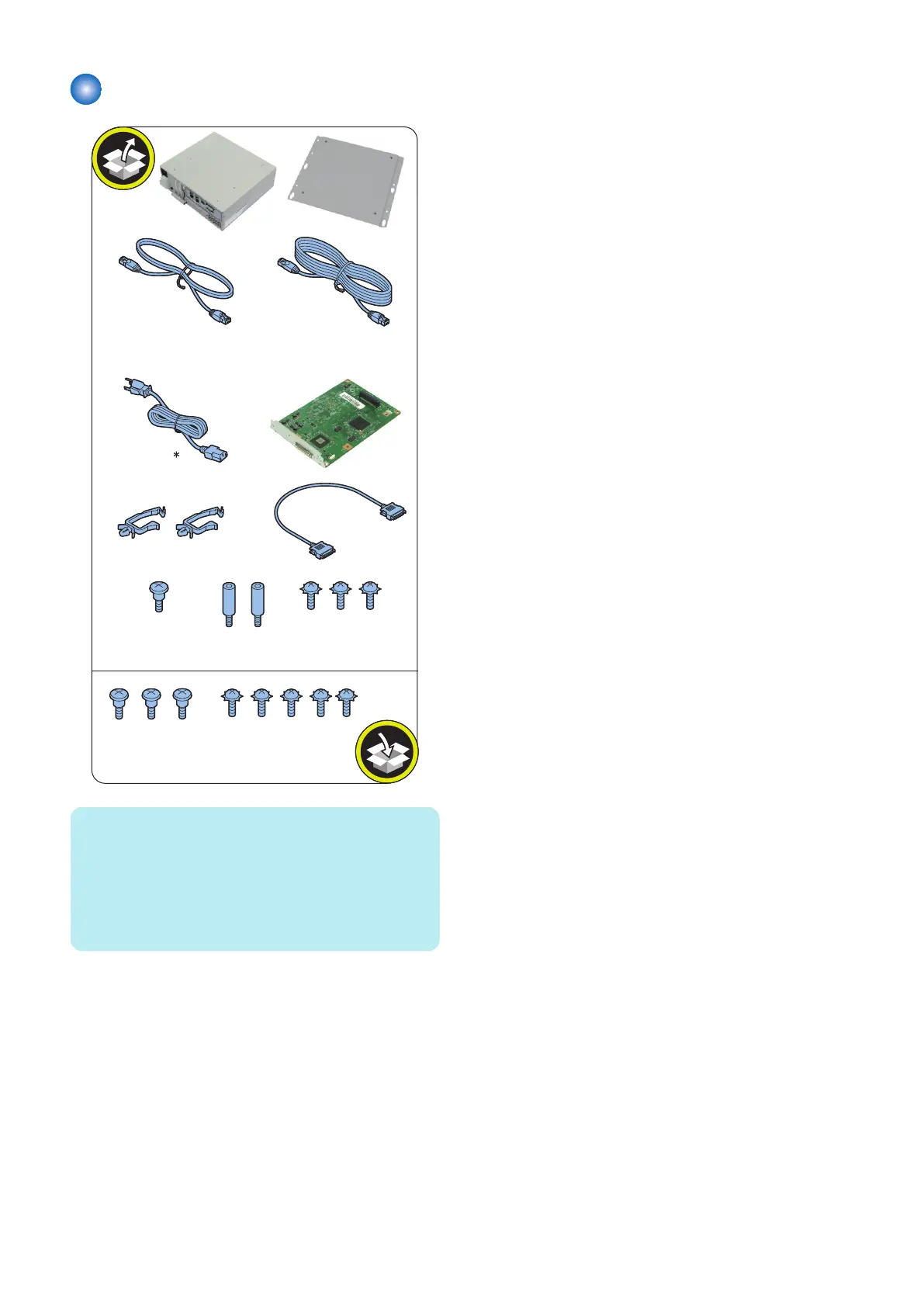
Checking the Contents
1x
2x
1x
1x
1x
2x
Crossover Ethernet
Cable (0.5 m)
1x
EUR 2x
USA 1x
Stepped
Screw; M4
1x
Stepped
Screw; M4
3x
Screw with
Toothed Washer;
M4x8
3x
Screw with
Toothed Washer;
M4x8
5x
Straight EthernetCable (3.0 m)
(for network connection)
1x
NOTE:
* Power Cord: The connector has a different shape
depending on locations. 2 are packaged in the products
for EUR. 1 is packaged in the products for USA.
Use the correct power cord to mach the location/area of
installation. Make sure not to leave unused power cord at
the site.
< Others >
• Including guides
6. INSTALLATION PROCEDURE
82



 To Next Page