Chapter 4
4-26
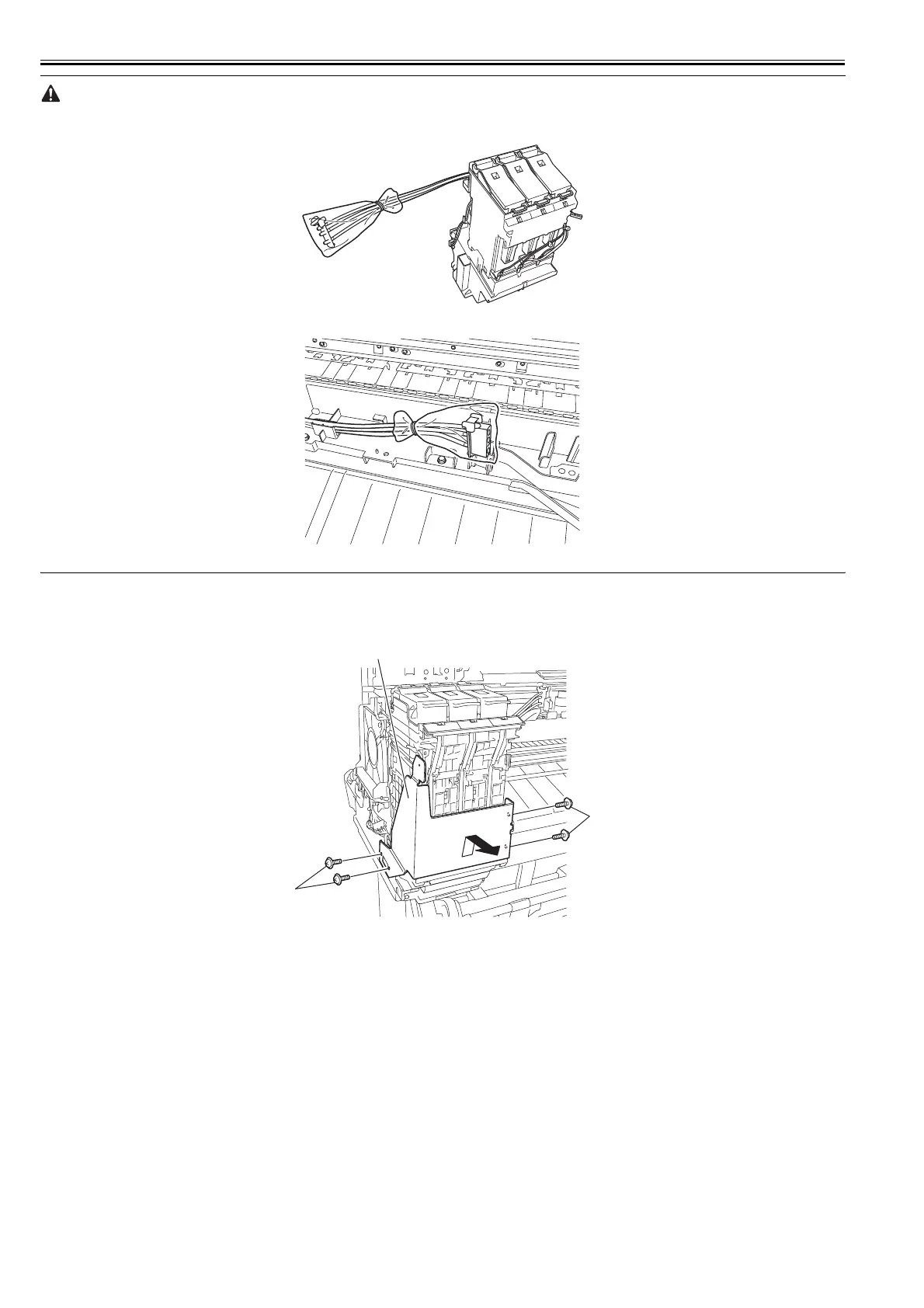
- Remove the joint carefully so that ink does not spout.
- Put a plastic bag or the like on the ink tube joint to prevent ink from spouting.
F-4-52
F-4-53
Removing the Left Ink Tank Unit
1) Perform ink drainage. Refer to "Disassembly/Reassembly > Points to Note on Disassembly and Reassembly > Draining the ink".
2) Remove the left cover, front cover, and left ink tank cover.
3) Remove four screws [1], and then remove the support plate [2].
F-4-54
[2]
[1]
[1]














 To Next Page