Chapter 1
1-22
[Ink Menu]
[Job Menu]
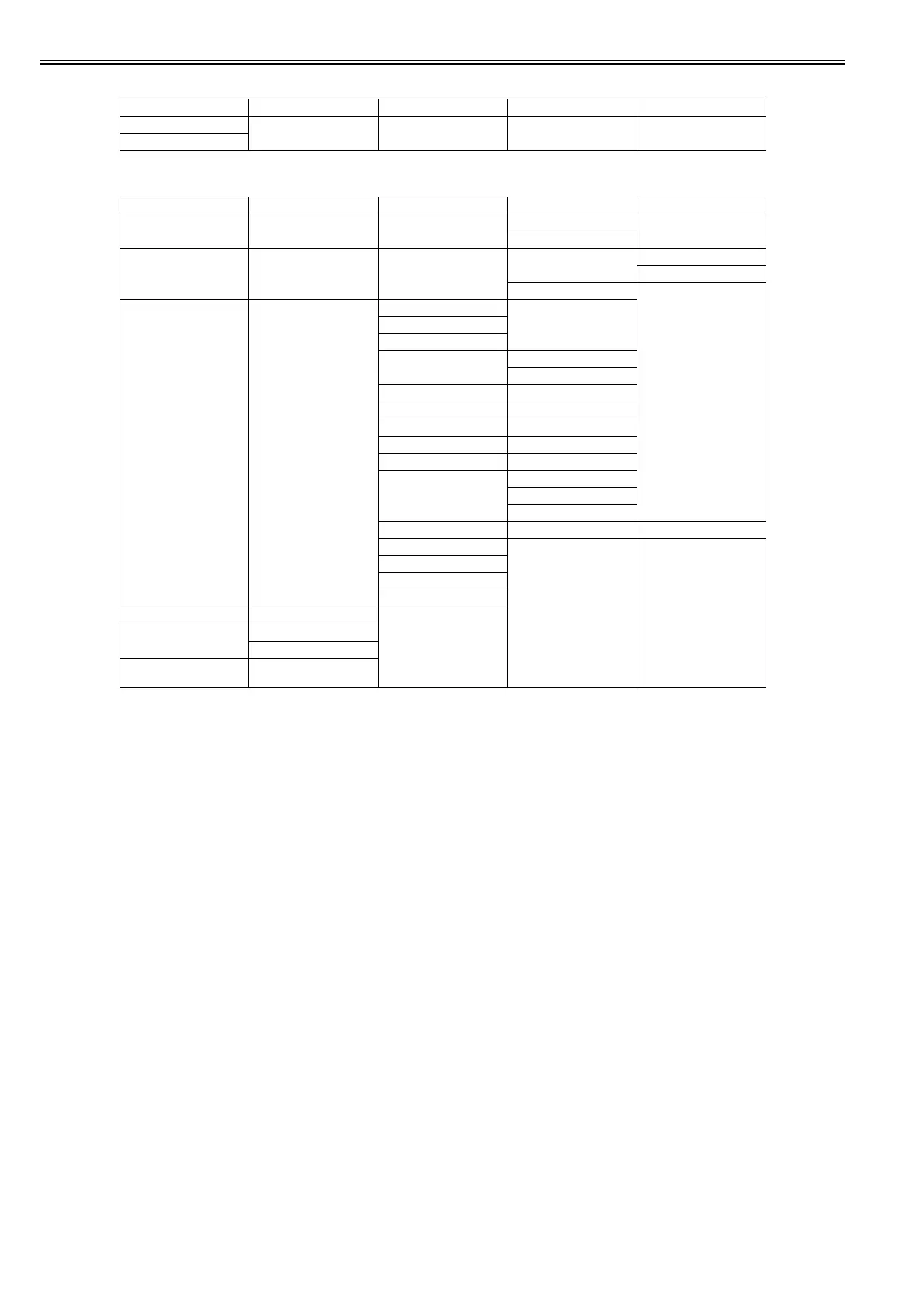
First Level Second Level Third Level Fourth Level Fifth Level
[Rep. Ink Tank]
[Head Cleaning A]
First Level Second Level Third Level Fourth Level Fifth Level
[Print Job]*14 (Job List is displayed here.) (Select Print Job.) [Delete]
[Preempt Jobs]*3
[Stored Job]*14 (Mailbox List is displayed
here.)
(Enter a password if one has
been set.)
[Job List] [Print]
[Delete]
[Print Job List]
[Job Log] (Choose from information
about the latest three print
jobs.)
[Document Name]
[User Name]
[Page Count]
[Job Status] [OK]
[CANCELED]
[Print Start Time] [yyyy/mm/dd hh:mm:ss]
[Print End Time] [yyyy/mm/dd hh:mm:ss]
[Print Time] [xxxsec.]
[Print Size] [xxxxxxxxsq.mm]
[Media Type]
[Interface] [USB]
[Network]
[HDD]*14
[Ink Consumed] (Indicates the ink color.) [xxx.xxx ml]
[Print settings]
[Head Height]
[Temp./Humidity]
[Adjustment reg.]
[Print Job Log]
[Pause Print] [Off]*
[On]
[HDD Information]*14 (Total capacity and Box free
space are displayed here.)














 To Next Page