Chapter 1
1-23
[Set./Adj. Menu]
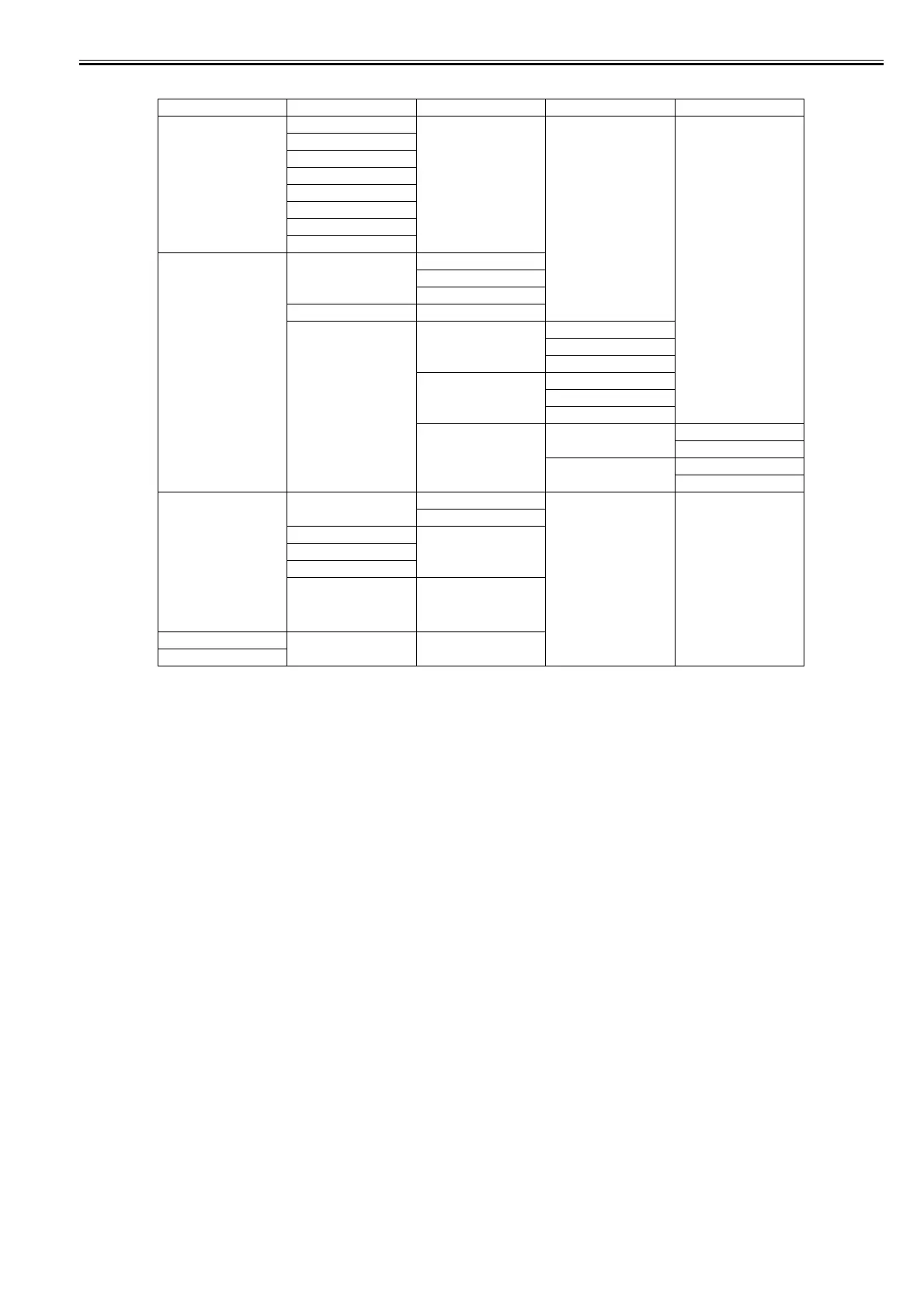
First Level Second Level Third Level Fourth Level Fifth Level
[Test Print] [Nozzle Check]
[Status Print]
[Interface Print]
[GL2 Set Print]
[Pap. Detail Print]
[Print Job Log]
[Menu Map]
[Color Palette]
[Adjust Printer] [Head Posi. Adj.] [Auto(Standard)]
[Auto(Advanced)]
[Manual]*4
[Head Inc. Adj.]
[Feed Priority] [Adj. Priority] [Automatic]*
[Print Quality]
[Print Length]
[Adj. Quality]*5 [Auto(GenuinePpr)]
[Auto(OtherPaper)]
[Manual]
[Adjust Length]*6 [AdjustmentPrint] [A:High]
[B:Standard/Draft]
[Change Settings] [A:High]
[B:Standard/Draft]
[Maintenance] [Head Cleaning] [Head Cleaning A]
[Head Cleaning B]
[Nozzle Check]
[Replace P.head]
[Repl. maint cart]
[Head Info] The "ProductName" and "s/
n" and "Days elapsed" and
"Count [Mdot]" are
displayed here.
[GL2 Replot]*15
[GL2 Buffer Clear]*15














 To Next Page