Chapter 1
1-25
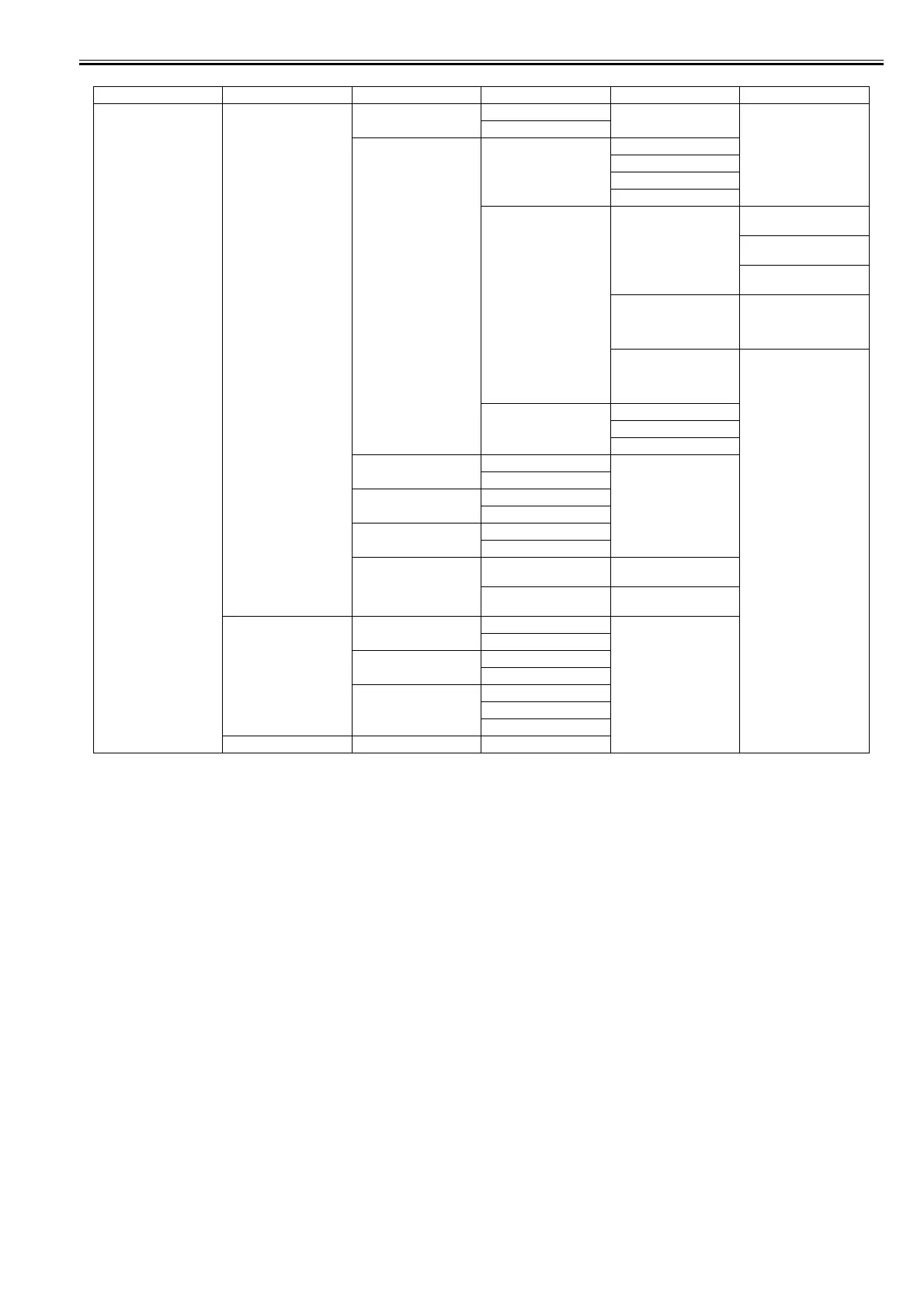
First Level Second Level Third Level Fourth Level Fifth Level Sixth Level
[GL2 Settings] [Line&Pen Manager] [Enable merge] [Off]*
[On]
[Pen Setup] [Select Palette] [Software]*
[Palette A]
[Palette B]
[Factory]
[Define Palette] [Palette A]
(Choose a pen number.)
[Width]
(Indicates the Width value.)
[Color]
0-255
[Line Attributes]-[No
Setting]/[Circle Setting]
[Palette B]
(Choose a pen number.)
(Indicates Width, Color, and
Line Attributes.)
(Specify the values of
Width, Color, and Line
Attributes.)
[Factory]
(Choose a pen number.)
(Indicates Width, Color, and
Line Attributes.)
[Reset Palette] [All Palette]
[Palette A]
[Palette B]
[Smoothing] [Software]*
[Smooth]
[ThickenFineLines] [Off]*
[On]
[AdjustFaintLines] [Off]
[On]*
[Ln Wdth correct] [Black/gray] (Set the correcting value of
line width.)
[Color] (Set the correcting value of
line width.)
[ProcessingOption] [Warning] [Off]*
[On]
[On-the-Fly]*14 [Off]*
[On]
[Detect img size] [Off]*
[Command priority]
[Detected size]
[GL2 Set Print]














 To Next Page