Periodic Inspection of the Breaker
xxiv
3
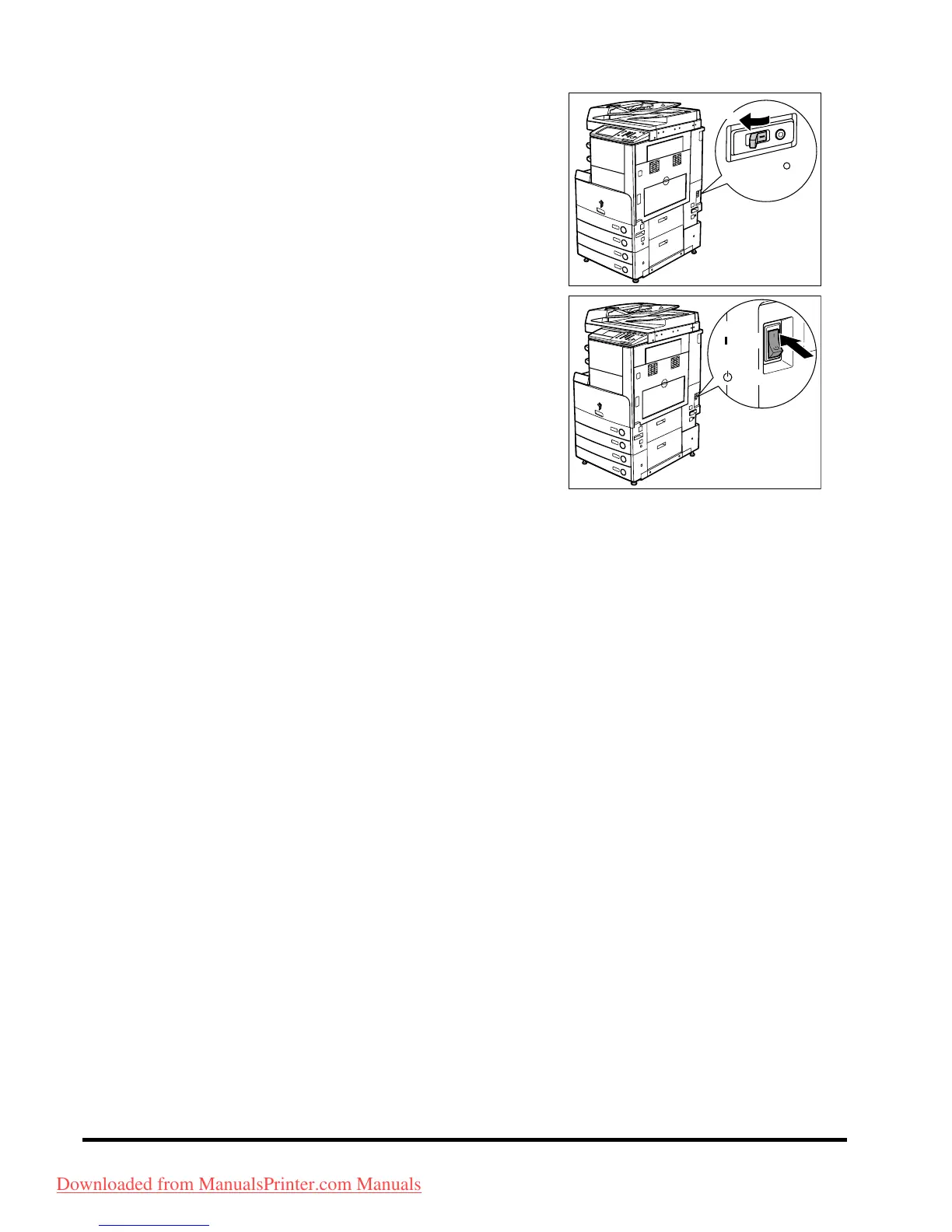
Switch the breaker lever to ON ("I" side).
4
Press the main power switch to the "I" side.
5
Fill in the check sheet, located on p. 4-6, to
document your periodic inspections of the
breaker.
ON
( I side)
OFF
( side)
3
( side)
( side)
Downloaded from ManualsPrinter.com Manuals



 To Next Page