Replacing the Toner Cartridge
2-6
Routine Maintenance
2
Replacing the Toner Cartridge
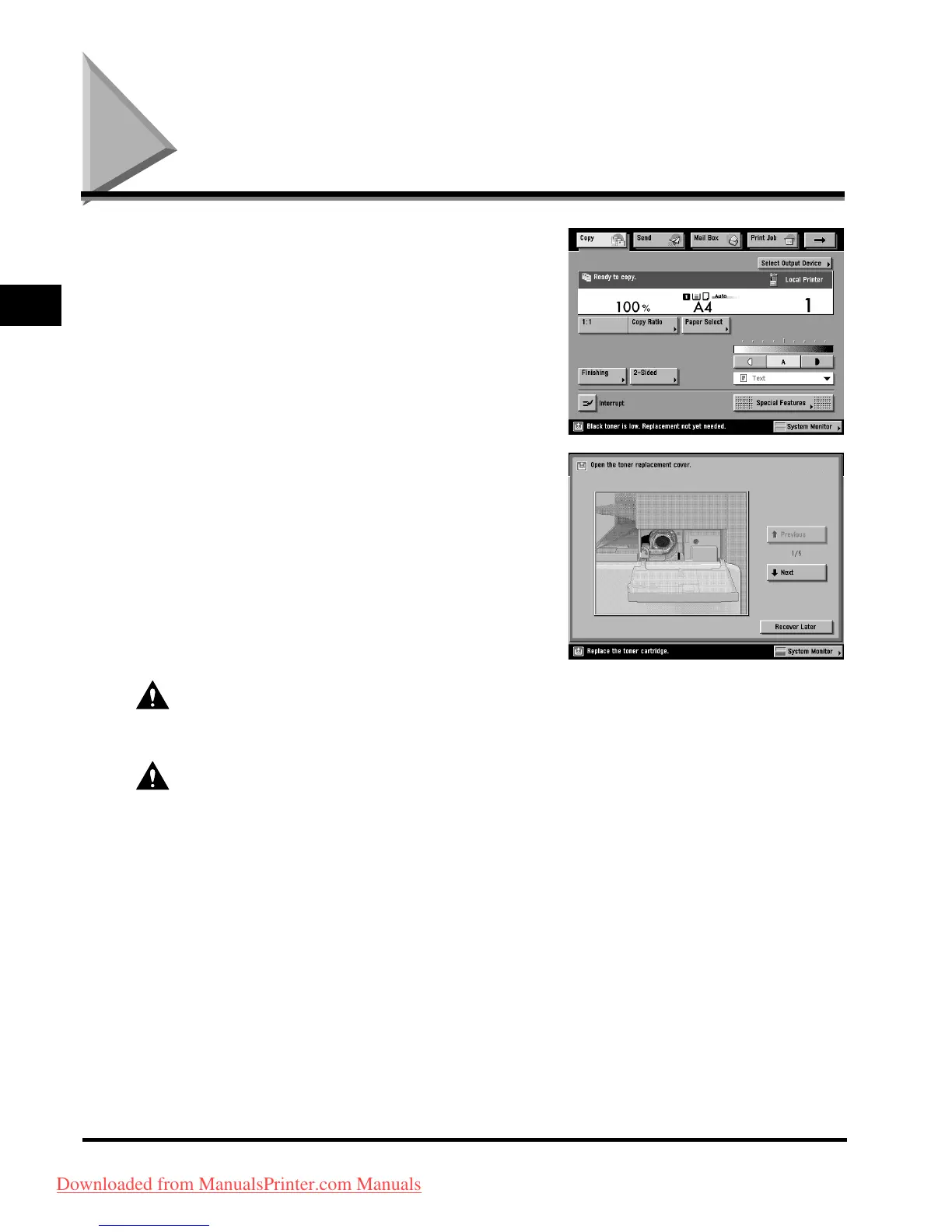
When there is only a small amount of toner remaining
in the machine, the following message appears on the
touch panel display, as shown. You can continue
printing, but at this time you should purchase new toner
of the indicated colour so that you have it available
when needed.
When the toner runs out completely and prints can no
lo
nger be made, a screen with instructions on how to
replace the toner cartridge, like the one shown,
appears on the touch panel display. Follow the
instructions on the touch panel display, and the
procedure described below to help you replace the
toner cartridge.
If you press [Recover Later], you can continue certain
operations, such as setting modes and scanning
originals, even if you do not replace the toner cartridge
immediately.
WARNING
Do not burn or throw used toner cartridges into open flames, as this may cause the toner
remaining inside the cartridges to ignite, resulting in burns or fire.
CAUTION
• Keep toner out of the reach of small children. If toner is ingested, consult a physician
immediately.
• If to
ner gets onto your hands or clothing, wash it off immediately with cold water. Do not use
warm water as this may set the toner permanently, and you may not be able to remove the
toner stains.
Downloaded from ManualsPrinter.com Manuals



 To Next Page