Displaying a Help Screen
1-31
Before You Start Using This Machine
1
Displaying a Help Screen
Pressing brings up a guidance screen with information about the various features that are
available with your machine. Follow the instructions on the screen to select the operation you
want to perform. An explanation of the function and how to set it is displayed.
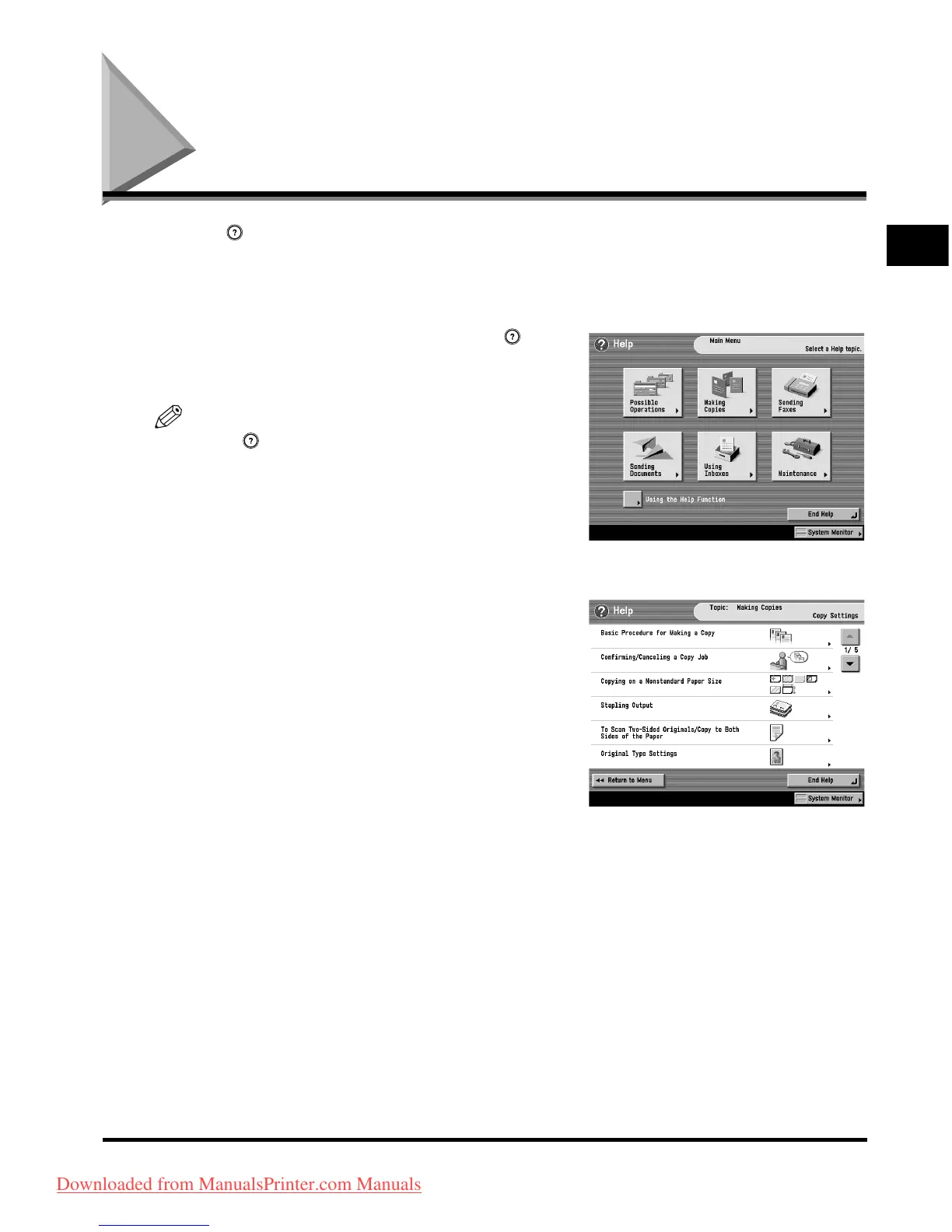
■ Main Menu
This is the first screen displayed when you press .
Press [Using the Help Function] to display an explanation
of how to use the Help.
NOTE
Press after selecting a mode of the Copying or Mail
Box function may bring up a guidance screen with an
explanation of that mode.
■ List Screen
Displays a list of the functions selected on the main menu.
Downloaded from ManualsPrinter.com Manuals



 To Next Page