Installation Location and Handling
1-5
Before You Start Using This Machine
1
Select a Safe Power Supply
■ Plug the machine into a 220-240 V AC outlet.
■ Mak
e sure that the power supply for the machine is safe, and has a steady
voltage.
■ Do
not connect other electrical equipment to the same power outlet to which
the machine is connected.
■ Do
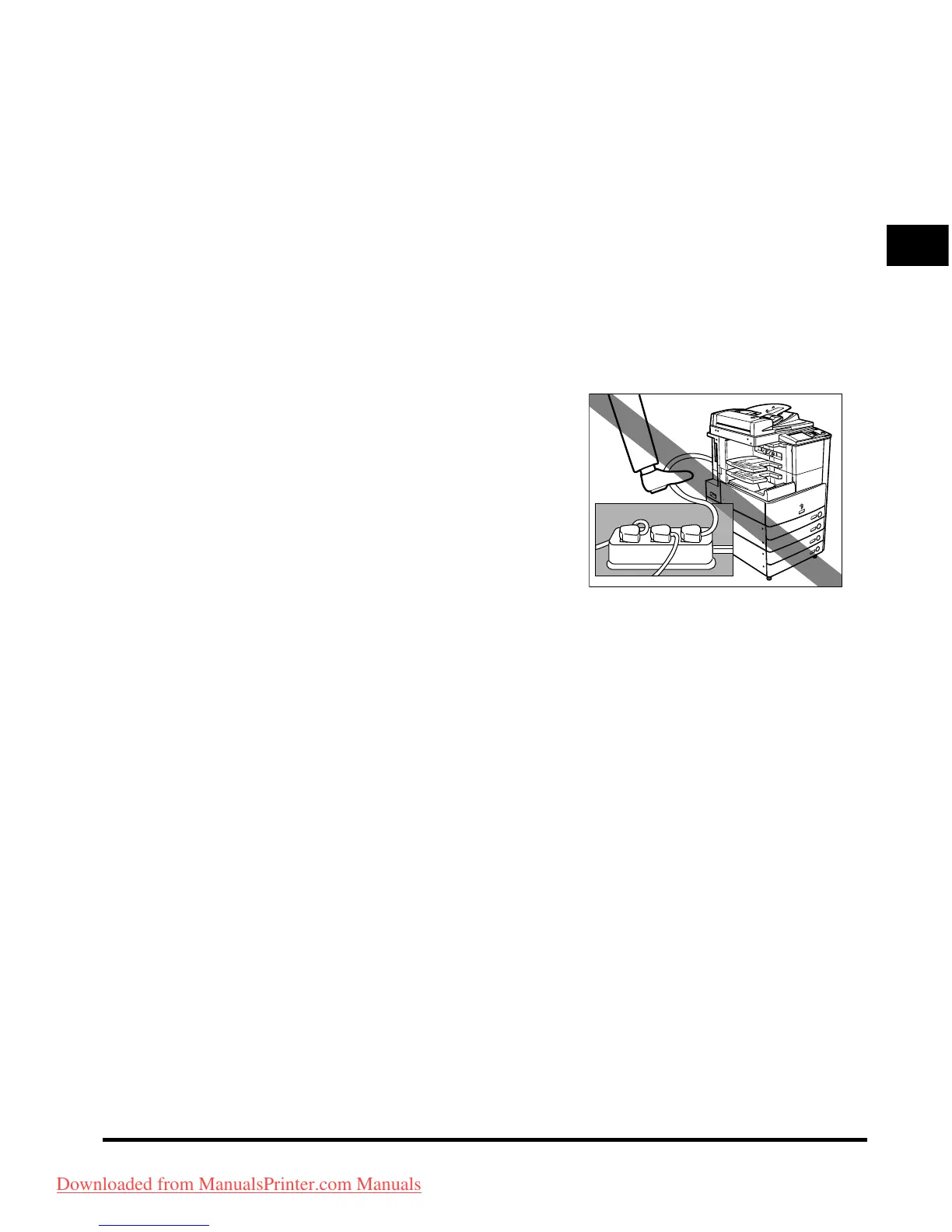
not connect the power cord to a multiplug power strip, as this may cause
a fire or electrical shock.
■ The
power cord may become damaged if it
is often stepped on or if heavy objects are
placed on it. Continued use of a damaged
power cord can lead to an accident, such as
a fire or electrical shock.
Downloaded from ManualsPrinter.com Manuals



 To Next Page