What This Machine Can Do
1-12
Before You Start Using This Machine
1
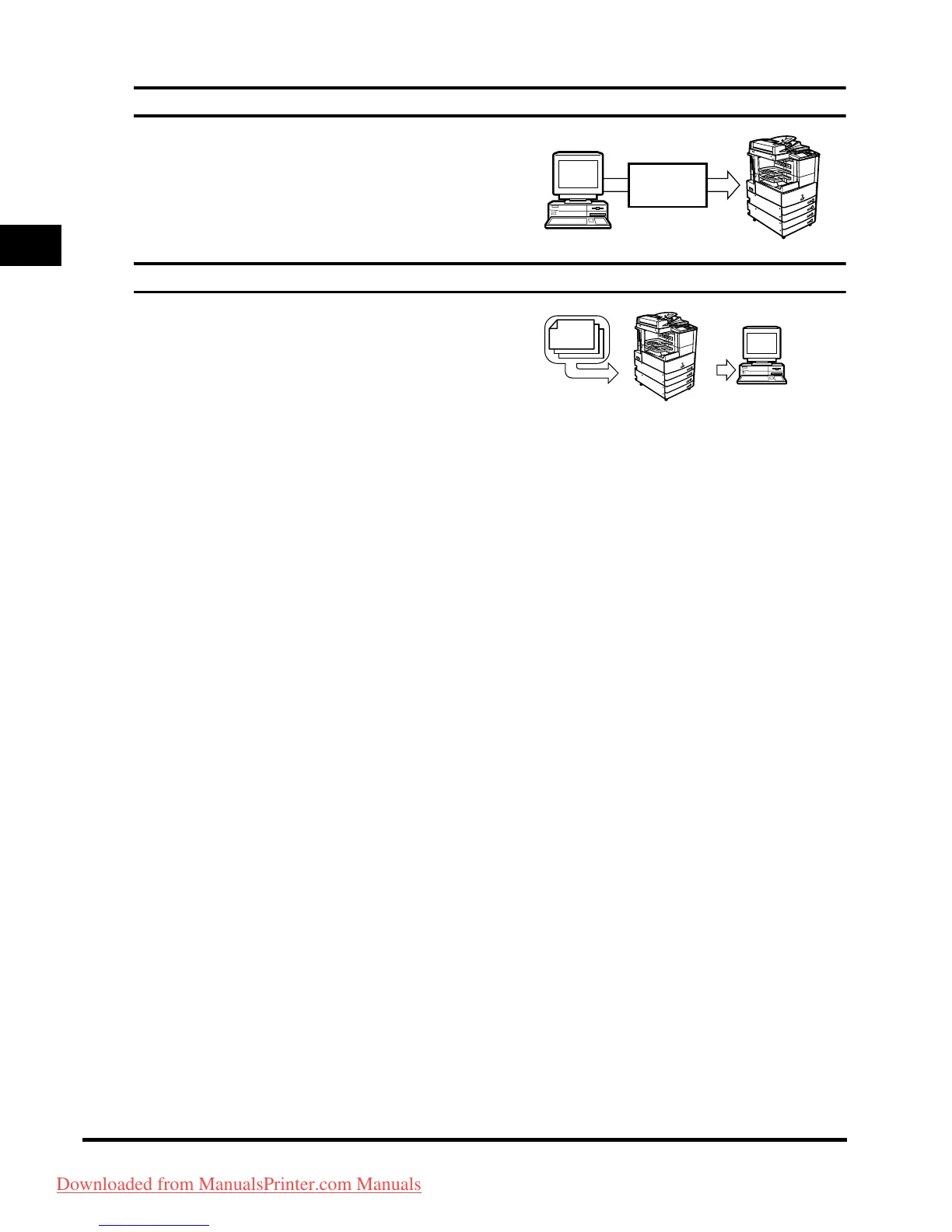
Using the Remote User Interface See the Remote UI Guide
You can control functions, such as confirming the status of
the machine, job operations, and printing instructions for
data saved in inboxes, all from your PC's web browser.
Network Scanning* See the Network ScanGear User's Guide
The Network Scan function enables you to use the
iR3045/iR3045N/iR3035/iR3035N/iR3025/iR3025N as a
conventional scanner. You can scan a document using the
machine, and read the data in an application you are using
on your computer.
To use this function, the machine is re
quired to be
connected to a network, equipped with the Printer function
(standard-equipped for the iR3045N/iR3035N/iR3025N),
and Network ScanGear to be installed on your computer.
You can scan images of up to A3 size at a resolution
of 600 x 600 dpi.
Web
Browser
Original
Exporting data
to a computer
Scanning
image data
Downloaded from ManualsPrinter.com Manuals



 To Next Page