System Configuration and Parts
1-20
Before You Start Using This Machine
1
•
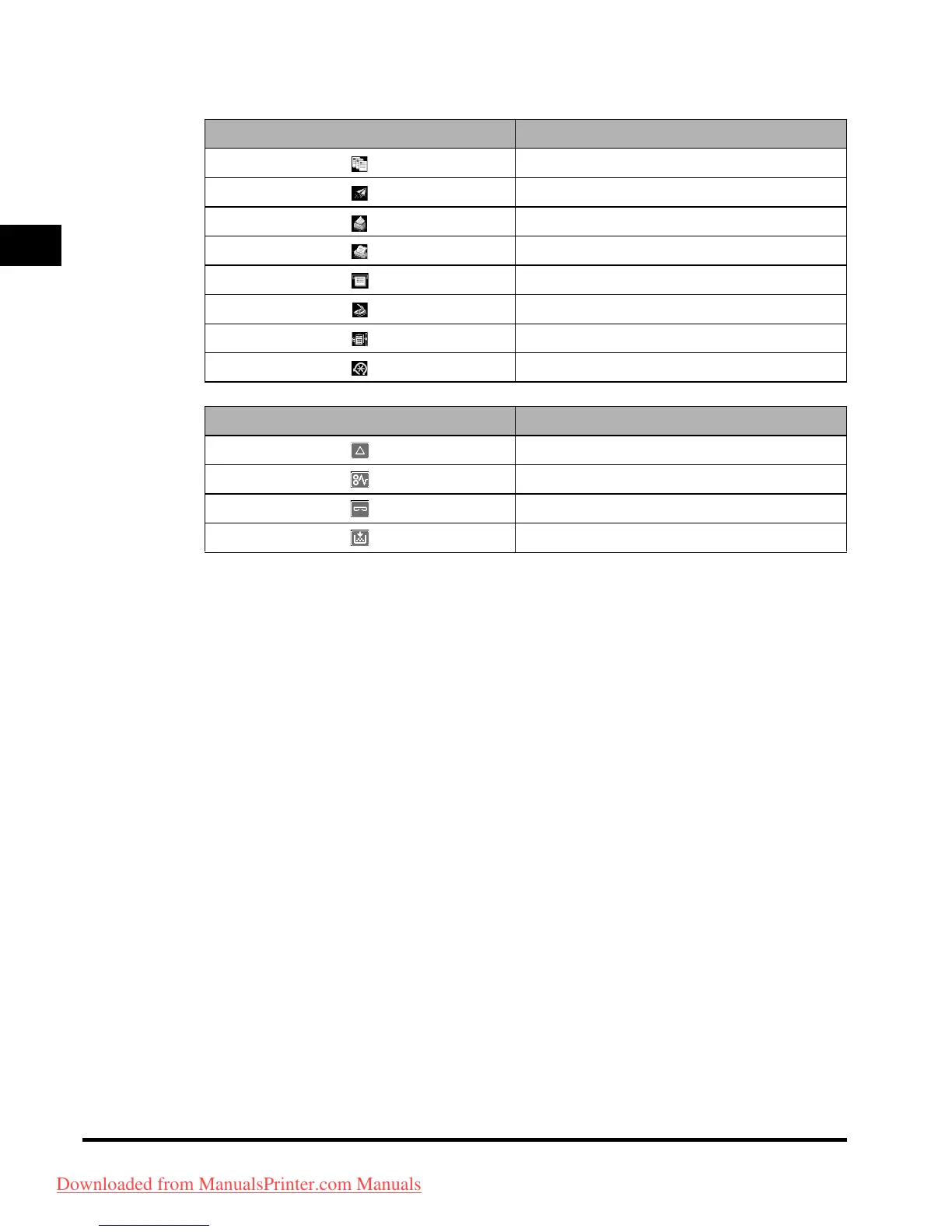
The meaning of the icon (type of job) that appears in the Job/Print Status Display Area (on the bottom
left of the screen) is described below:
Icon (Type of Job) Description
Copy Job
Send/Fax Job
Mail Box Job
Printer Job
Report Job
Network Scan Job
Remote Copy Job
Additional Functions Job
Icon (Machine Status) Description
Error
Paper Jam
Staple Jam
Replace Toner Cartridge
Downloaded from ManualsPrinter.com Manuals



 To Next Page