Main Power and Control Panel Power
1-22
Before You Start Using This Machine
1
3
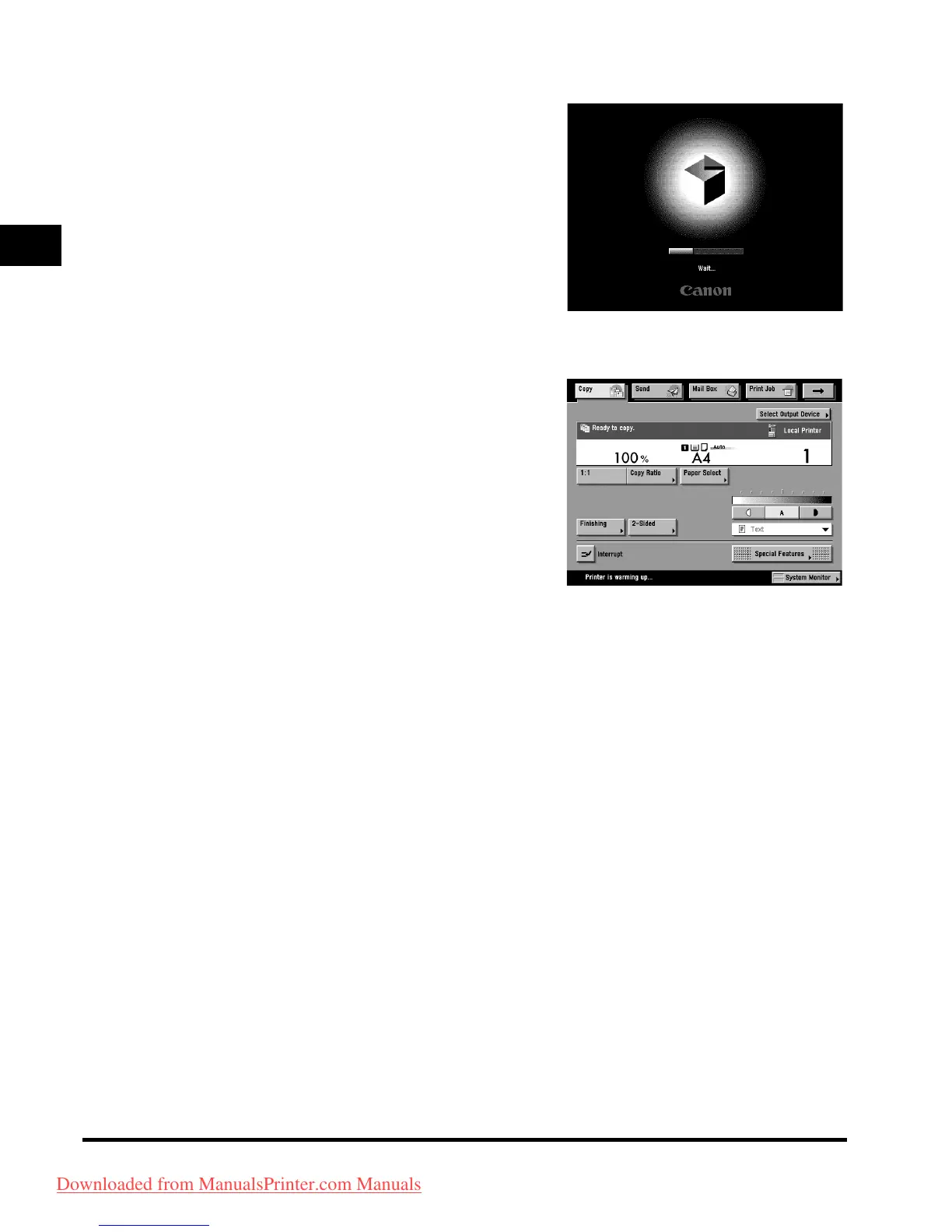
The screens on the right are displayed
while the system software is loading.
● If login authentication by a login service
(SDL (Simple Device Login) or SSO (Single
Sign-on)) is not set, and an application other
than MEAP is selected as the initial function in
Common Settings (from the Additional
Functions screen):
❑
The Start Up screen is displayed until the machine is
ready to scan.
If a message is displayed on the touch panel display,
proceed to step 4.
❑ The screen on the right is displayed when the
machine is ready to scan.
The machine is ready to scan in appro
ximately
30 seconds after the screen on the right appears.
Downloaded from ManualsPrinter.com Manuals



 To Next Page