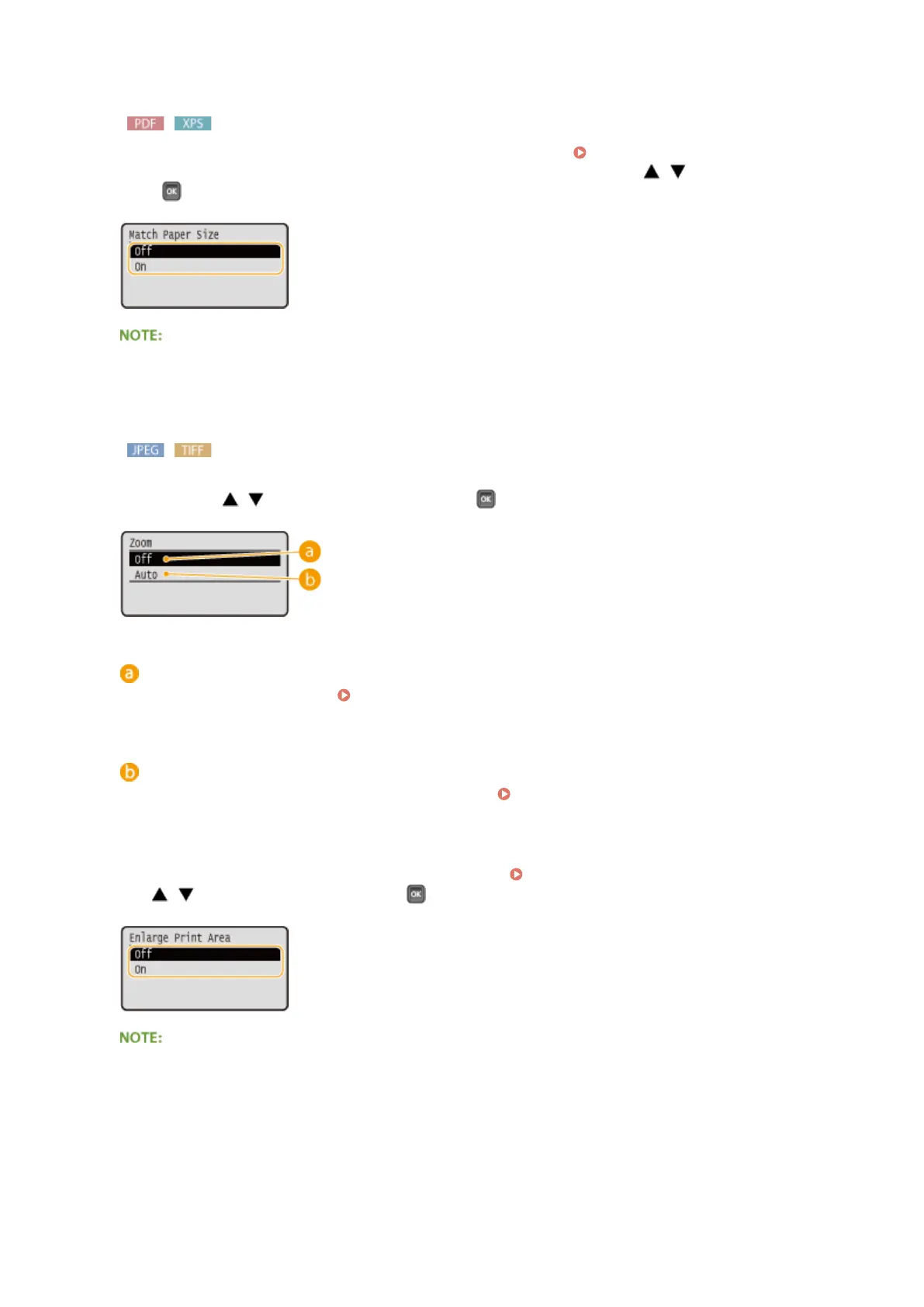
<Match Paper Size>
Automatically makes enlarged or reduced printouts according to the Printable Area(P. 623) of the paper.
The printouts are enlarged or reduced with the original's aspect ratio kept. Use / to select the setting, and
press
.
● This setting is not available if <Auto> is set in <Select Paper>.
<Zoom>
Enable or disable enlarging/reducing images. The printouts are enlarged or reduced with the image's aspect
ratio kept. Use / to select the setting, and press .
<Off>
When the image is within the Printable Area(P. 623) of the paper, it is printed with the size as is. When an
image is larger than the printable area, printouts are reduced.
<Auto>
Makes enlarged or reduced printouts according to the Printable Area(P. 623) .
<Enlarge Print Area>
Specify whether or not to print the image by extending the Printable Area(P. 623) fully to the paper size.
Use / to select the setting, and press .
● If you select <On>, some portions of the image may be missing near the edge of the paper or the paper
may be partly tainted depending on the original.
<N on 1>
Printing a Document
124



 To Next Page