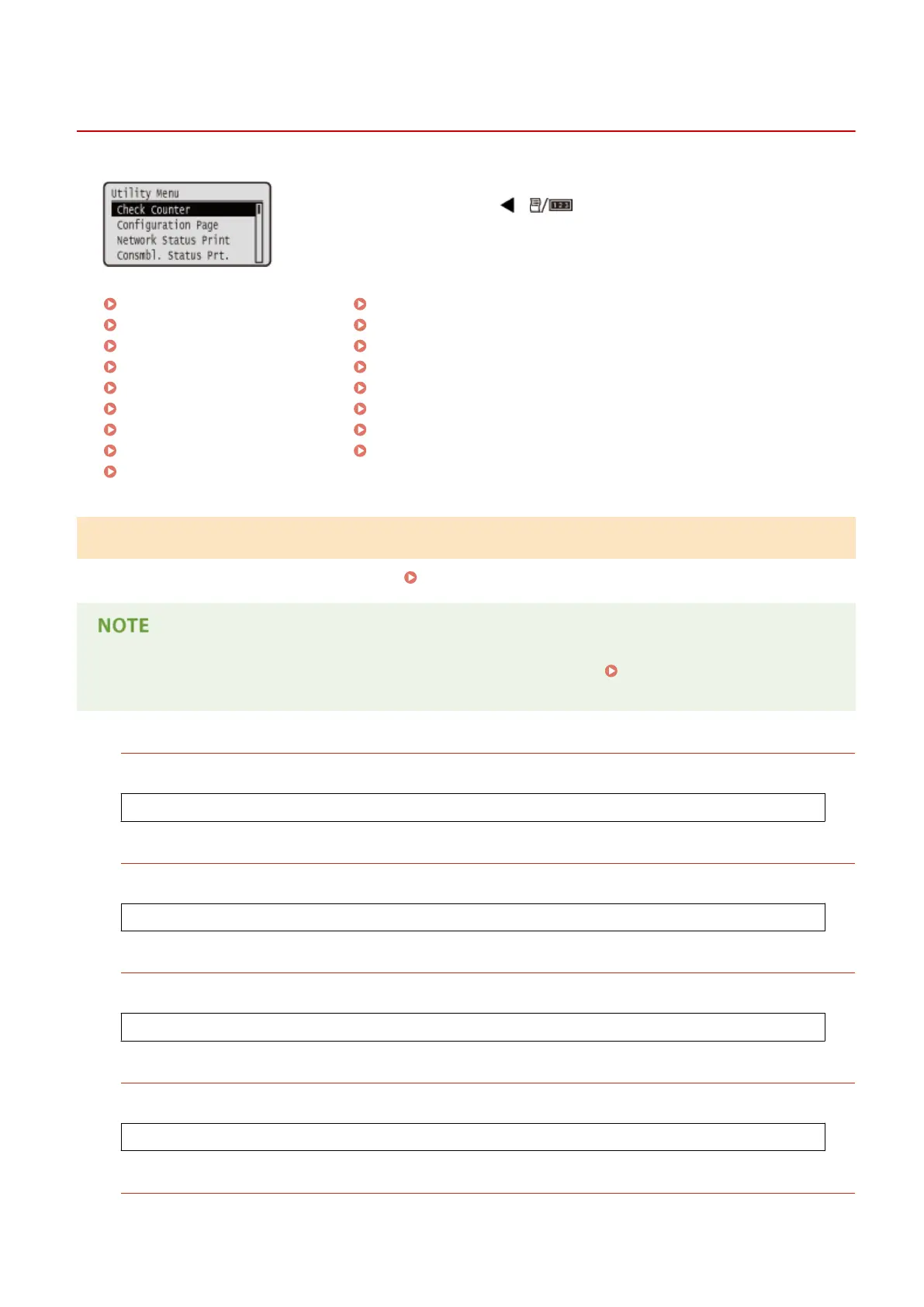
Utility Menu
0YSF-065
You can display the total number of printed pages and print internal system
information. When you press ( ) on the operation panel, the Utility menu
is displayed. You can specify the settings described below when the machine is
oine.
Check Counter(P. 491)
Conguration Page(P. 492)
Network Status Print(P. 492)
Consmbl. Status Prt.(P. 492)
IPSec Policy List(P. 492)
Calibration(P. 492)
PCL Utility(P. 492)
PS Utility(P. 493)
Cleaning(P. 493)
Control Condensation(P. 493)
E-Mail Print Utility(P. 493)
Printing Pos. Print(P. 493)
Page Count List(P. 493)
Counter Report(P. 494)
Print MEAP Sys. Info(P. 494)
Serial Number(P. 494)
Consumables Info.(P. 494)
Check Counter
You can check the total number of printed pages.
Checking Total Number of Printed Pages(P. 595)
● You can also check the counter value by selecting <Check Counter> in the Setup Menu(P. 363) as well as
this item.
101: Total 1
You can check the total number of pages printed.
(Display only)
108: Total (B&W 1)
You can check the number of pages printed in black and white.
(Display only)
113: Total (B&W/Sml)
You can check the number of pages printed in black and white.
(Display only)
114:Total 1(2-Sided)
You can check the number of pages printed in 2-sided printing mode.
(Display only)
123:Total(Full+1C/S)
You can check the number of pages printed in color (other than e-mail printing).
Setting Menu List
491



 To Next Page