Specifying MAC Addresses for Firewall Rules
0YSF-046
You can limit communication to only devices with specied MAC addresses, or block devices with specied MAC
addresses but permit other communications. Up to 50 MAC addresses can be specied.
1
Start the Remote UI and log on in Management Mode. Starting Remote UI(P. 336)
2
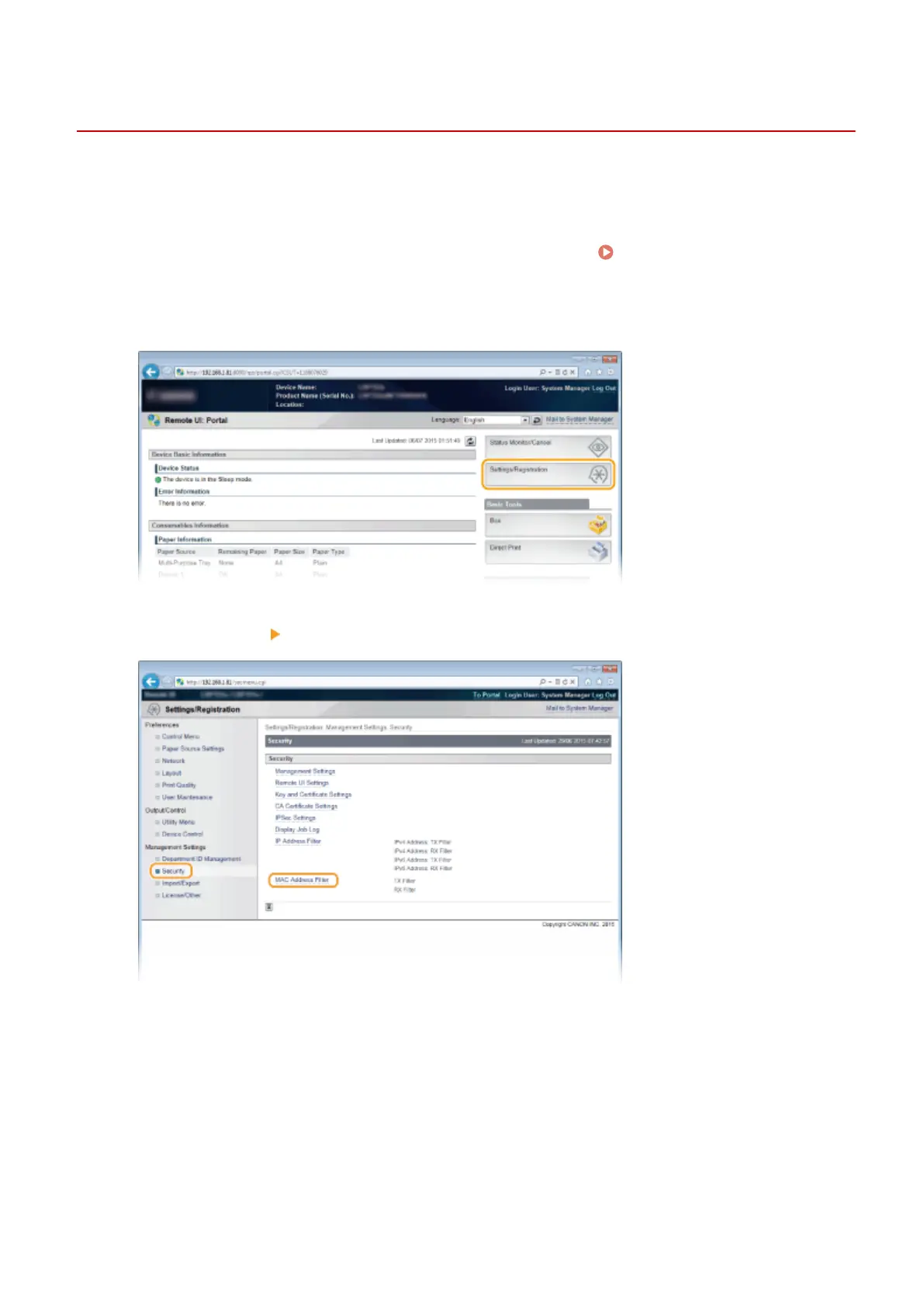
Click [Settings/Registration].
3
Click [Security] [MAC Address Filter].
4
Click [Edit] for a lter type.
Security
274



 To Next Page