Checking the Amount of Remaining Toner
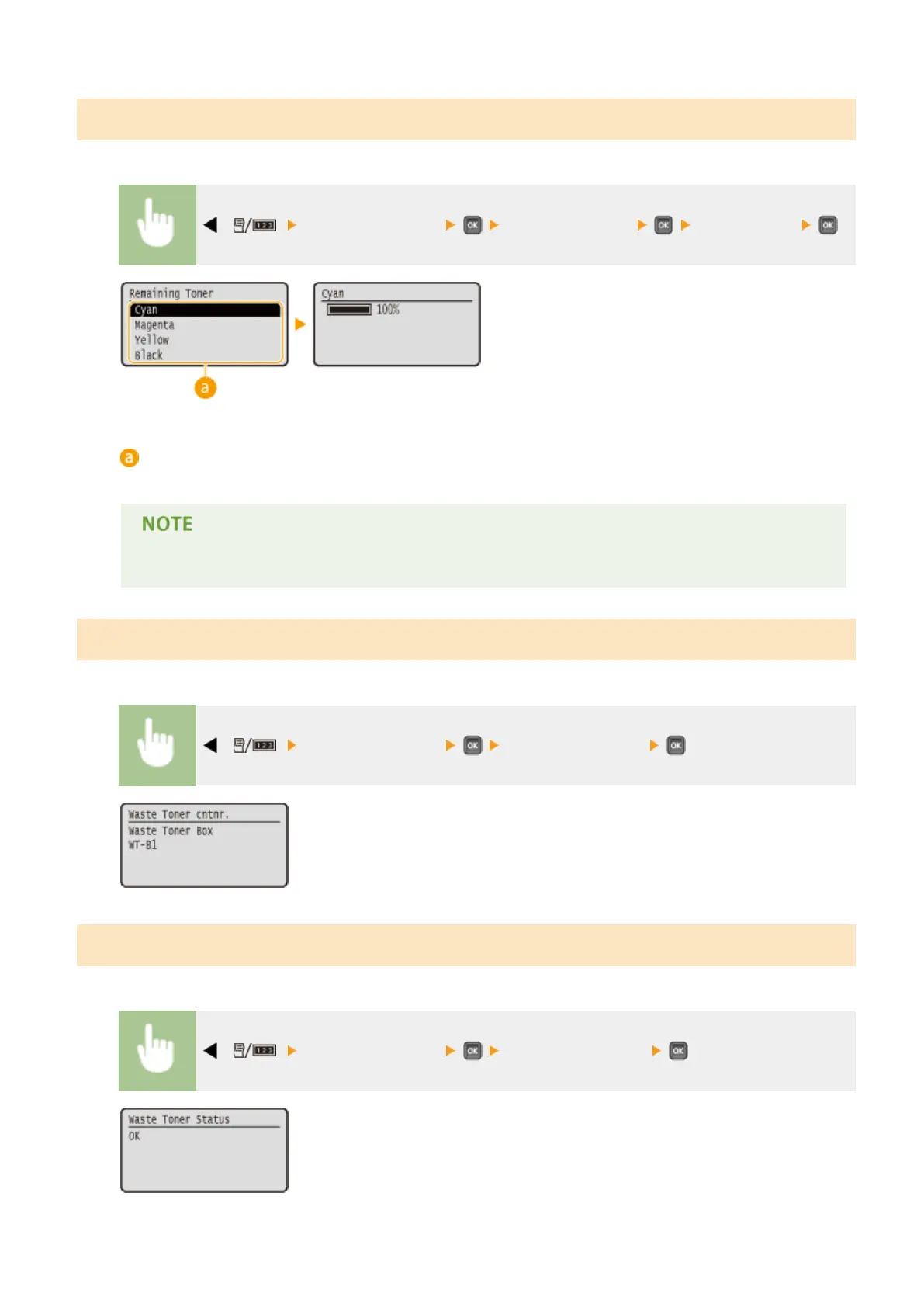
You can display the amount of remaining toner.
( ) <Consumables Info.> <Remaining Toner> Select the color
Color selection
Select the remaining toner amount display color.
● The displayed remaining toner level can be used only as a guide and may differ from the actual level.
Checking the Model Numbers of Waste Toner Container
Displays the model number of the waste toner used in the machine.
( ) <Consumables Info.> <Waste Toner cntnr.>
Checking the Status of Waste Toner Container
Displays the status of the waste toner container used in the machine.
( ) <Consumables Info.> <Waste Toner Status>
Maintenance
599



 To Next Page