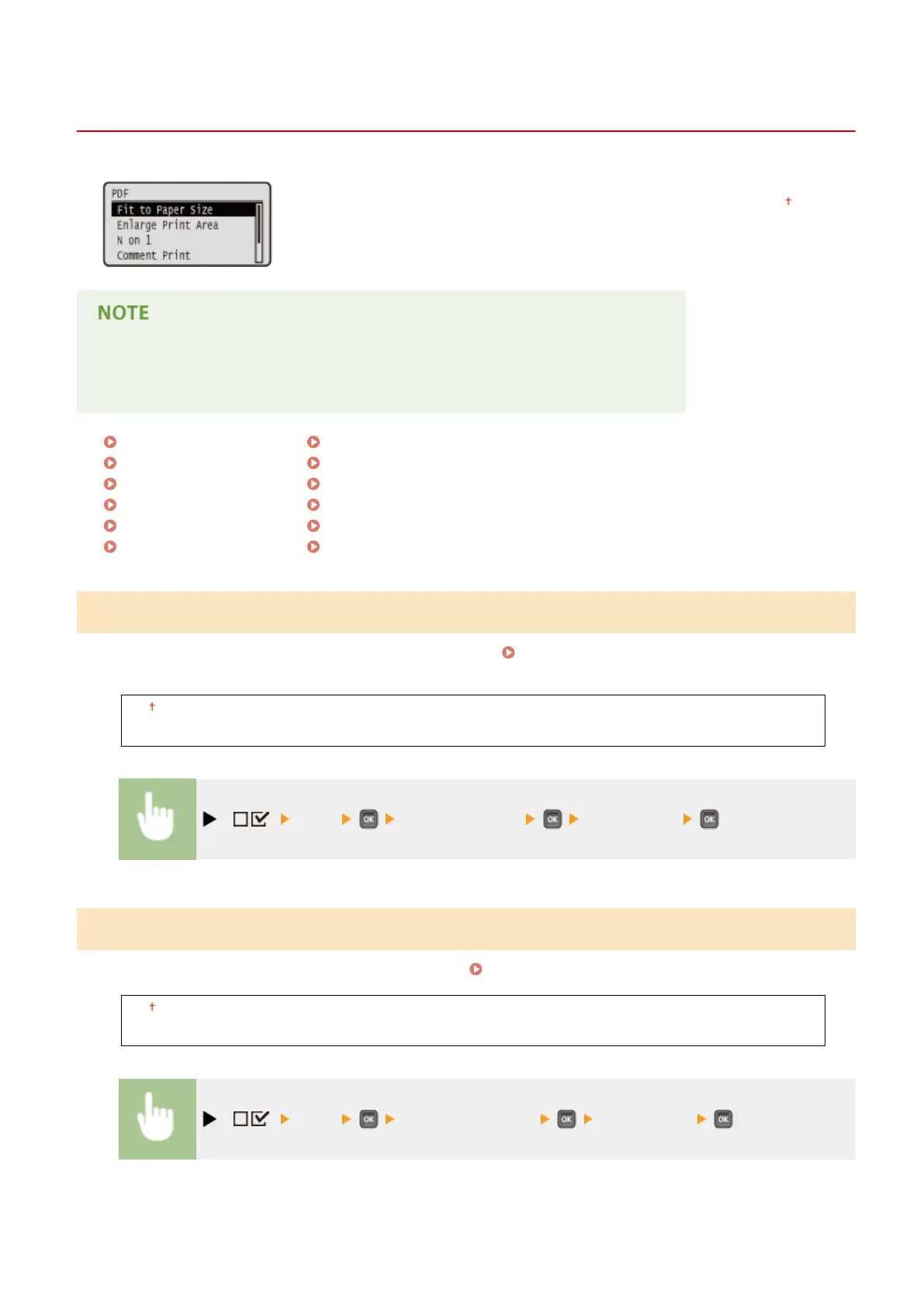
PDF
0YSF-060
All the settings about PDF les available for USB Direct Print and Direct Print are
listed with short descriptions. Default settings are marked with a dagger (
).
Asterisks (
*
)
● Settings marked with an asterisk (
*
) are not displayed depending on other settings.
Fit to Paper Size(P. 467)
Enlarge Print Area(P. 467)
N on 1(P. 468)
Comment Print(P. 468)
ICC Prole Settings(P. 468)
Pure Black Text(P. 472)
Black Overprint(P. 473)
Brightness(P. 473)
Halftones(P. 474)
Composite Overprint(P. 475)
Advanced Smoothing(P. 475)
Grayscale Conversion(P. 476)
Fit to Paper Size
Specify whether to enlarge or reduce printouts according to the Printable Area(P. 623) of paper. The printouts are
enlarged or reduced with the original aspect ratio kept.
Off
On
( ) <PDF> <Fit to Paper Size> <Off> or <On>
Enlarge Print Area
Specify whether or not to print the image by extending the Printable Area(P. 623) fully to the paper size.
Off
On
( ) <PDF> <Enlarge Print Area> <Off> or <On>
Setting Menu List
467



 To Next Page