( ) <Print Quality> <Advanced Smoothing> <Text> <Off> or
<On>
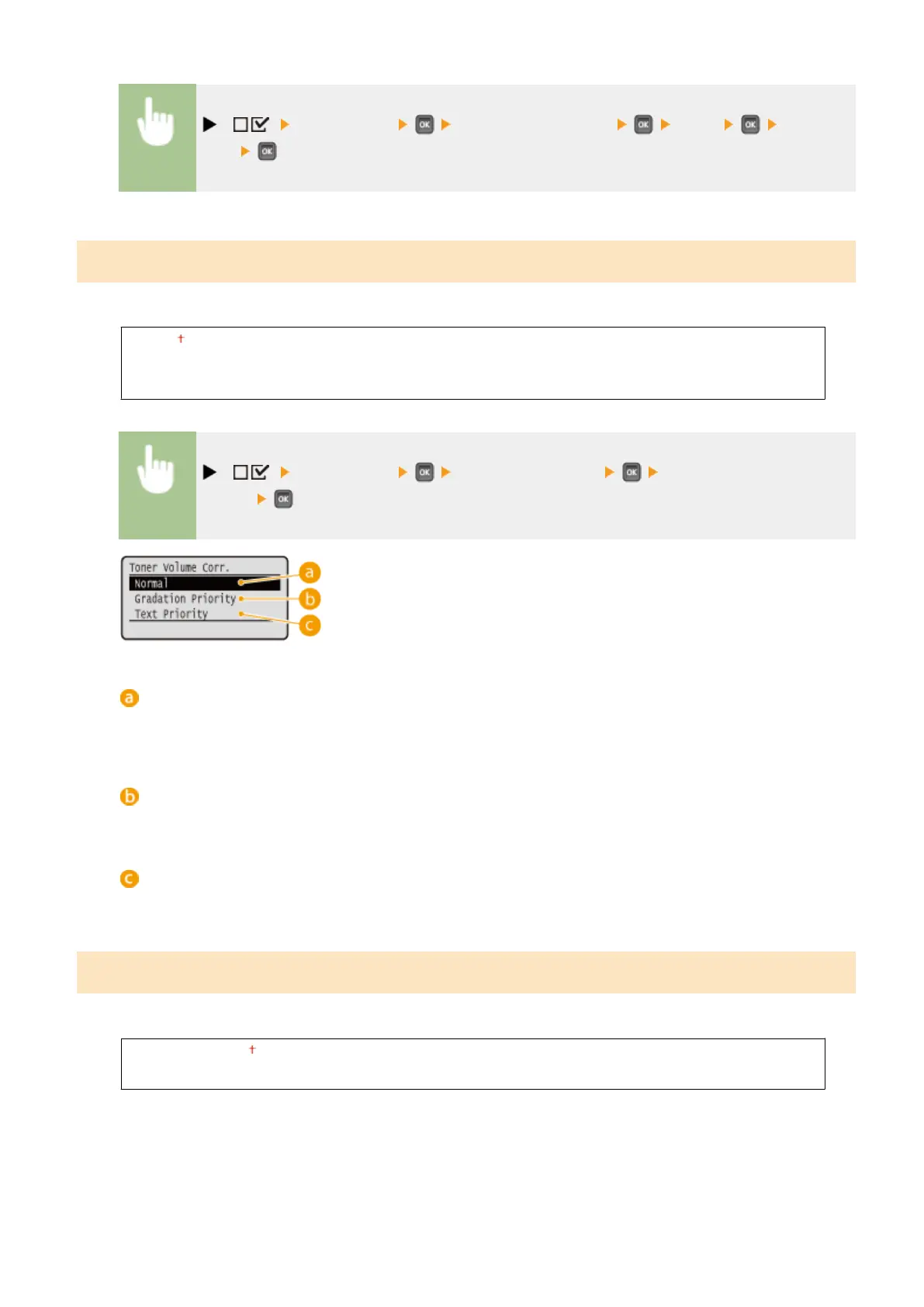
Toner Volume Corr.
Set how to adjust the toner volume when printing high density areas.
Normal
Gradation Priority
Text Priority
( ) <Print Quality> <Toner Volume Corr.> Select the correction
method
<Normal>
Prints text and lines using the toner volume that will preserve resolution, and prints the other types of data
with the toner volume that will preserve hue.
<Gradation Priority>
Prints all types of data using the toner volume that will preserve hue.
<Text Priority>
Prints all types of data using the toner volume that will preserve resolution.
Line Control
Set the image processing method for lines.
Resolution Priority
Gradation Priority
Setting Menu List
413



 To Next Page