Consumables Information
Displays information about paper (remaining amount, size, etc.), the remaining amount of toner in each
cartridge and the remaining capacity of the waste toner container.
Message Board
Displays a message from the System Manager specied in [Message Board/Support Link] under [Settings/
Registration] [License/Other].
Support Link
Displays a text link to the support information of the machine specied in [Message Board/Support Link]
under [Settings/Registration] [License/Other].
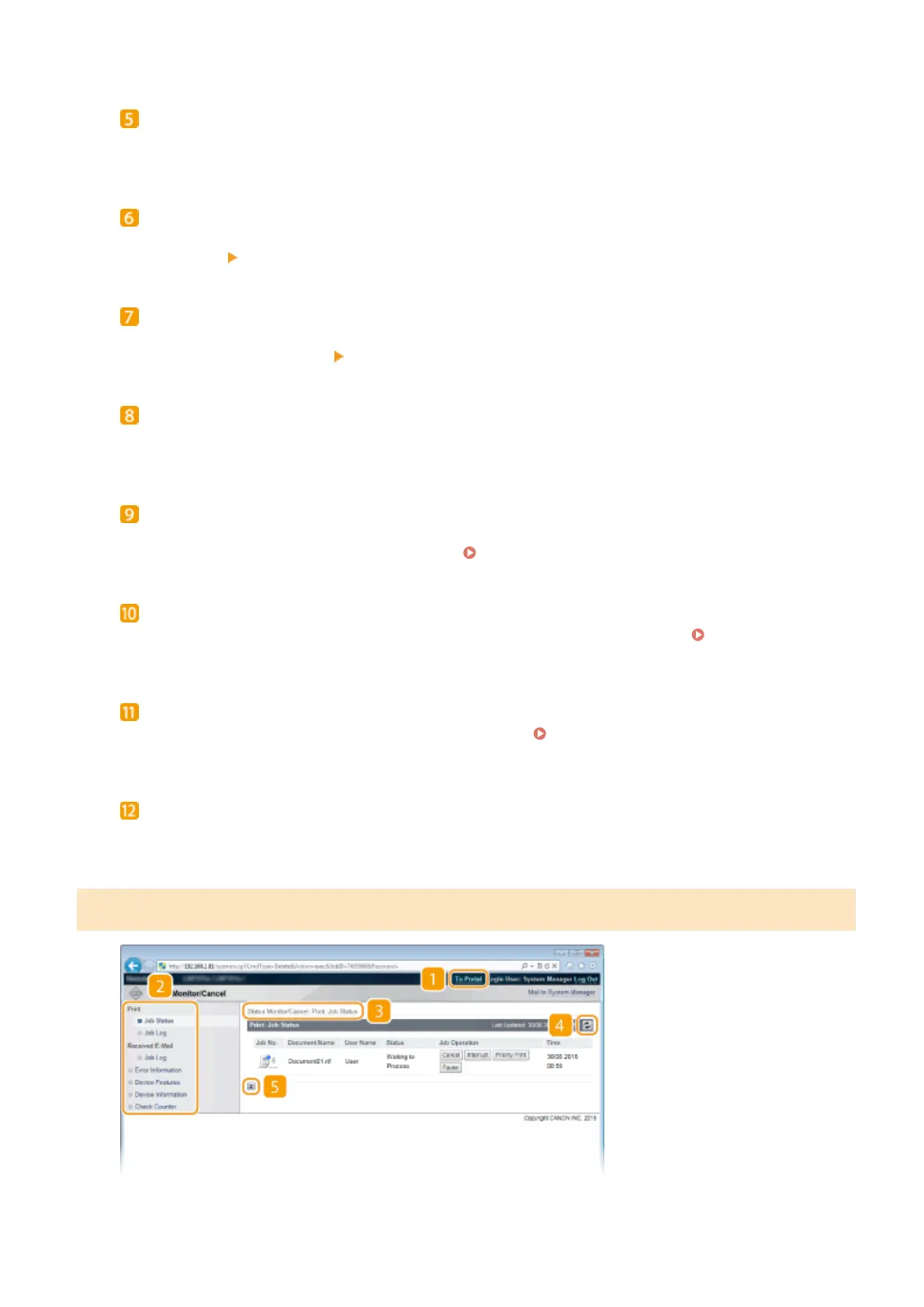
[Status Monitor/Cancel]
Displays [Status Monitor/Cancel] page. You can use this page to check the current printing status, cancel
print processing, and view a history of print jobs.
[Settings/Registration]
Displays [Settings/Registration] page. When you have logged on in Management Mode, you can change the
settings items and save/load the registered data. Setting Up Menu Options from Remote UI(P. 354)
[Box] (only when an optional SD card is installed)
Displays the [Box] page. You can print and delete documents stored in the machine.
Printing a Document
Stored in the Machine (Stored Job Print)(P. 136)
[Direct Print]
You can print a le stored in a computer without opening it.
Printing without Opening a File (Direct
Print)(P. 145)
[Service Management Service]
Starts Service Management Service (SMS) used to manage MEAP applications (function-enhancing software).
Function Guide for MEAP Application Management
[Status Monitor/Cancel] Page
Using Remote UI
340



 To Next Page