Saving Registered Data
0YSF-057
You can export machine settings data and save them in your computer. It is recommended that you regularly back up
important settings.
1
Start the Remote UI and log on in Management Mode. Starting Remote UI(P. 336)
2
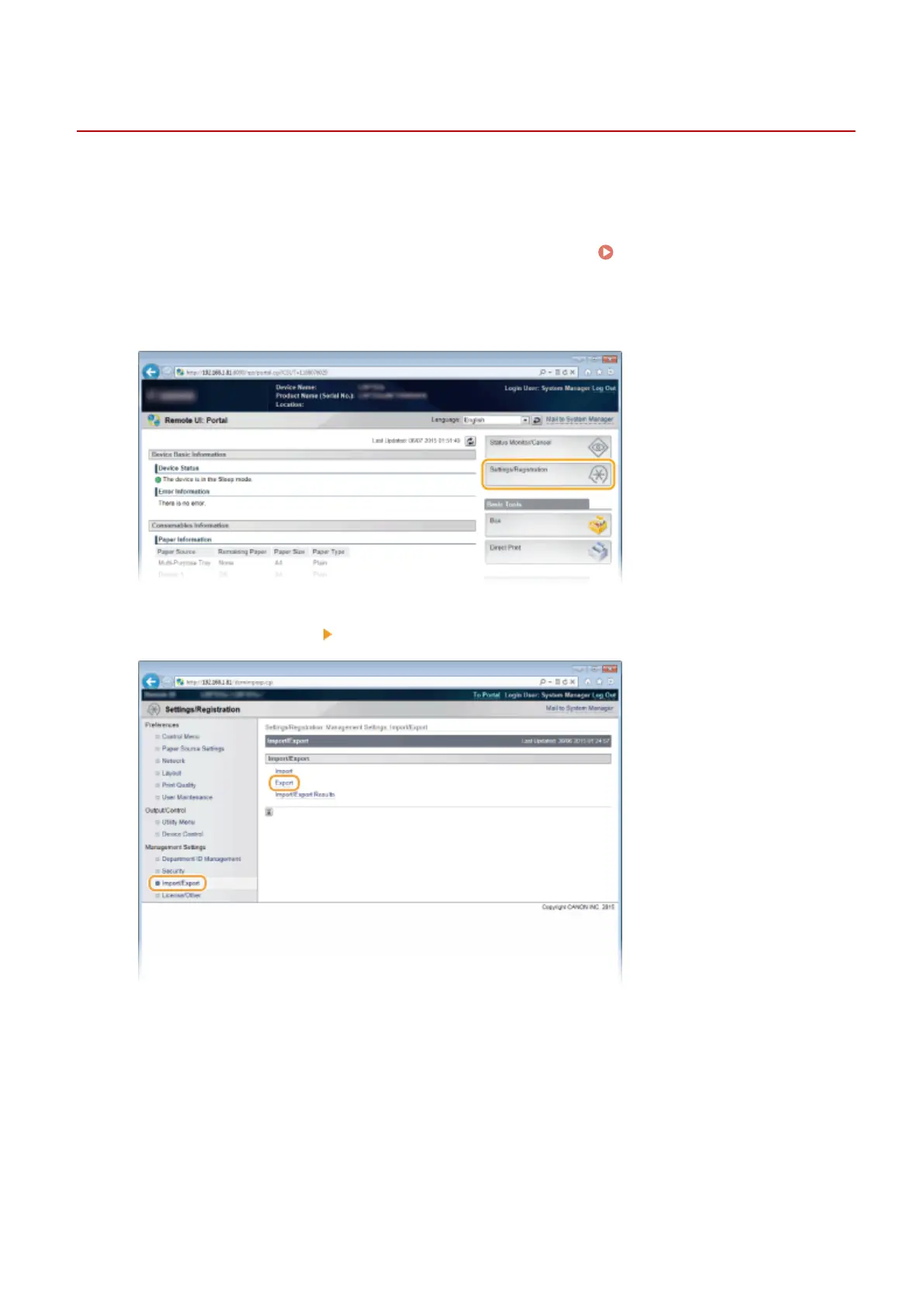
Click [Settings/Registration].
3
Click [Import/Export] [Export].
4
Select the settings to export, and set the encryption password.
Using Remote UI
357



 To Next Page