Setting Up Menu Options from Remote UI
0YSF-055
You can change the various machine settings by using the Remote UI. Most of the settings can be set also on the
machine, but some settings can only be set using the Remote UI.
1
Start the Remote UI and log on in Management Mode. Starting Remote UI(P. 336)
2
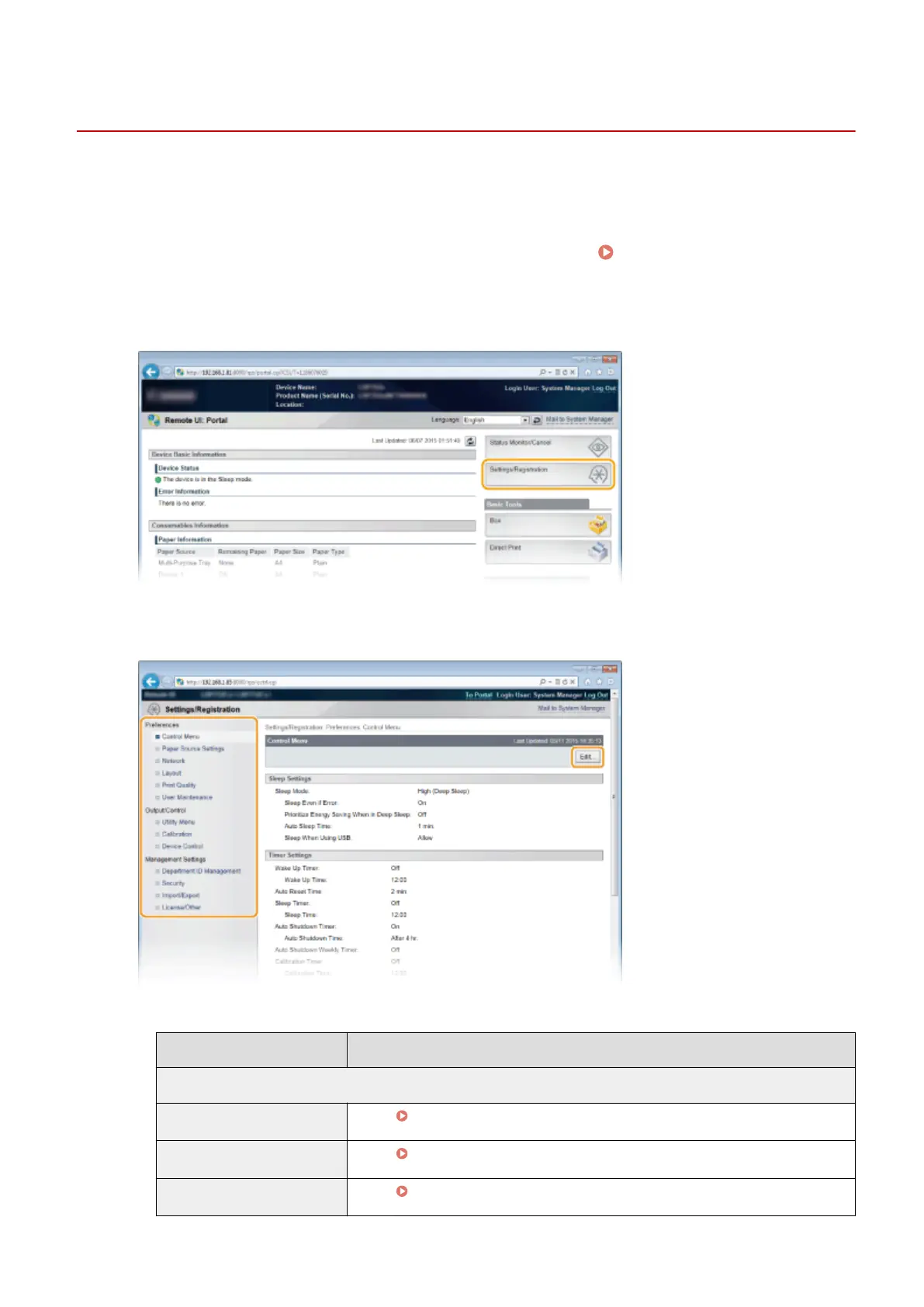
Click [Settings/Registration].
3
Click the menu item you want to set, and click [Edit].
● For more information about the settings menu, see each item below
Menu items
Referents
Preferences
Control Menu
Control Menu(P. 364)
Paper Source Settings
Select Feeder Menu(P. 500)
Network
Network(P. 378)
Using Remote UI
354



 To Next Page