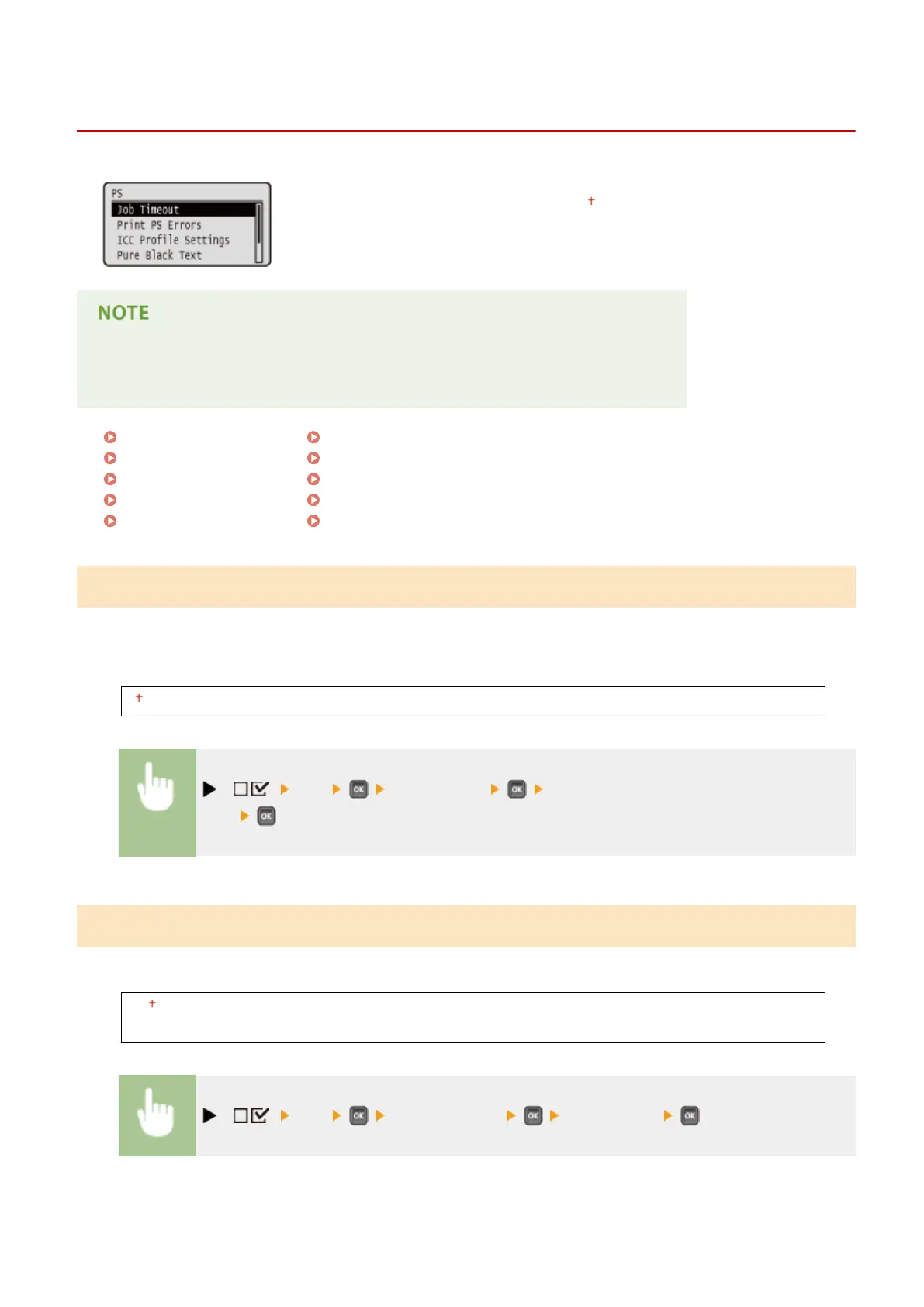
PS
0YSF-061
All the settings about the PS control commands are listed with short descriptions.
Default settings are marked with a dagger (
).
Asterisks (*)
● Settings marked with an asterisk (*) are not displayed depending on other settings.
Job Timeout(P. 478)
Print PS Errors(P. 478)
ICC Prole Settings(P. 479)
Pure Black Text(P. 483)
Black Overprint(P. 483)
Brightness(P. 484)
Halftones(P. 484)
Composite Overprint(P. 485)
Advanced Smoothing(P. 486)
Grayscale Conversion(P. 487)
Job Timeout
If the time specied in this item has elapsed since a job process was started, the machine automatically nishes the
job and receives the next job.
If you do not want to specify the timeout, specify "0 seconds."
0 to 3600 seconds
( ) <PS> <Job Timeout> Use the numeric keys to enter the setting
value
Print PS Errors
Species whether an error page should be printed when a PostScript error is occurring.
Off
On
( ) <PS> <Print PS Errors> <Off> or <On>
Setting Menu List
478



 To Next Page