● If you select <On>, some portions of the image may be missing near the edge of the paper or the paper may
be partly tainted depending on the original.
N on 1
Select whether to print multiple pages onto a single sheet at a reduced size by sequentially allocating them from the
top left. For example, to print four pages onto a single sheet, select <4 on 1>.
Off
2 on 1
4 on 1
6 on 1
8 on 1
9 on 1
16 on 1
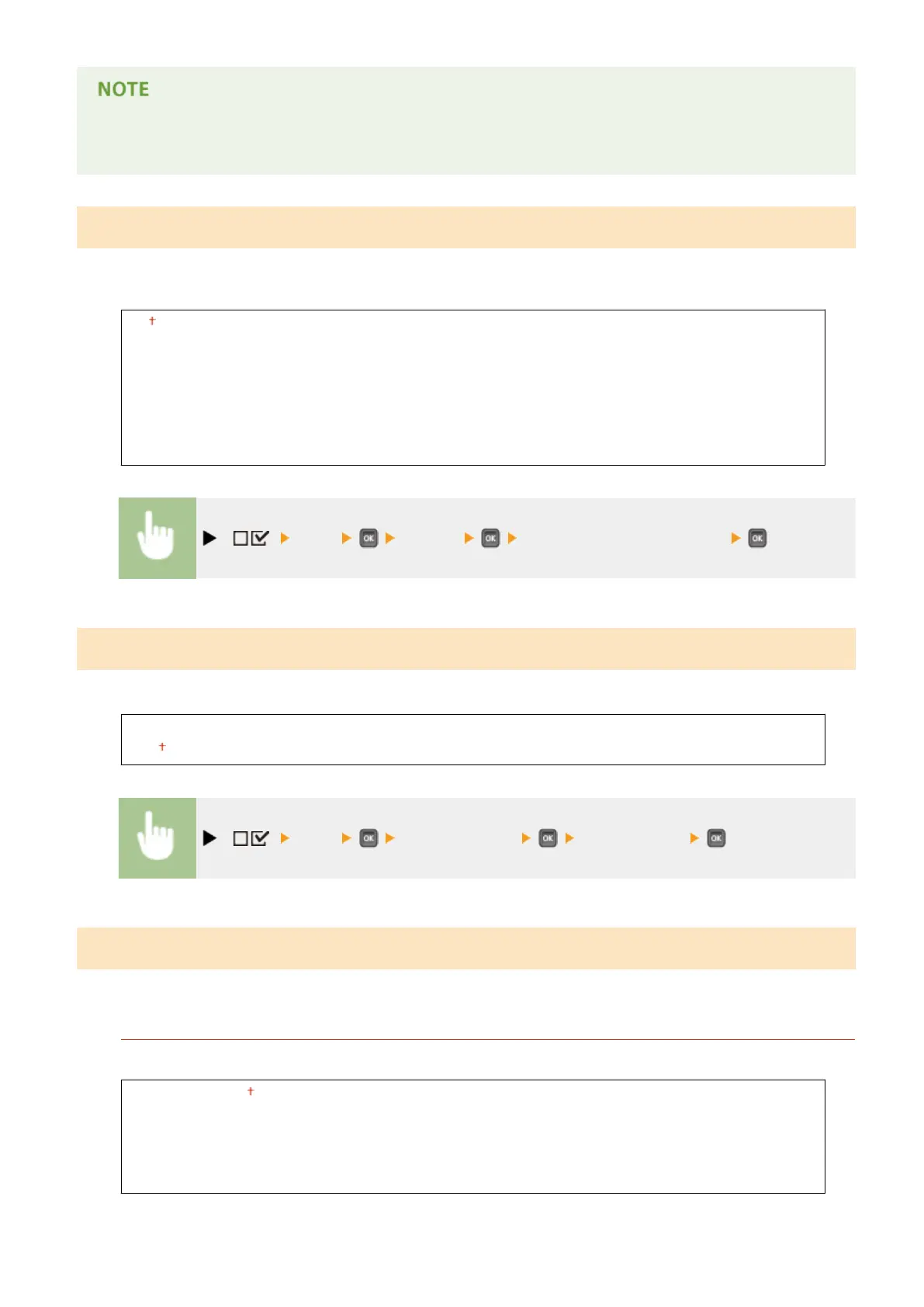
( ) <PDF> <N on 1> Select the aggregation method
Comment Print
Select whether to print comments. If you select <Auto>, comments in the PDF le are printed.
Off
Auto
( ) <PDF> <Comment Print> <Off> or <Auto>
ICC Prole Settings
Set the prole to be used when performing color matching and specify which element to be given priority over others.
RGB Source Prole
Select a suitable prole for RGB data that matches the monitor that you are using.
sRGB v3.0 (Canon)
Canon HDTV gamma 1.5
Canon HDTV gamma 1.8
Canon HDTV gamma 2.4
None
Setting Menu List
468



 To Next Page