<Off>
Prints according to the setting of <Output Prole>. The print result may be better than with <On> depending
on the print data.
<On>
Prints black text with K (black) toner only. Unlike printing with color (CMY) toner, color toner slurring around
the edges will not occur. It is recommended that normally you use this setting.
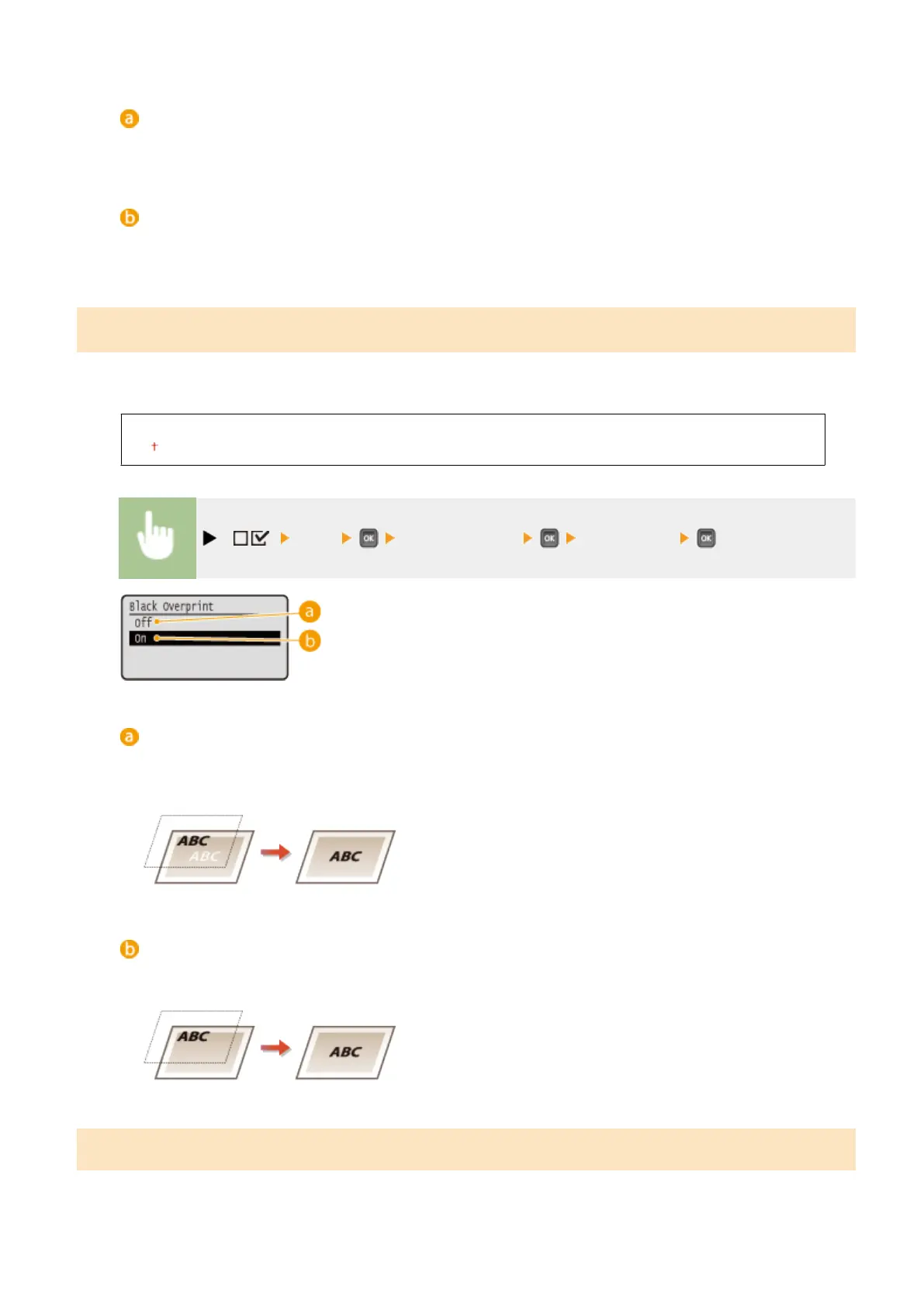
Black Overprint
*
Set how to print when black text is on a color background or color gure. This item is not displayed when <Pure Black
Text> is set to <Off>.
Off
On
( ) <PDF> <Black Overprint> <Off> or <On>
<Off>
First the data is printed after the black text is cut out from the color background or gure, leaving the
corresponding white blank, and then the black text is printed on the white blank. The print may be fainter
than with the <On> setting, and the edges of the text may be rimmed with white.
<On>
First only the color background or gure is printed, and then the black text is printed onto the background or
gure.
Brightness
You can adjust the brightness of the whole image in steps of 5%. The smaller the value, the brighter the image.
Setting Menu List
473



 To Next Page