To create comments on the machine as necessary, you can enter up to 192 characters depending on the
character type.
[Use LM Announce]
Select the check box to notify the LAN Manager of existence of the machine. If you do not need to notify,
clear the check box, reducing a network load.
[Use SMB Printing]
When using SMB printing with the machine, select the check box.
[Printer Name]
To specify the name of the machine, you can enter up to 13 characters depending on the character type.
● You cannot use spaces.
6
Click [OK].
7
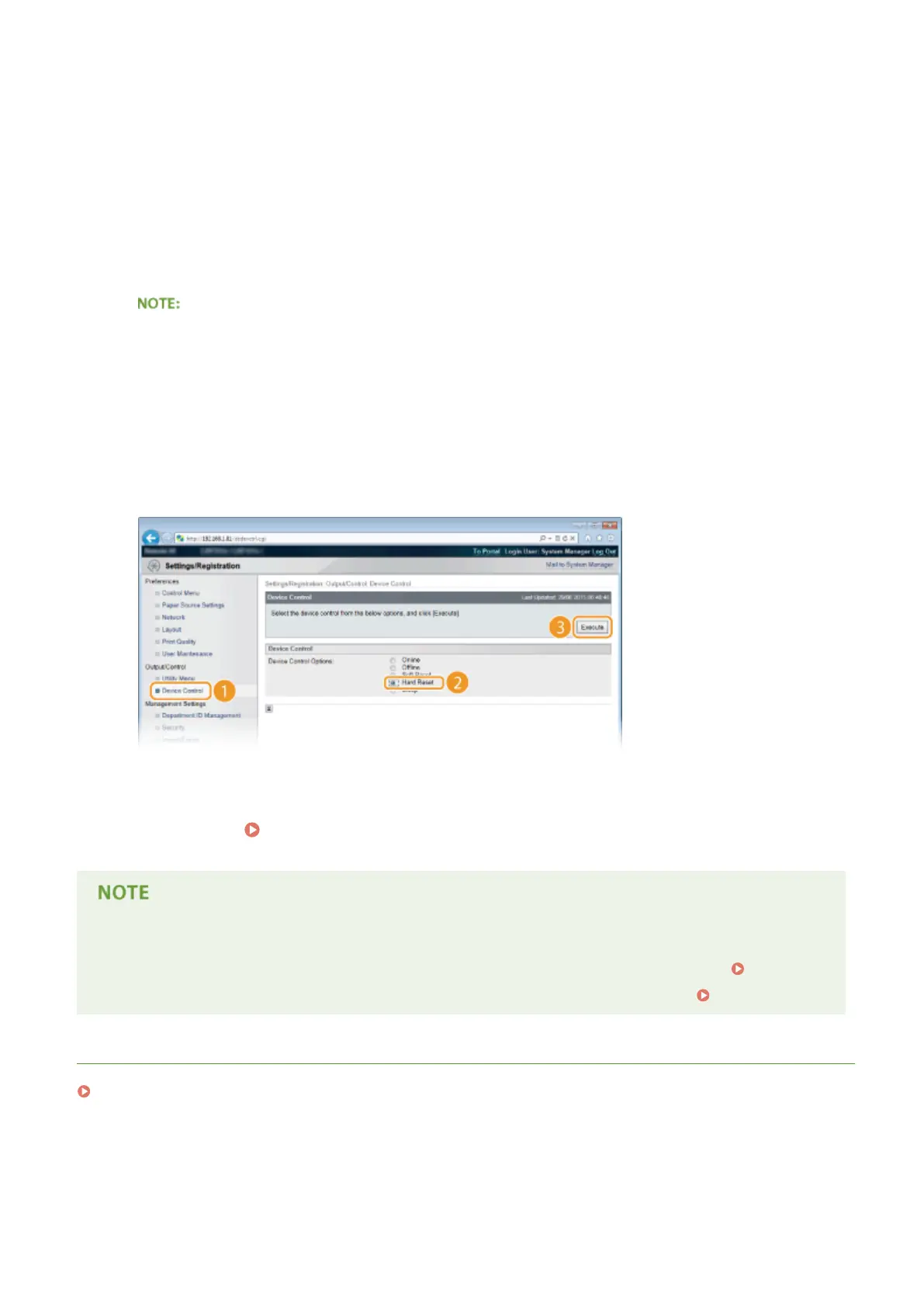
Perform a hard reset.
● Click [Device Control], select [Hard Reset], and then click [Execute].
➠
The settings are enabled after the hard reset is performed.
»
Continue to Conguring Settings on the Computer for Printing(P. 248) .
Using the operation panel
● You can also enable or disable the SMB server from the setting menu of the operation panel. SMB(P. 390)
● You can also enable or disable SMB print from the setting menu of the operation panel. SMB(P. 390)
LINKS
Conguring WINS(P. 229)
Network
247



 To Next Page