5
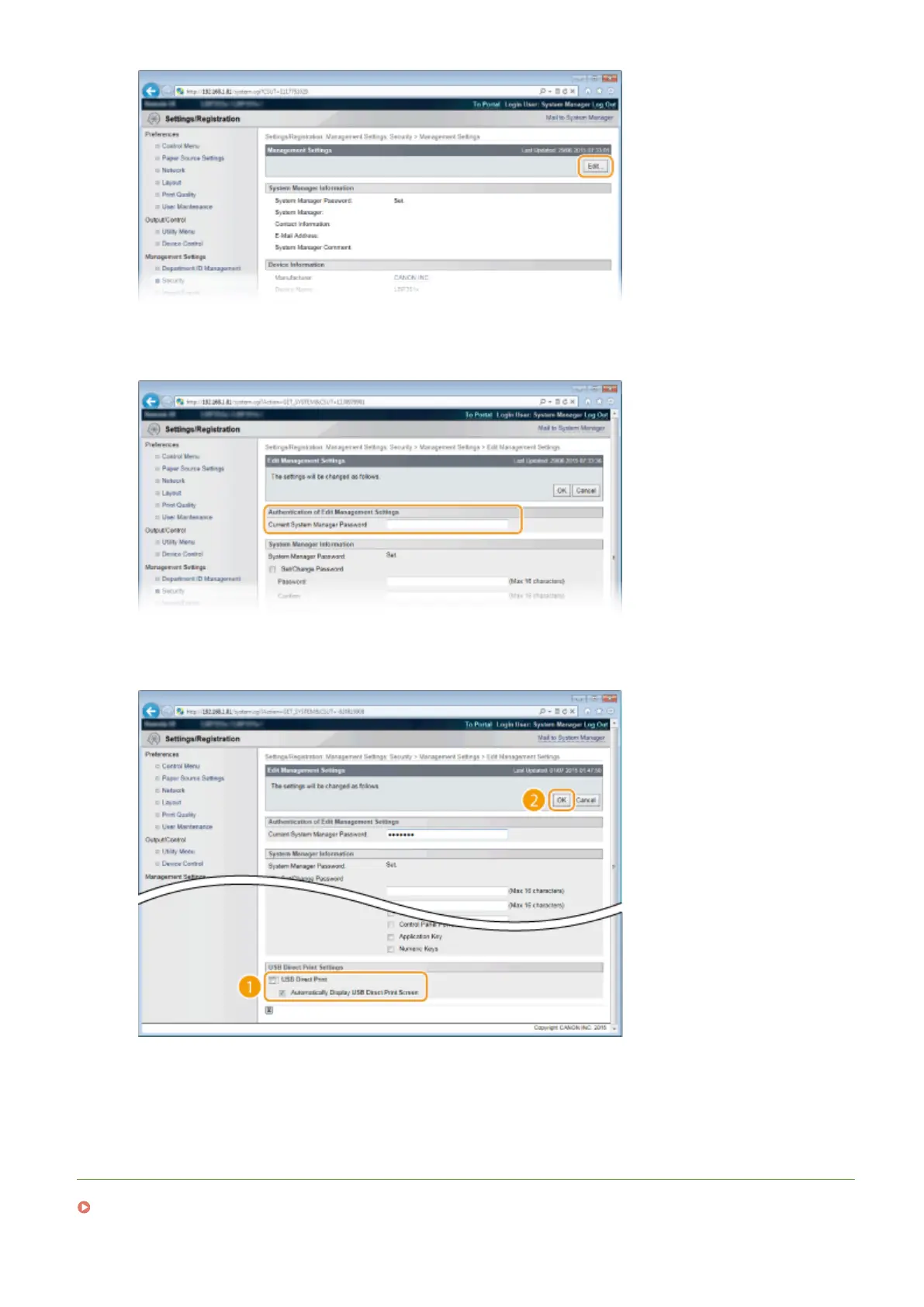
Enter the System Manager password in [Current System Manager Password].
6
Clear the [USB Direct Print] check box and click [OK].
[USB Direct Print]
Clear the check box to disable direct printing from a USB memory device. Select the check box to enable
printing from a USB memory device. If you also select the [Automatically Display USB Direct Print Screen]
check box, the USB Direct Print screen will be automatically displayed when a USB memory device is attached
to the machine.
LINKS
Printing from USB Memory (USB Direct Print)(P. 118)
Security
287



 To Next Page