Sleep Time
Set the time to enter sleep mode if <Sleep Timer> is set to <On>. Entering Sleep Mode(P. 63)
00:00 to 12:00 to 23:59
Calibration Timer
Select whether to automatically perform a calibration at a specied time.
Off
On
( ) <Control Menu> <Timer Settings> <Calibration
Timer> <Off> or <On>
Calibration Time
Set the time to perform a calibration if <Calibration Timer> is set to <On>.
00:00 to 12:00 to 23:59
( ) <Control Menu> <Timer Settings> <Calibration Time> Set
the time
Warning Step
Specify how the machine should behave when a toner cartridge lifetime message appears.
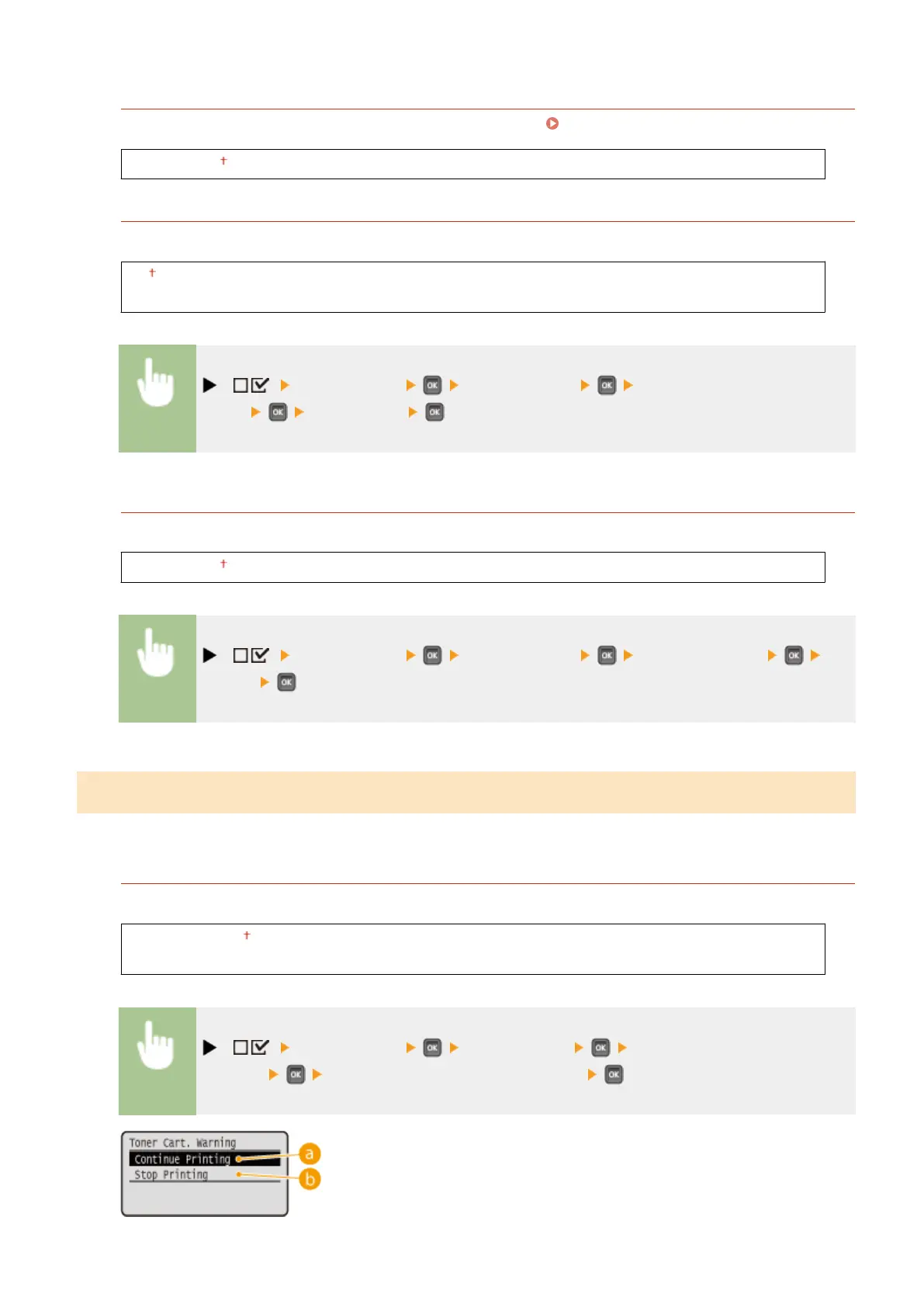
Toner Cart. Warning
Select whether to automatically stop printing when the toner cartridge will soon reach the end of its lifetime.
Continue Printing
Stop Printing
( ) <Control Menu> <Warning Step> <Toner Cart.
Warning> <Continue Printing> or <Stop Printing>
Setting Menu List
367



 To Next Page