<JapanColor(Canon)>
Use the JapanColor prole. Printing is performed in colors that are close to the Japanese printing standards.
<U.S. Web Coated v1.0>
Use the U.S. Web Coated prole. Printing is performed in colors that are close to the U.S. printing standards.
<None>
Prints CMYK data using a device-dependent CMYK color model without applying any CMYK simulation prole.
● When this item is set to <None>, dark color gradation may collapse depending on the data.
Grayscale Prole
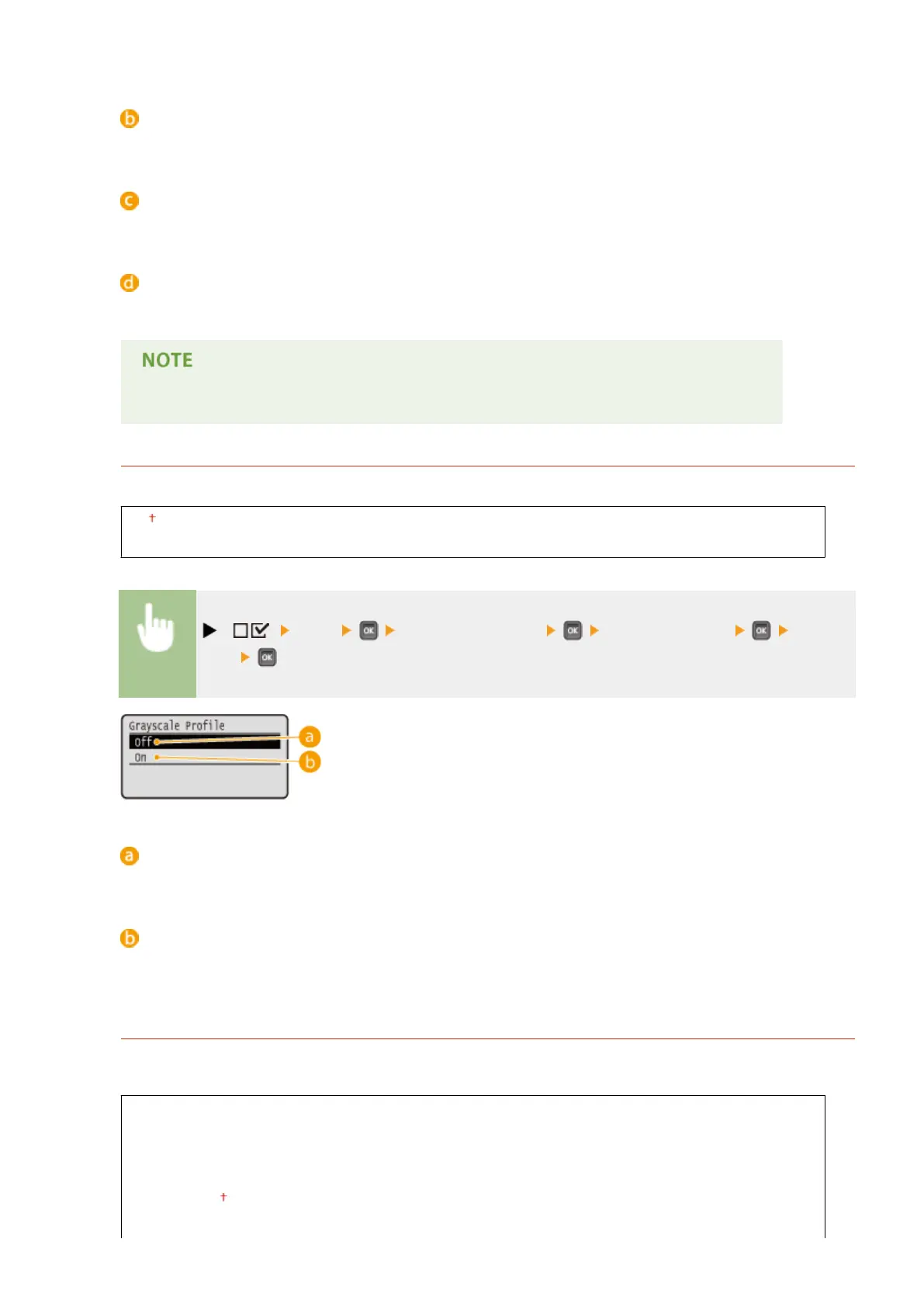
Set whether to convert gray data to CMYK data using the machine's grayscale prole.
Off
On
( ) <PDF> <ICC Prole Settings> <Grayscale Prole> <Off> or
<On>
<Off>
Prints only with K (black) toner without converting the data to CMYK data.
<On>
Converts the data to CMYK data using the machine's grayscale prole. However, printing may be performed
only with K (black) toner depending on the setting of <Output Prole> or <Pure Black Text>.
Output Prole
You can select suitable proles for data that you are going to print. You can set this item for each of the types of
image contained in one document.
Text
PS Normal
PS Photo
PS TR Normal
PS TR Photo
Graphics
Setting Menu List
470



 To Next Page