If the printer is connected to an outside network, you can install the system options and MEAP applications
from the Remote UI by linking with the delivery server.
1
Start the Remote UI, and then log in as Administrator.
"e-Manual"
2
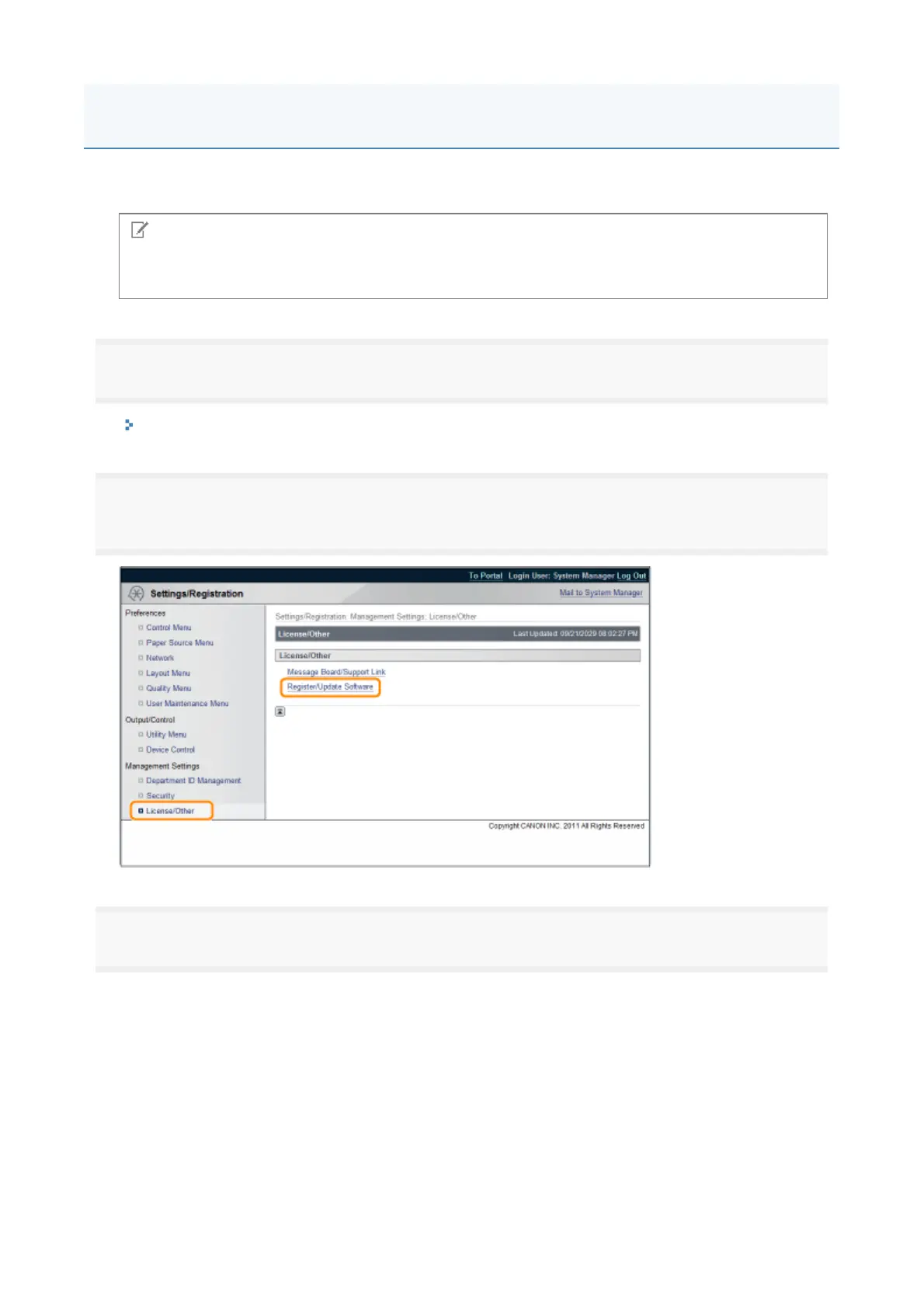
From the top page of the Remote UI, click [Settings/Registration] → [License/Other] →
[Register/Update Software].
3
Click [Delivered Installation].
NOTE
Preparing a license access number certificate
Make sure that the license access number that is included with the package is available.
Installing by Connecting This Printer to an Outside Network (Delivery)
3














 To Next Page