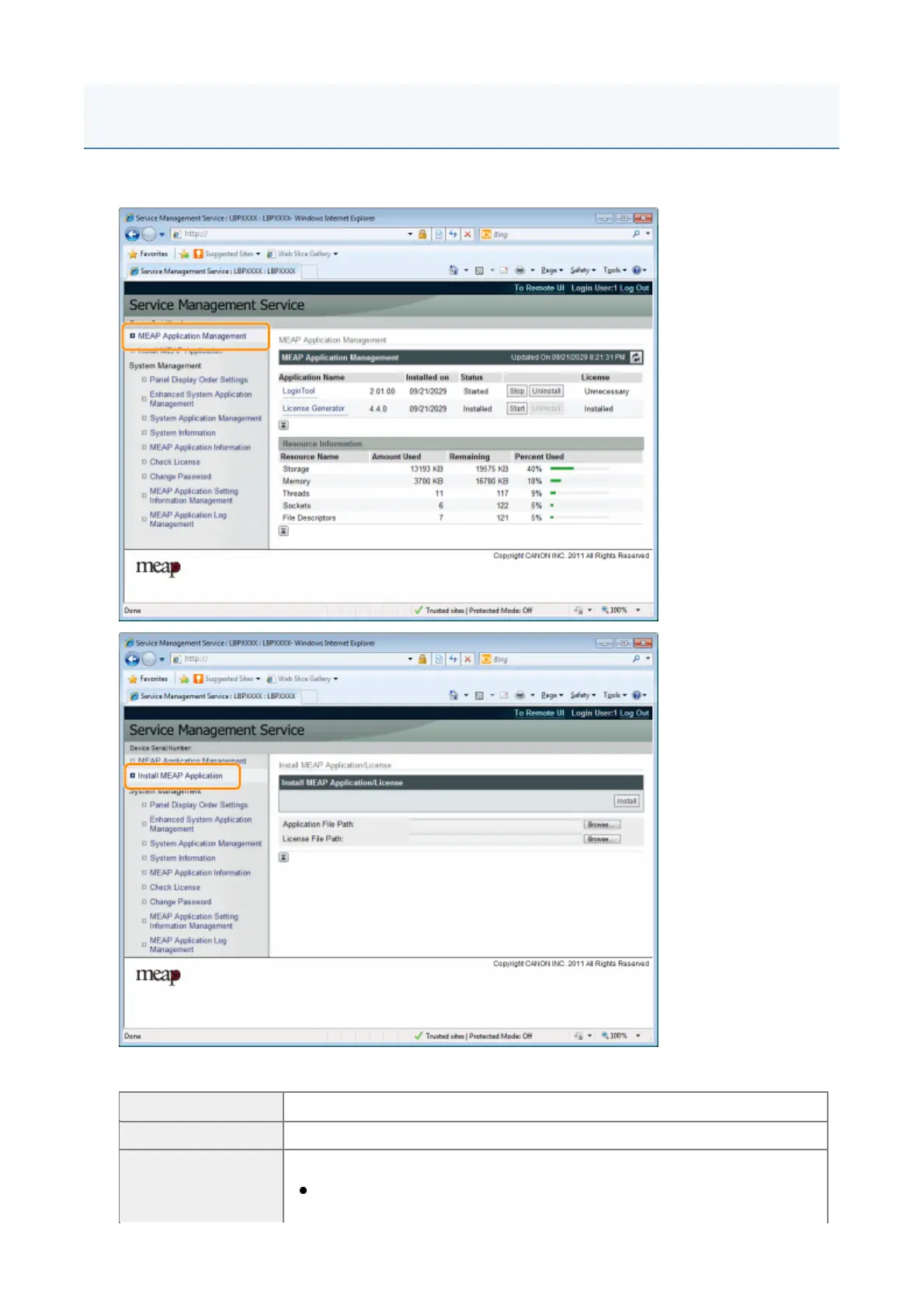
MEAP applications are set from the [MEAP Application Management] and the [Install MEAP Application]
menus.
Items shown in the [MEAP Application Management] menu
[Application Name] The name of the application is displayed.
[Installed on] The date on which the application was installed is displayed.
The status of the application is displayed.
[Installed]:
The application has been installed, but not started.
MEAP Application Settings
1



 To Next Page