1
Start SMS (Service Management Service).
"Launching SMS (Log in)"
2
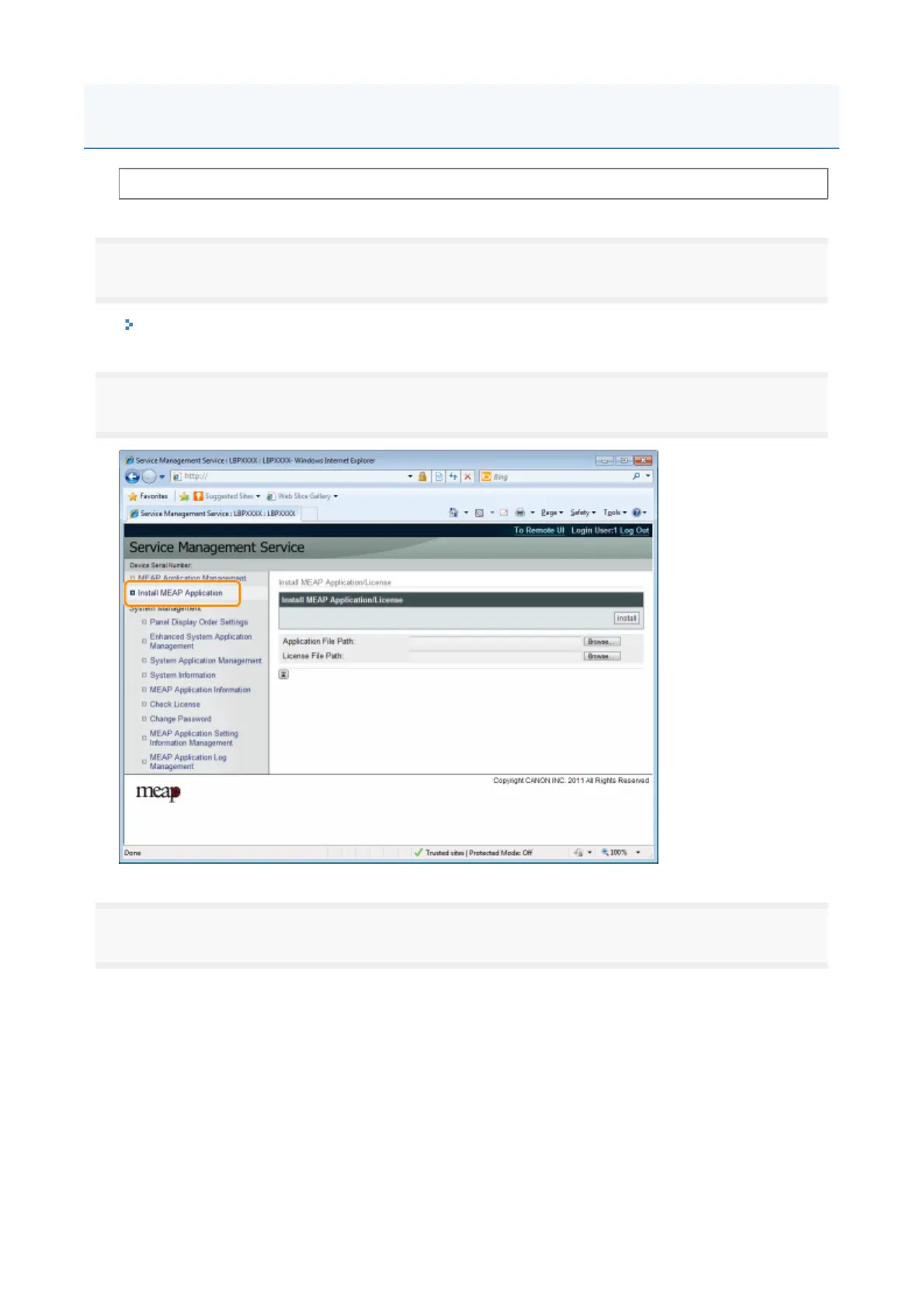
Click [Install MEAP Application].
3
Set [Application File Path] and [License File Path].
Either select the file b
clickin
Browse...
, or enter the location where the file is stored
Before starting the following operation, see "Attention (Installing MEAP Applications)."
Installing MEAP Applications
4



 To Next Page