Check the details of installed applications.
1
Start SMS (Service Management Service).
"Launching SMS (Log in)"
2
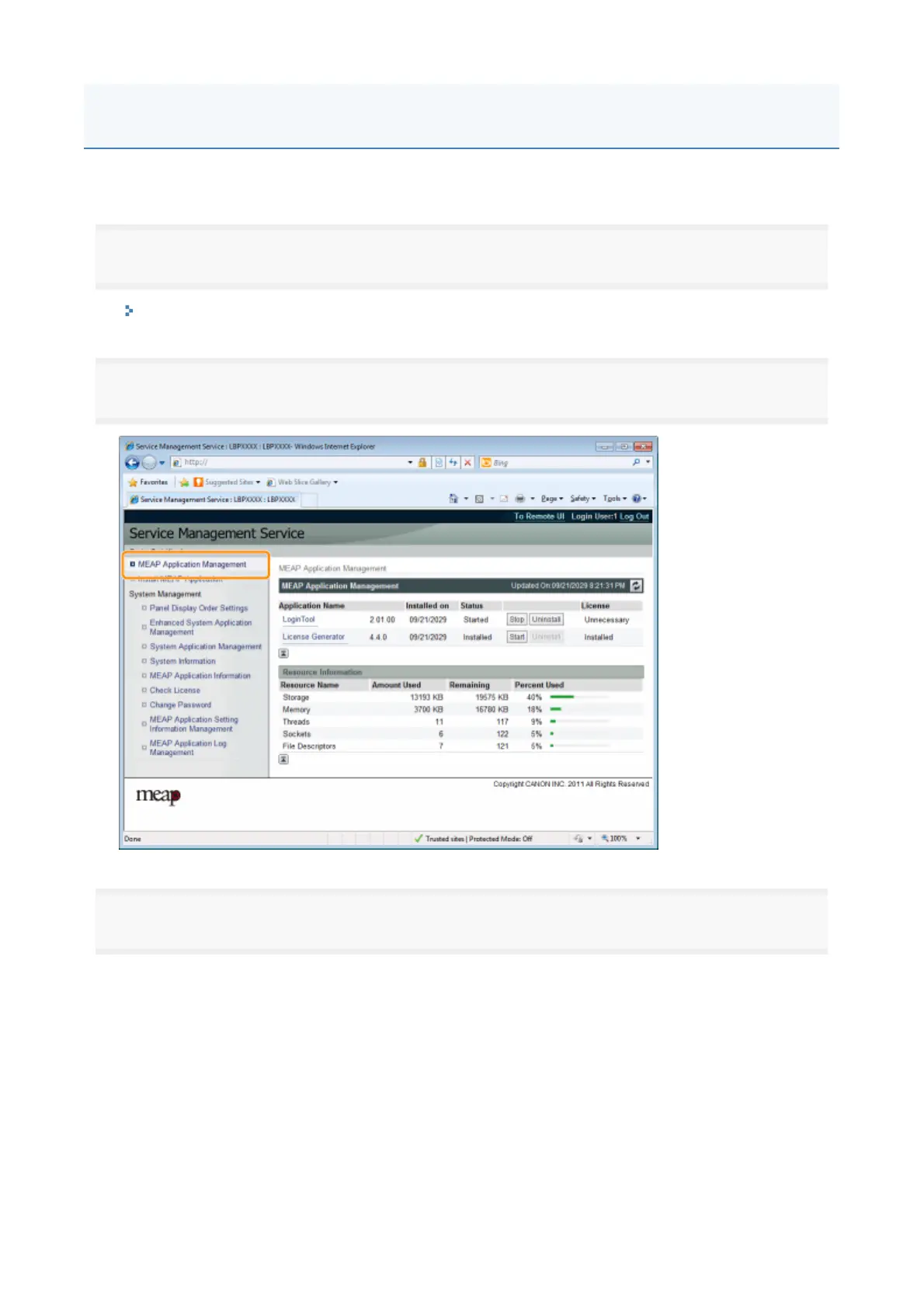
Click [MEAP Application Management].
3
Click the application to check the details.
→ [Application/License Information] is displayed on the screen.
Checking the Details of MEAP Applications
1



 To Next Page