After you disable a license file, you can download and save it to a computer or delete it.
1
Start SMS (Service Management Service).
"Launching SMS (Log in)"
2
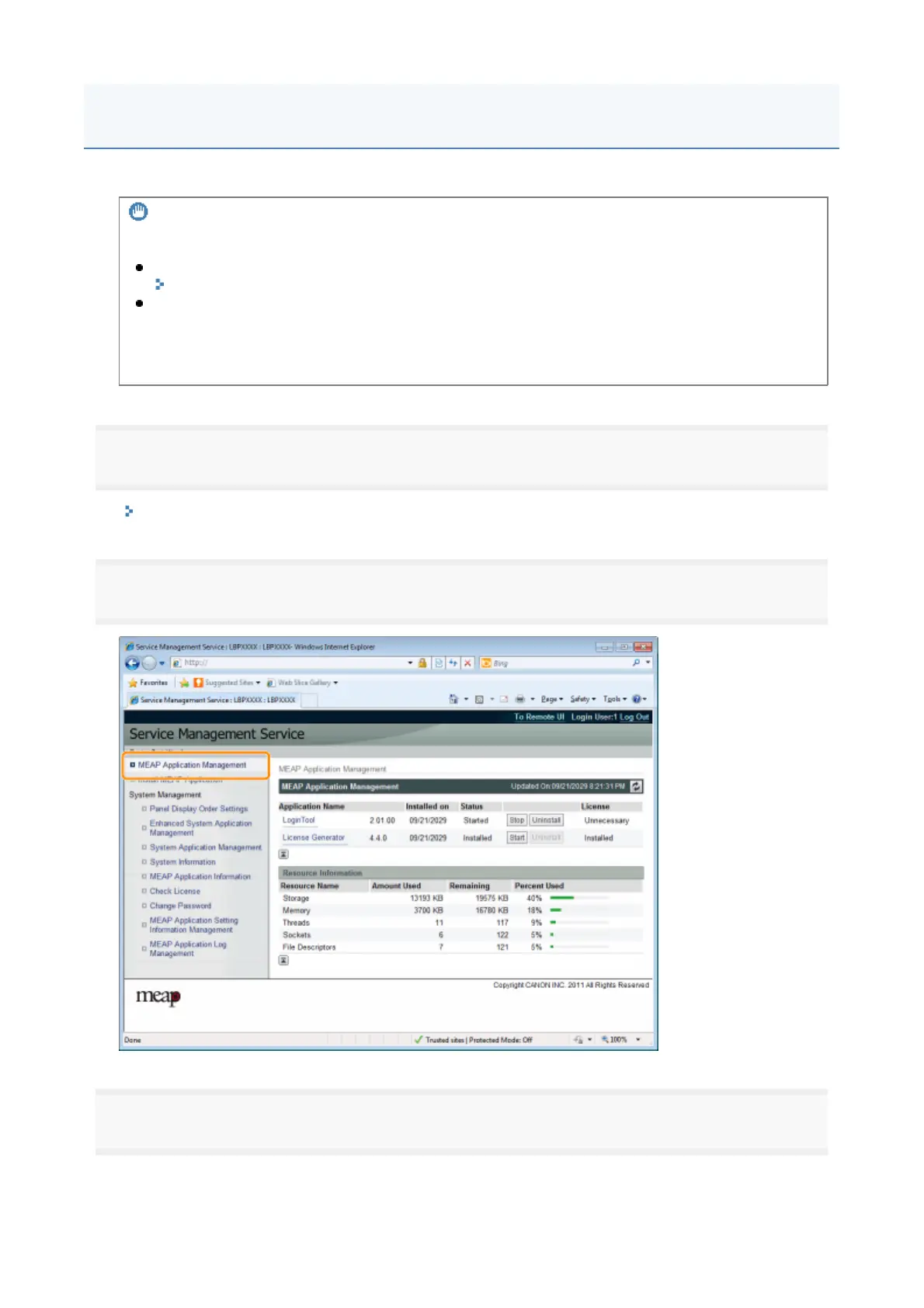
Click [MEAP Application Management].
3
Click the name of the application for which to disable to license file.
IMPORTANT
Disabling Licenses
You cannot disable a license file if the application is still running.
"Stopping MEAP Applications"
When a disabled license file is generated, the status of that license file becomes <Not Installed>
and the application becomes unusable.
Reinstalling License Files
You can reinstall disabled license files in the same printer.
Disabling License Files
20



 To Next Page