When processing jobs from applications that do not require operation from the printer, you must first set the
authentication information.
1
Start SMS (Service Management Service).
"Launching SMS (Log in)"
2
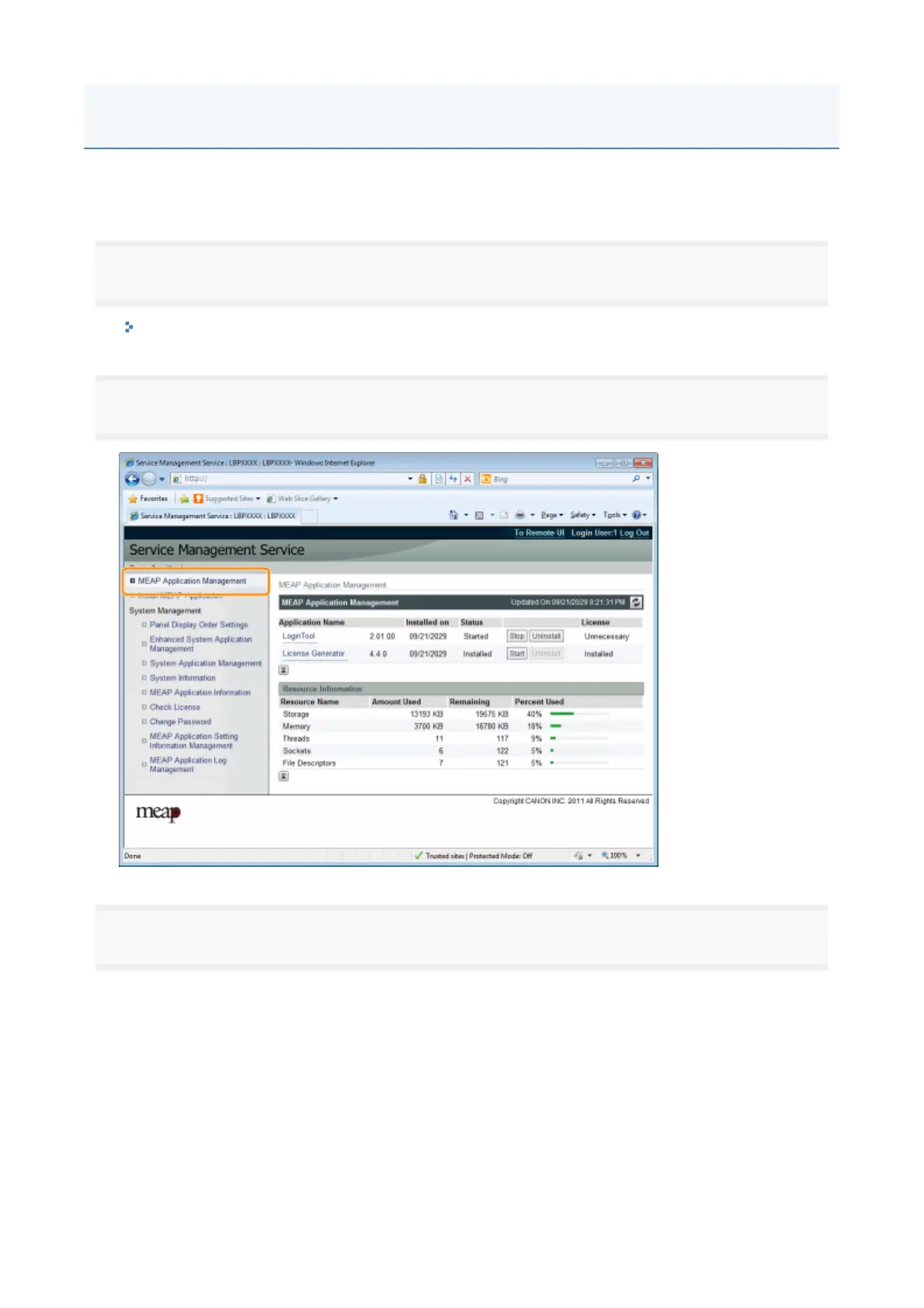
Click [MEAP Application Management].
3
Click the name of the application for which to set authentication information.
Setting Authentication Information for MEAP Applications
2



 To Next Page