Canceling from an application
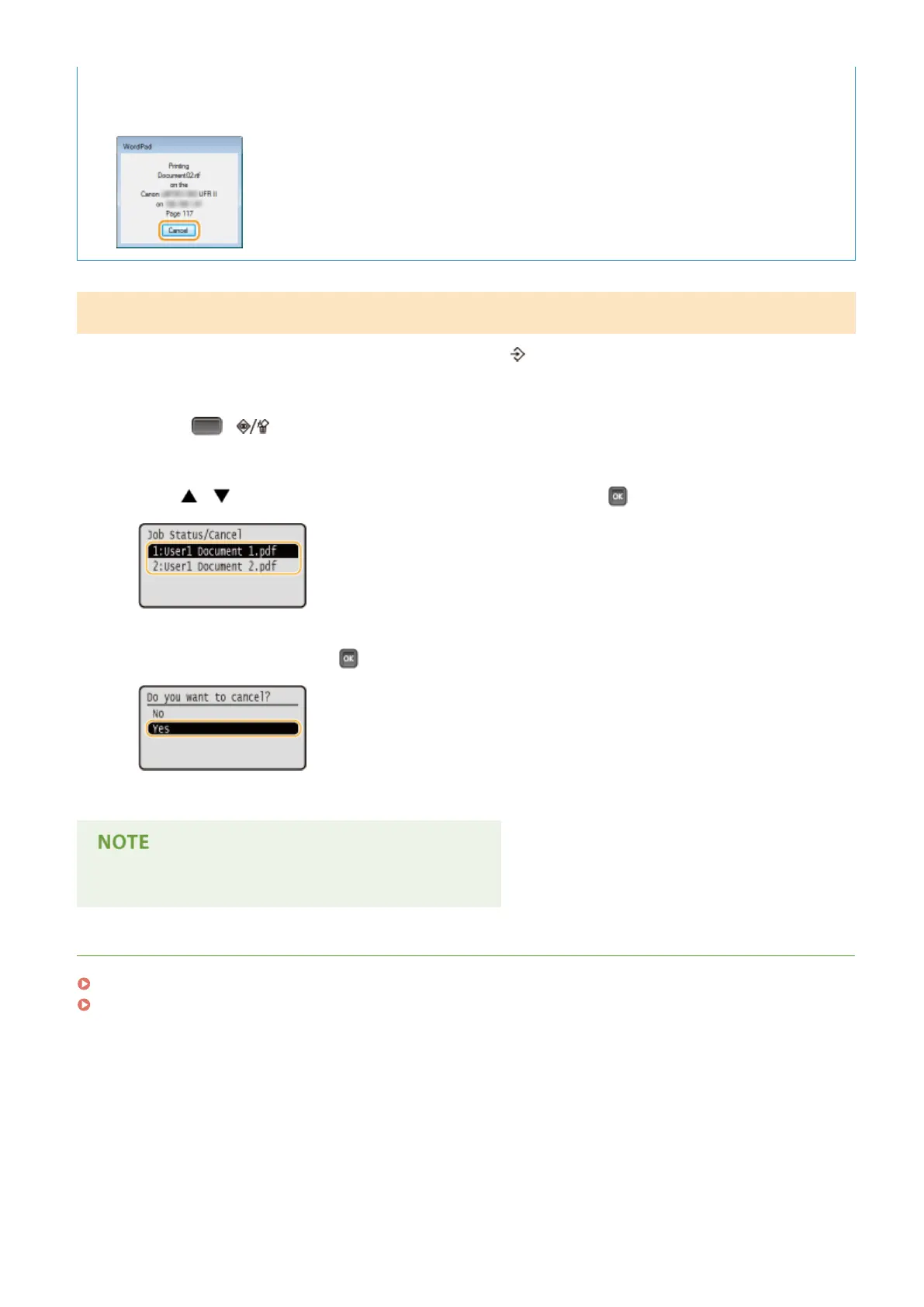
● On some applications, a screen like shown below appears. You can cancel printing by clicking [Cancel].
From the Operation Panel
When the print data is sent to the machine from a computer, the [ ] indicator lights up (or blinks). You can cancel
printing from the operation panel while the indicator is lit or blinking.
1
Press ( ).
2
Use / to select the document to cancel, and press .
3
Select <Yes>, and press .
➠
The <Canceling jobs> message is displayed and the selected print job is canceled.
● Several pages may be output after you cancel printing.
LINKS
Basic Printing Operations(P. 73)
Managing Documents and Checking the Machine Status(P. 345)
Printing a Document
79



 To Next Page