71
Advanced Functions -
Playback
E
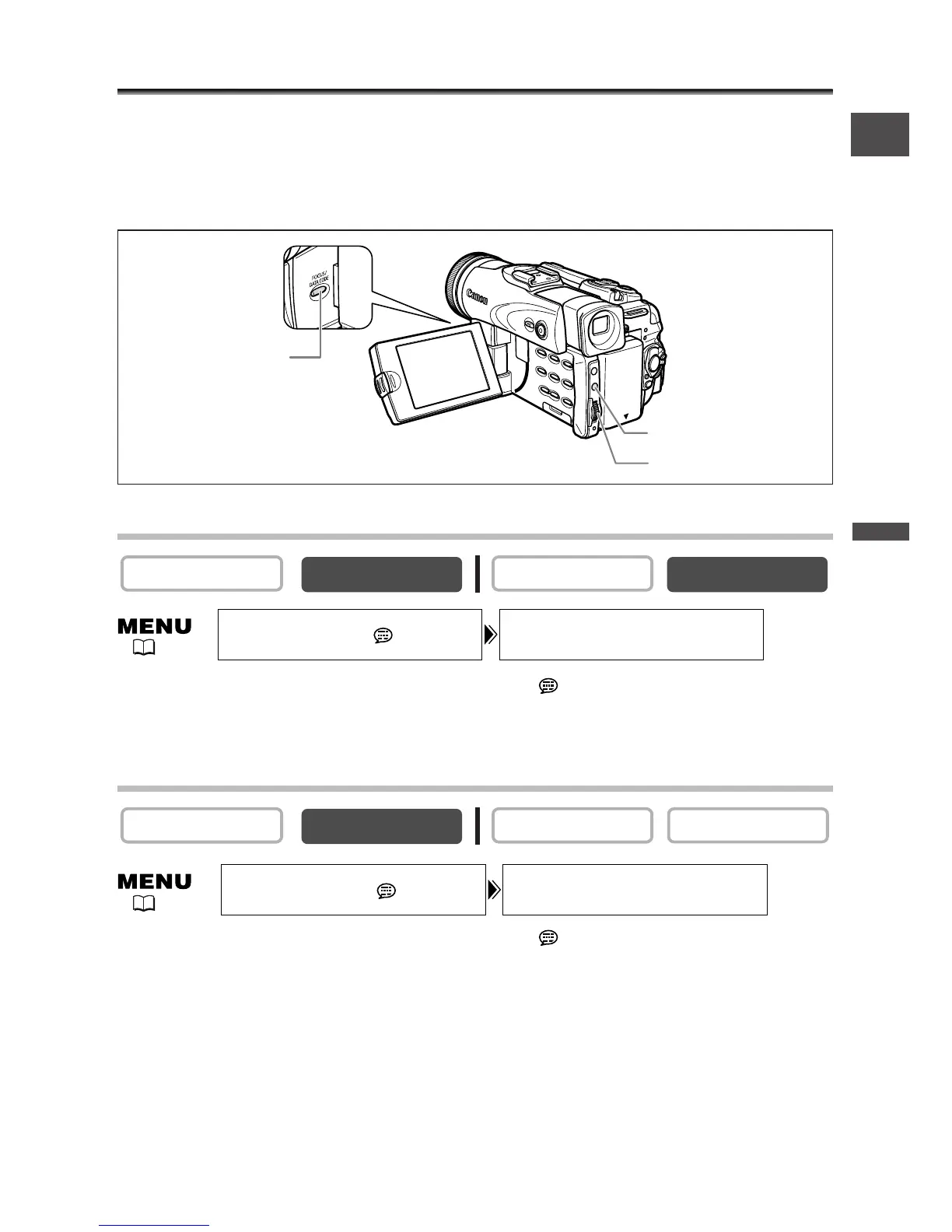
Displaying the Data Code
The camcorder maintains a data code containing recording date and time and other
camera data such as shutter speed and exposure (f-stop). When you play back a tape,
you can display the data code and select the data code combination you wish to
display.
Selecting the Date/Time Display Combination
Open the menu and select [DISPLAY SETUP/ ]. Select [D/TIME SEL.], set it
to [DATE] or [TIME] and close the menu.
Selecting the Data Code Display Combination
Open the menu and select [DISPLAY SETUP/ ]. Select [DATA CODE], set it
to [CAMERA DATA] or [CAM. & D/T] and close the menu.



 To Next Page