IPsec
IPsec presentation
Introduction
IPsec is a protocol that provides authentication, data confidentiality and integrity in the network
communication between devices.
A strong mechanism of encryption guarantees the confidentiality of the user print and scan data
on the network.
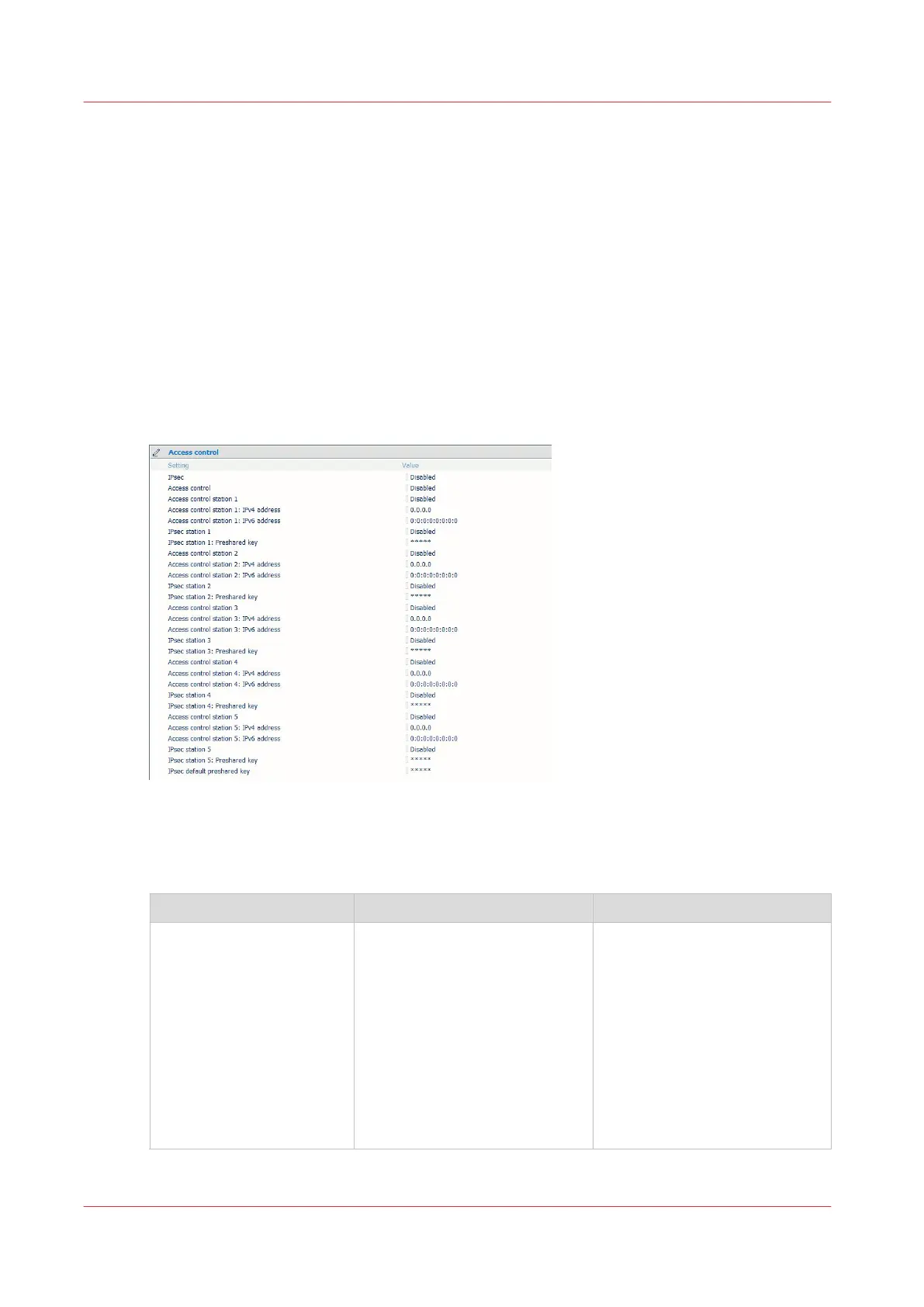
You can connect up to 5 IPsec stations to the print/scan system.
Illustration
IPsec and Access control behavior
Find below the 4 combinations of Access control with IPsec :
IPsec enabled IPsec disabled
Access control enabled
IP filtering + Encryption are acti-
vated.
Only the stations configured
with IPsec can connect to the
system. No other stations can
communicate with the print/
scan system.
The system can communicate
only with the IPsec stations.
Communication and data are
encrypted.
IP filtering is activated , no en-
cryption.
Only the stations configured for
Access control in Express
WebTools can communicate
with the print/scan system.
The system can communicate
only with the stations config-
ured for Access control.
The communication is not en-
crypted.
4
IPsec
204
Chapter 4 - Security on Océ PlotWave 345/365 and Océ PlotWave 450/550









 To Next Page