Security Patches
Install the Océ Remote patch (on Océ PlotWave 300/350, PlotWave 900 R1.x
and Océ ColorWave 300)
Introduction
You can install the Océ Remote patches (Security patches) in the following versions of the
systems:
• Océ PlotWave 300 1.2.1 and higher
• Océ PlotWave 350 1.0 and higher
• Océ PlotWave 900 1.x
• Océ ColorWave 300 1.2.1 and higher
Before you begin
Find the Océ Security patch from the Océ Downloads website on
http://downloads.oce.com
:
Open the product page and go to the Security tab to download the available security patches.
Install the Océ Remote patch
Procedure
1.
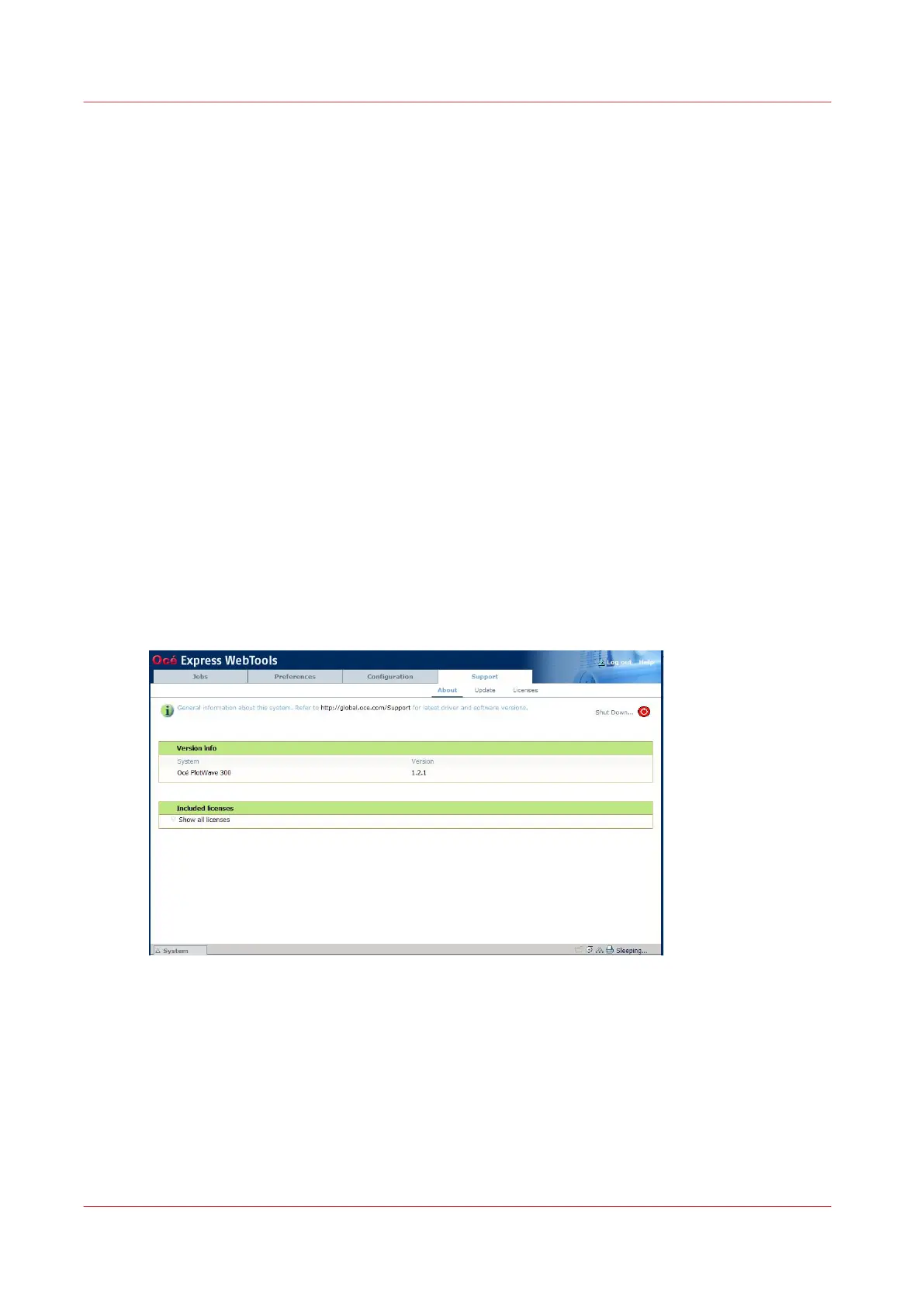
Open the Océ Express Webtools
2.
Open the 'Support' tab
3.
Select 'Update'
The Authentication window opens.
Security Patches
26
Chapter 2 - Security on Océ PlotWave 300/350, PlotWave 750, PlotWave 900 and ColorWave 300









 To Next Page