Result
Both methods send the scanned files to the users' private Home folder (root directory).
Print from the Home folder
An authenticated user can also print from his/her private Home folder:
1. At the system panel, select the 'Print' tile to turn it into 'Print from...'.
2. Open it and browse to 'Home Folder'
3. Select 'Home Folder'
4. You can browse your personal 'Home folder' to the file to print.
Troubleshooting
When an error occurs during the process of authentication by user name and password follow
the procedures below to test and troubleshoot:
• Use the validation tool to validate the configuration. See
Validate the configuration
on
page 189
• Apply the corrective actions when needed. See
Troubleshooting
on page 190
In case the home folder is not accessible
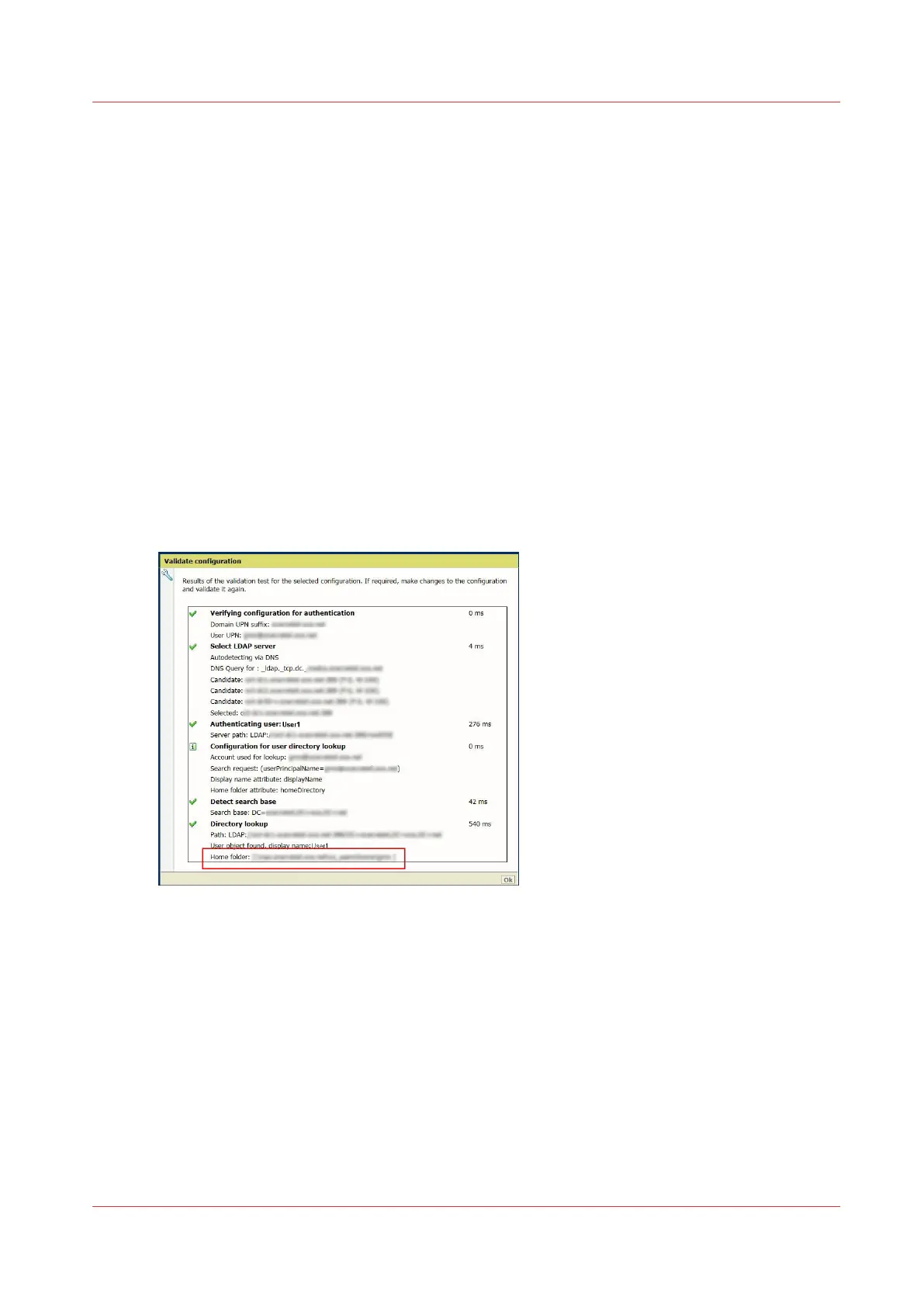
• Use the validation tool and check in the report that the path to the Home folder is correct:
• Check the Read/ Write rights on the Home folder.
Troubleshooting
Chapter 6 - Security on Océ ColorWave 500 and Océ ColorWave 700
379









 To Next Page