Prevent 'Print from USB' and/or 'Scan to USB'
How to prevent 'Print from USB' and/or 'Scan to USB'
Introduction
You can disable any access to the USB device by preventing printing from / scanning to the USB
device.
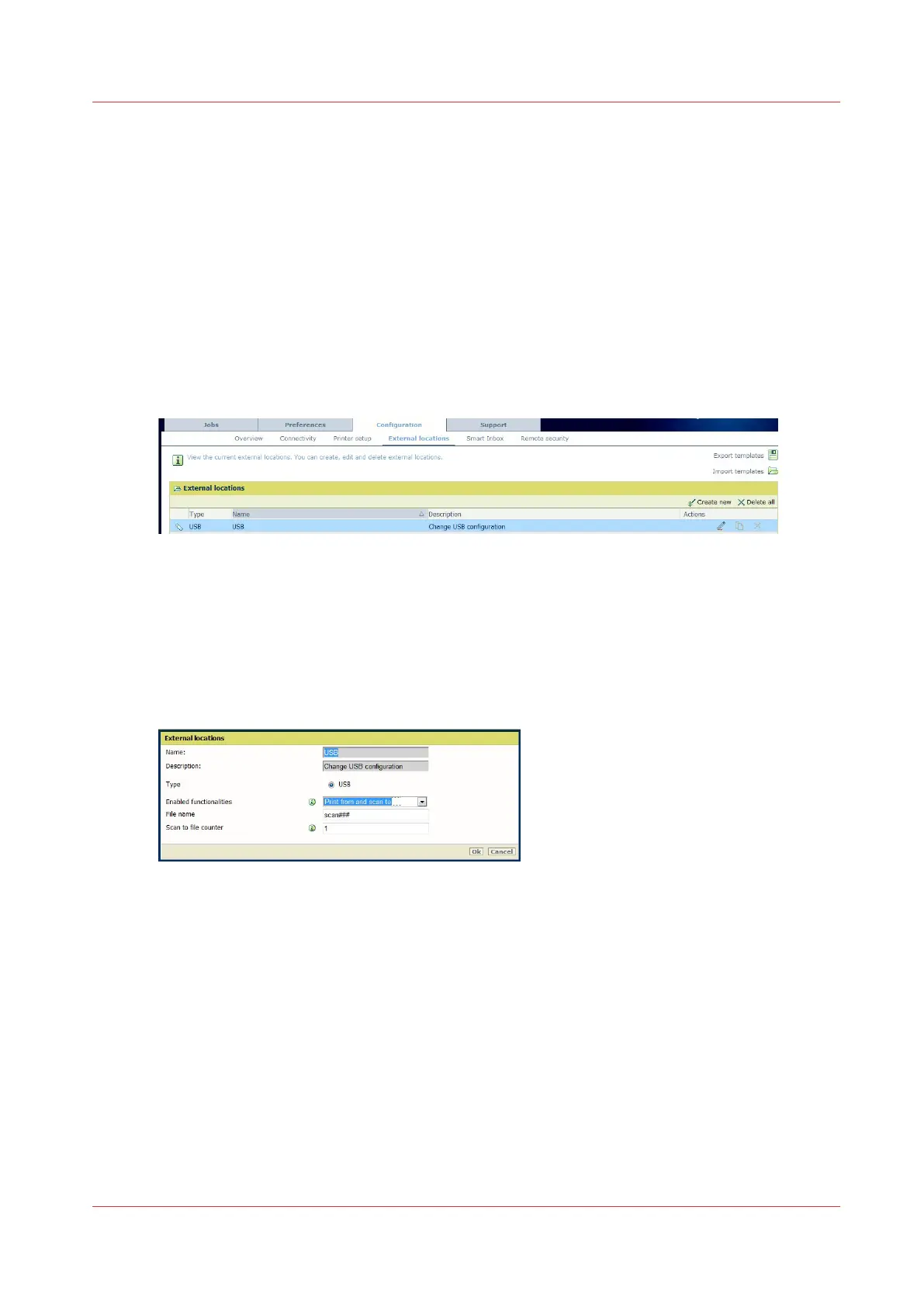
Illustration
[4] USB capability in External locations
Procedure
1.
Open a web browser and enter the system URL: http://<hostname>, to open the Océ Express
WebTools
2.
Open the 'Configuration' - 'External locations' page
3.
Log in as a System administrator or Power user
4.
Edit the 'USB' type
5.
In the 'Enabled functionalities' drop down list, select:
- 'None' to disable 'print from' and 'scan to' capabilities
- 'Print from only' to enable to print from USB and disable 'Scan to USB' capability
- 'Scan to only' to enable to scan to USB and disable 'Print from USB' capability
Note: Select 'Print from and scan to' to allow both 'print from' and 'scan to' USB capabilities
6.
Click 'OK'
Prevent 'Print from USB' and/or 'Scan to USB'
Chapter 4 - Security on Océ PlotWave 345/365 and Océ PlotWave 450/550
233









 To Next Page