2.
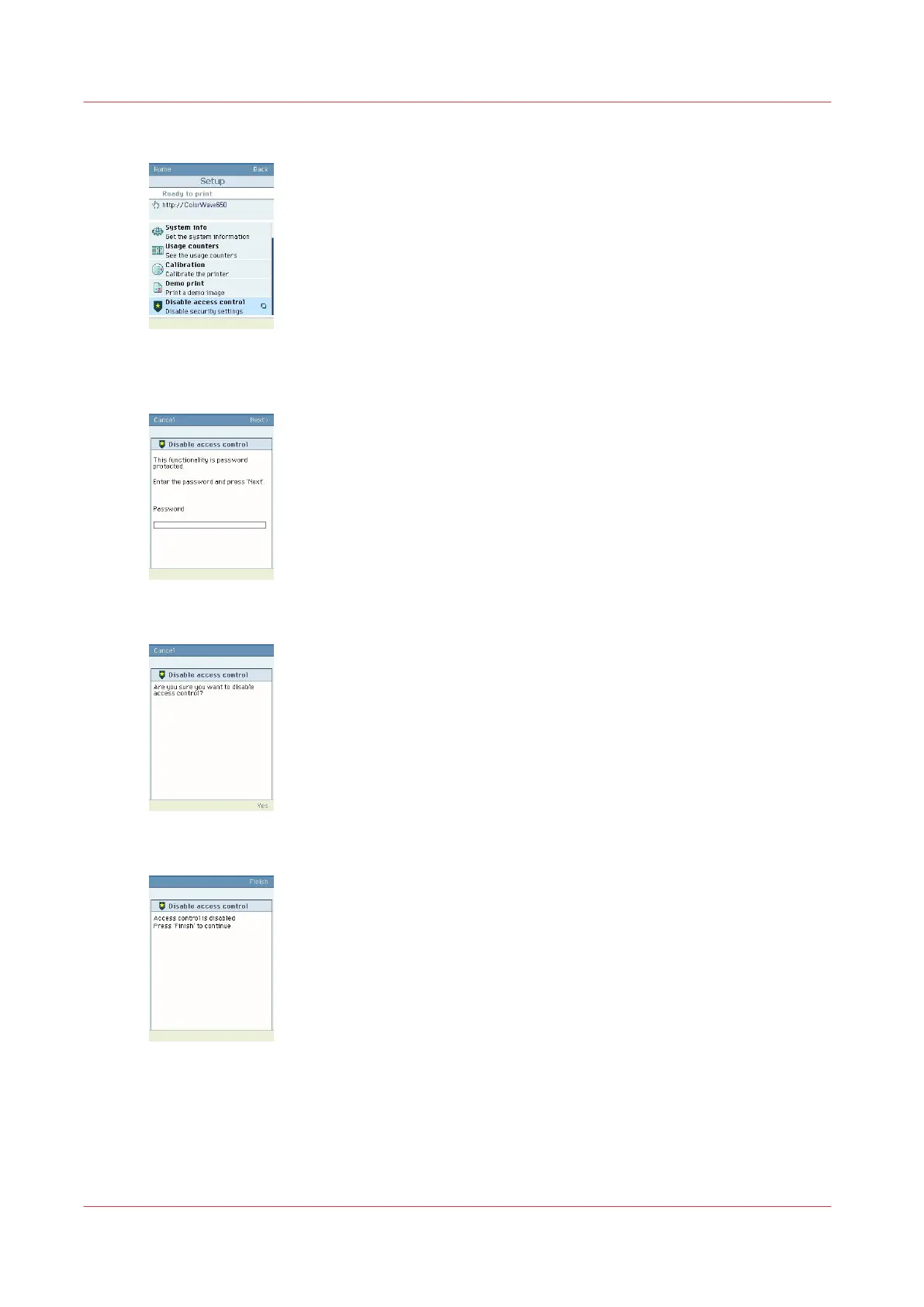
Select 'Setup'
3.
Roll down to 'Disable access control'
Enter the password if requested (Password to change the network settings).
4.
Confirm to disable access control
5.
Press 'Finish'
6.
Restart the controller
Result
Access control is disabled.
If IPsec was also activated on the controller, it is also disabled with this operation.
Troubleshooting: Disable 'Access control' and IPsec (Océ ColorWave 650/550 systems)
288
Chapter 5 - Security on Océ ColorWave 550/600/650 (and Poster Printer)









 To Next Page